

FOCUS / BUYER RESOURCES

How to Plan a Convenience Store Coffee Counter

Coordinate coffee machines, cups, waste and service access before cabinet approval. Prepare equipment drawings, cutout locations and a clear supply schedule.

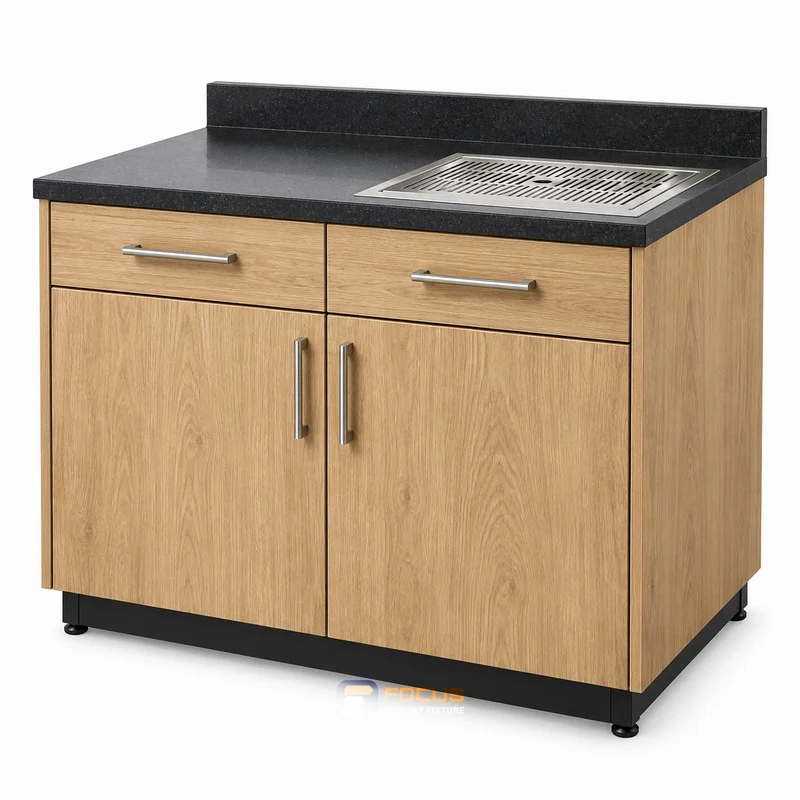
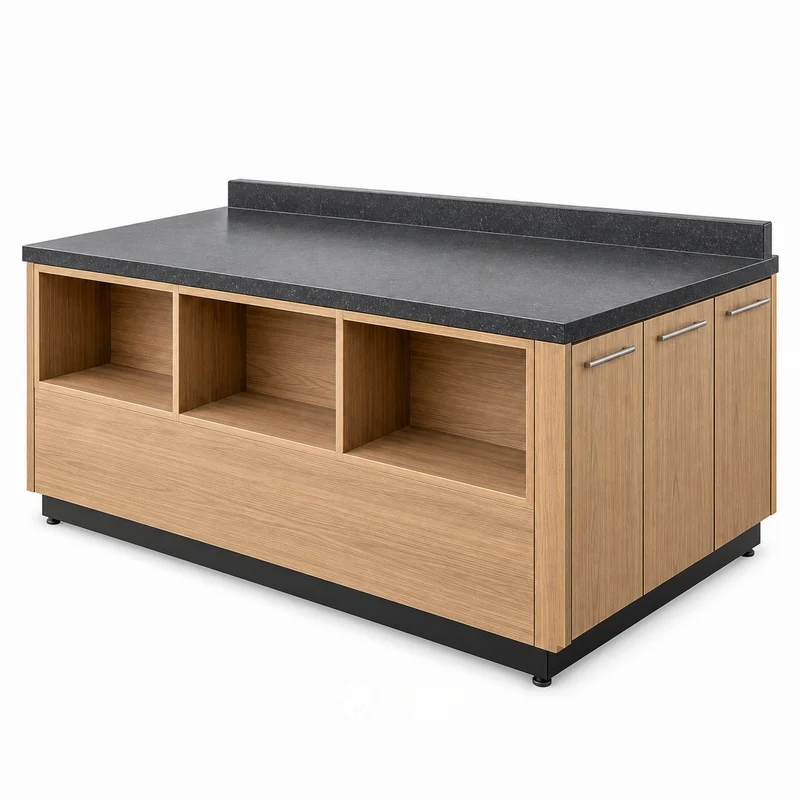
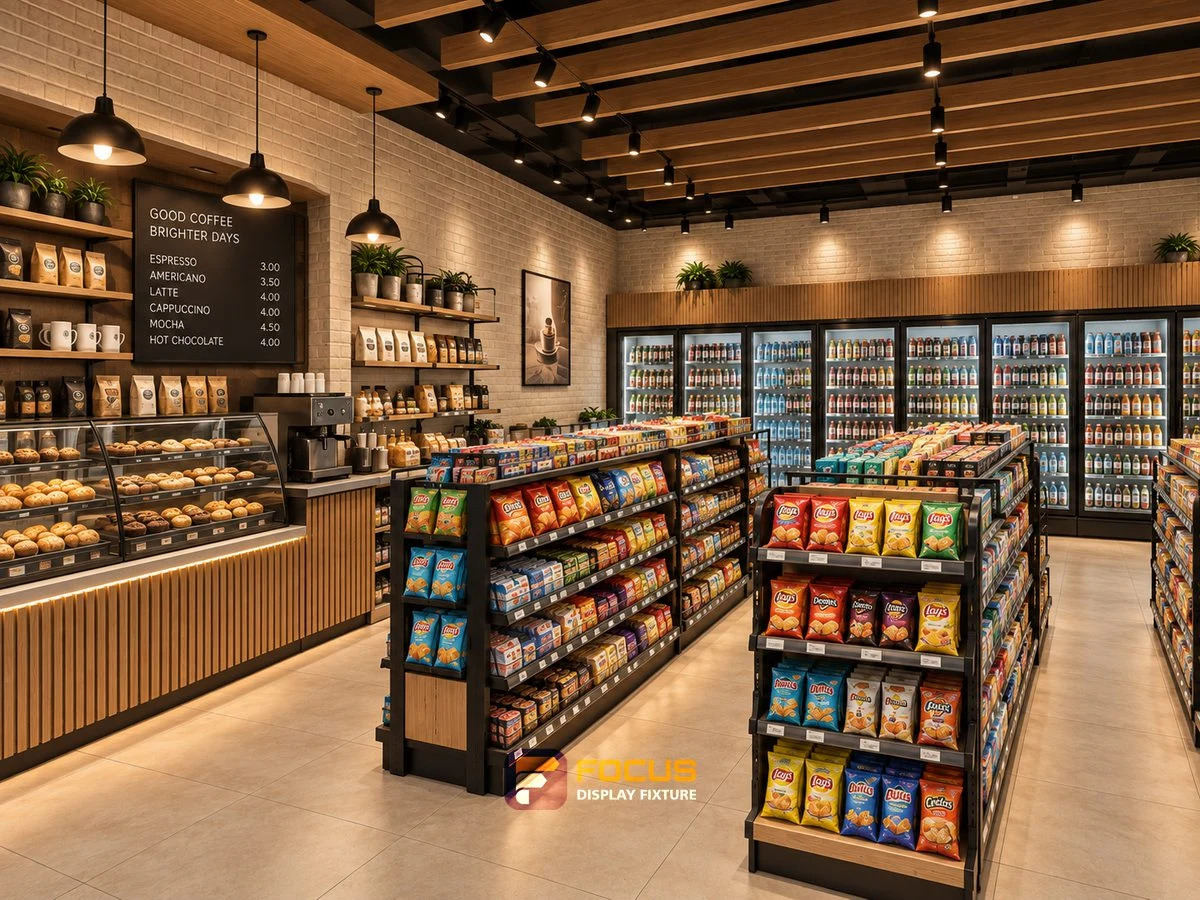
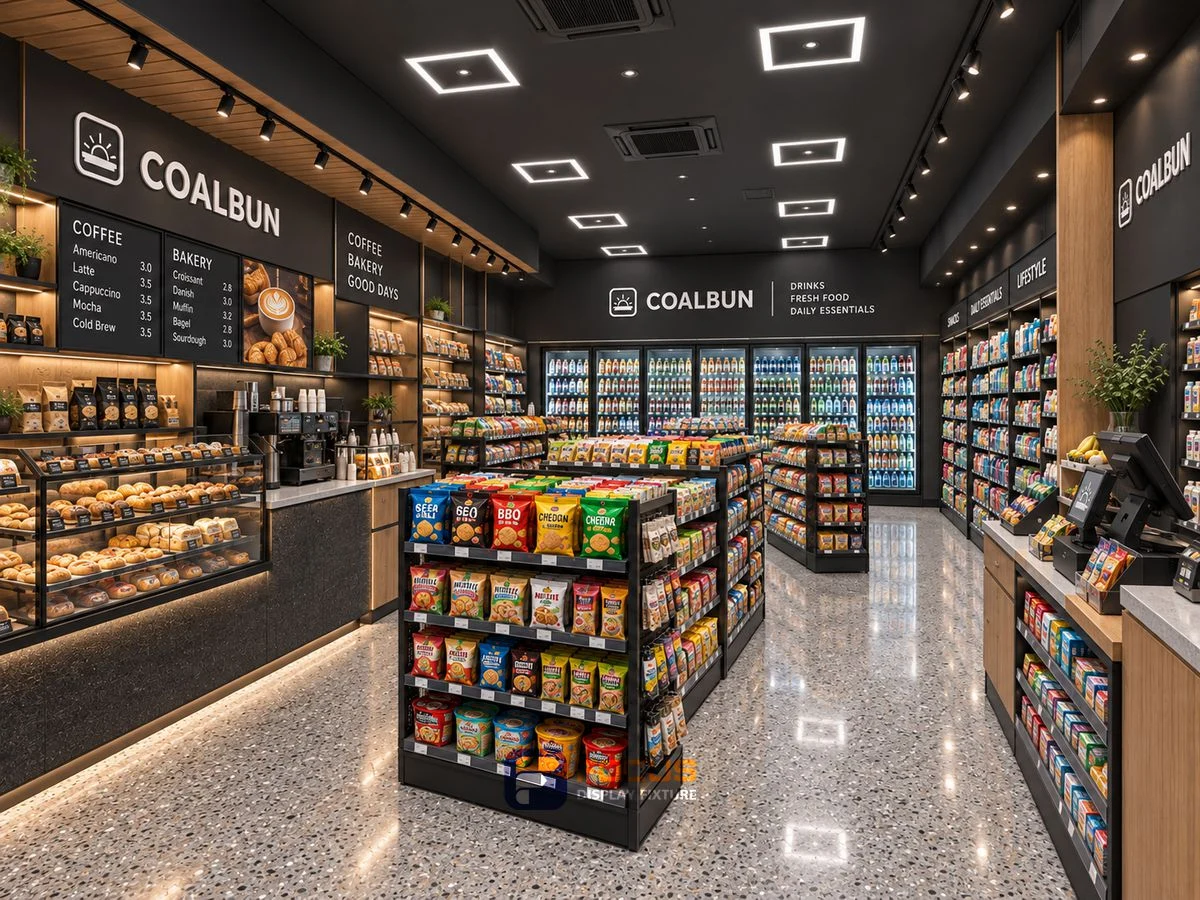
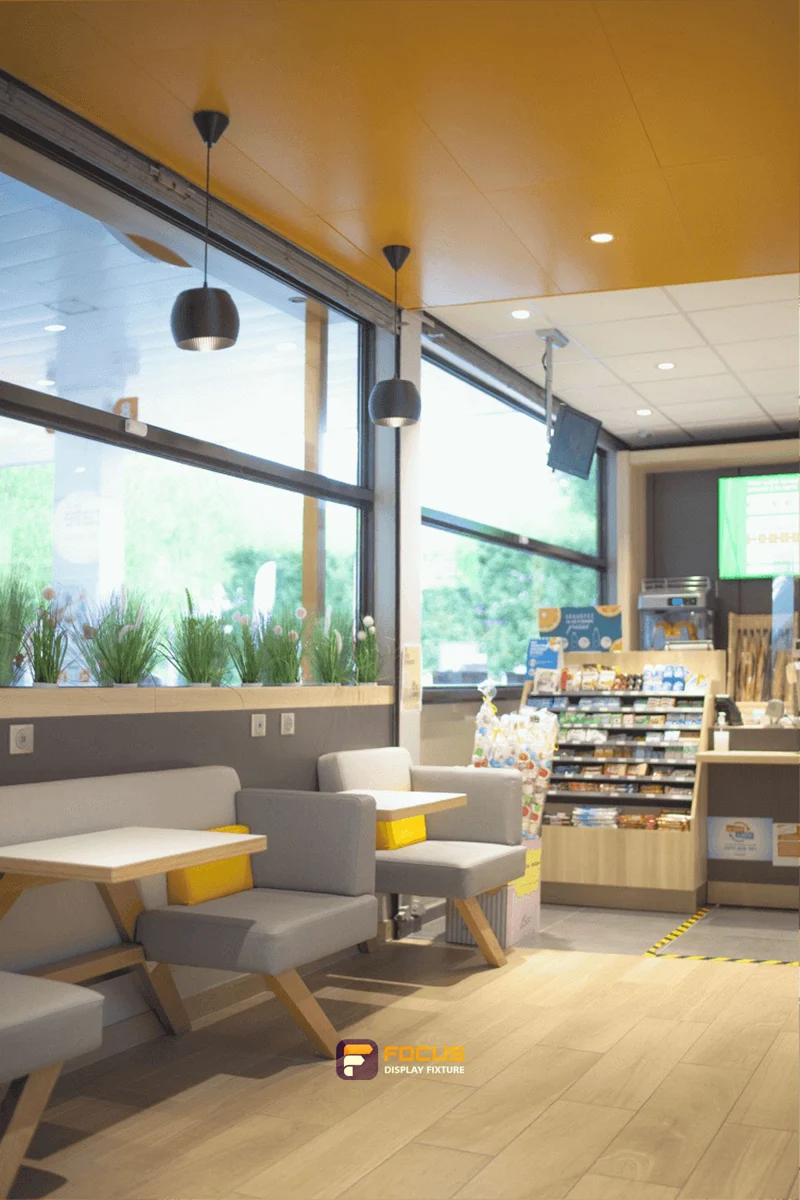
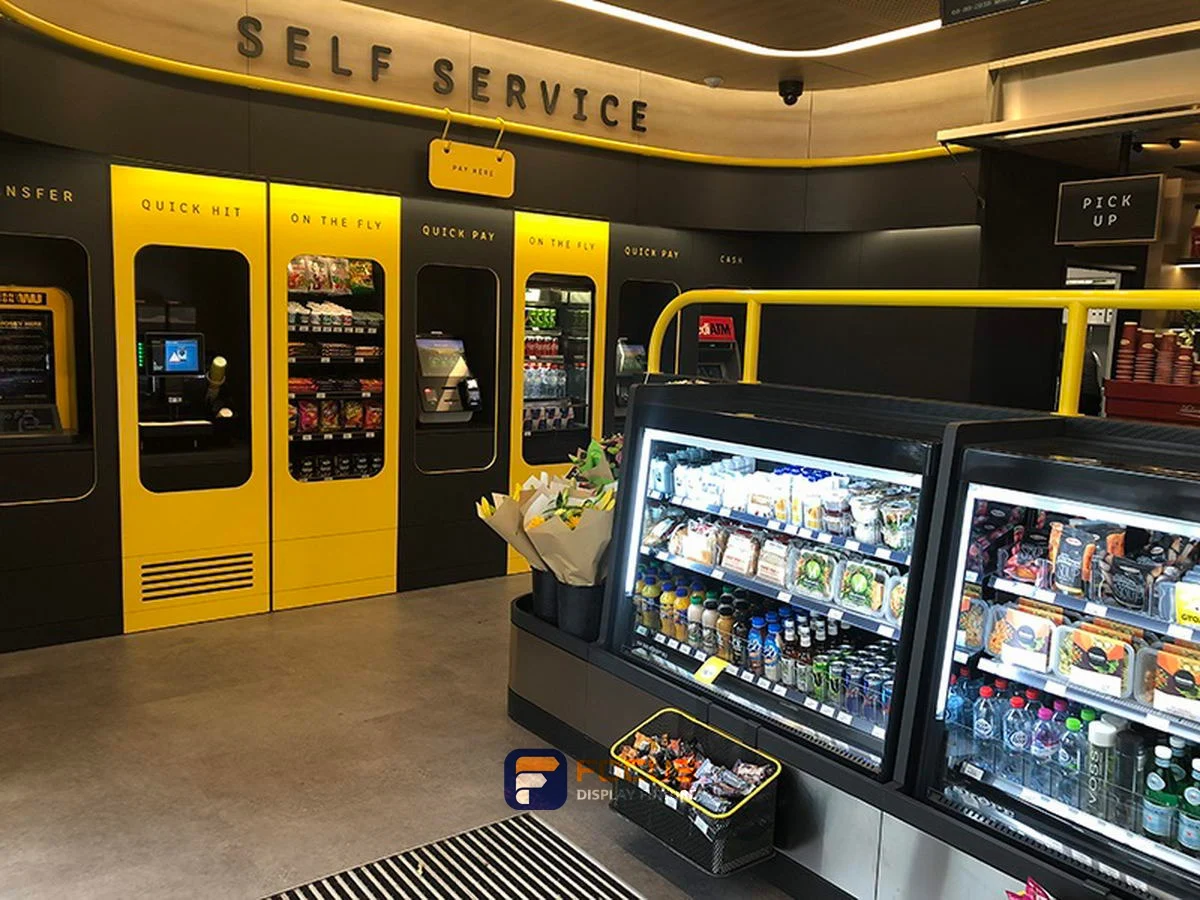
How to Plan a Convenience Store Coffee Counter visual reference
CONFIGURATION / BUYER CHECKS

What to confirm for coffee & beverage counters.

Four checks for the selected configuration
CheckWhat the buyer needs to confirm
machine footprintUse the installation envelope of the selected machine, including feet, drip trays and required connections.
working weightObtain the operating weight with water, beans and other consumables; shipping weight alone is not the support load.
service clearanceDraw the machine removal path and the access required for filters, hoses and service panels.
worktop cutoutLocate openings from the equipment template and a fixed cabinet datum; do not scale holes from a perspective image.

Compare coffee & beverage counters → · Prepare a fixture schedule →

THE PRACTICAL STARTING POINT

Choose the equipment before finalizing the cabinet openings.

List each machine and its published installation information. Review counter openings, water, drainage, power, cleaning and removal access with the parties supplying and installing the equipment. Include cups, waste, condiments and staff working space in the same review.

coffee beverage counters fixture, reference FC-041
COMPARE ON ONE BASIS

Make the alternative review useful.

Compare layouts through a typical service sequence: collect a cup, prepare a drink, add condiments and dispose of waste. Check that replenishment and machine service remain practical during operation.

What to record

  • machine footprint: value, unit, selected reference and approval contact.
  • working weight: value, unit, selected reference and approval contact.
  • service clearance: value, unit, selected reference and approval contact.
  • worktop cutout: value, unit, selected reference and approval contact.

From comparison to approval

DecisionRecordEvidence to retain
Select the arrangementStraight beverage run / Coffee island / Combined beverage and waste stationChosen configuration and reasons
Measure the working spacemachine footprint / working weightMeasured plan and equipment or package information
Define the supplied itemsFixture count, options, equipment and accessoriesA common scope for the quotation
Approve the executionFinish, drawing revision, packing and responsibilityApproval and handoff record
What is the most common specification shortcut?

Cutting a worktop from an unapproved equipment sketch. Keep the selected reference, actual dimensions and the configuration evidence together so a visual preference does not replace a working specification.

What makes quotations comparable?

Give each supplier the same reference list, quantities, construction, finish and destination. Ask for differences and exclusions to be marked against that schedule.

When should the configuration be released?

Release the agreed revision after the responsible parties have reviewed the site inputs, equipment interfaces, materials and order scope. Record the effect of later changes before continuing.

Explore the related system →
DIMENSION PLANNING

Keep the configuration with the dimensions.

The supplied dimension catalog does not define this specialist fixture. Set its size from the equipment layout and approved shop drawing.

Keep series togetherSingle-sided, double-sided and end units have different depths. Use a complete listed W × D × H combination.

Separate levels and accessoriesShelf layers, hook rows, lightboxes and base cabinets are separate configuration features.

Coordinate equipment separatelyConfirm service openings, loads and connection details for the selected assembly.

Compare all dimension references →

equipment interfaces

Begin with the equipment manufacturer’s drawing rather than a photograph. Machine feet, reservoirs, hoses and service doors can extend beyond the apparent footprint. Map filling, dispensing, cup collection and waste removal as separate actions before positioning the cabinet modules.

ParameterValue or requirementBuyer check
machine footprintRecord the project requirementCheck against the selected configuration
working weightRecord the project requirementCheck against the selected configuration
service clearanceRecord the project requirementCheck against the selected configuration
worktop cutoutRecord the project requirementCheck against the selected configuration

Choose the decision you are making

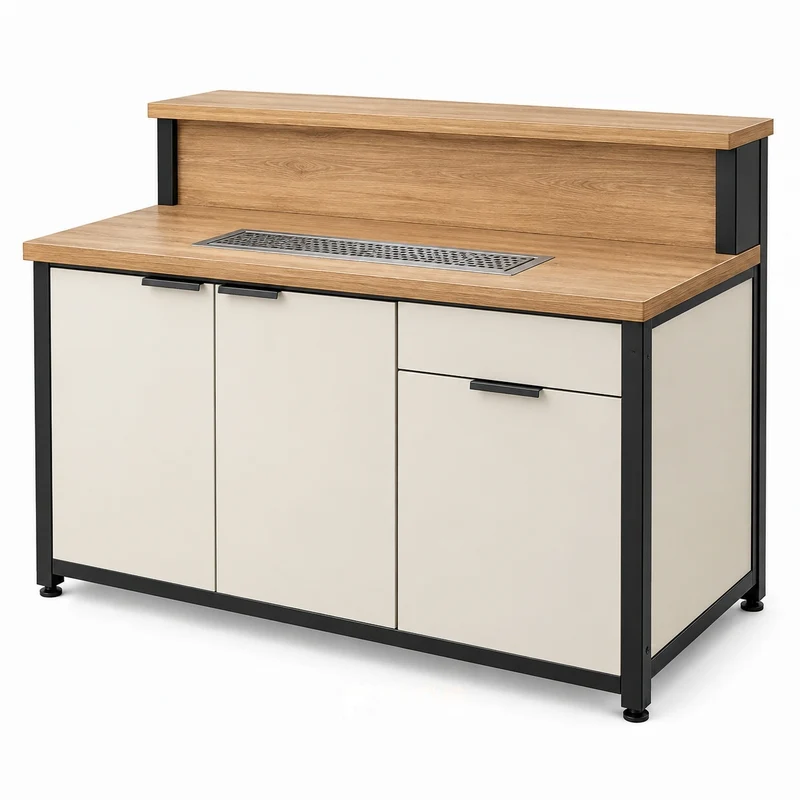
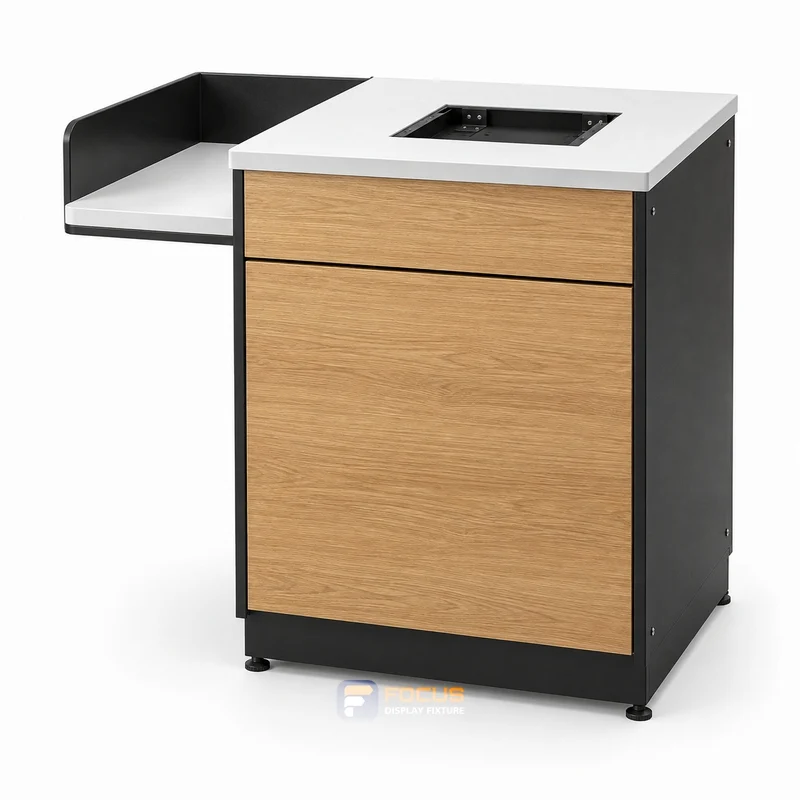
coffee beverage counters fixture, reference FC-041
FG-061 · coffee-beverage-counters

How to Measure Coffee & Beverage Counters Before Ordering

Measure coffee & beverage counters: equipment interfaces, the four checks to record and the measurement record to prepare before ordering.

Explore →
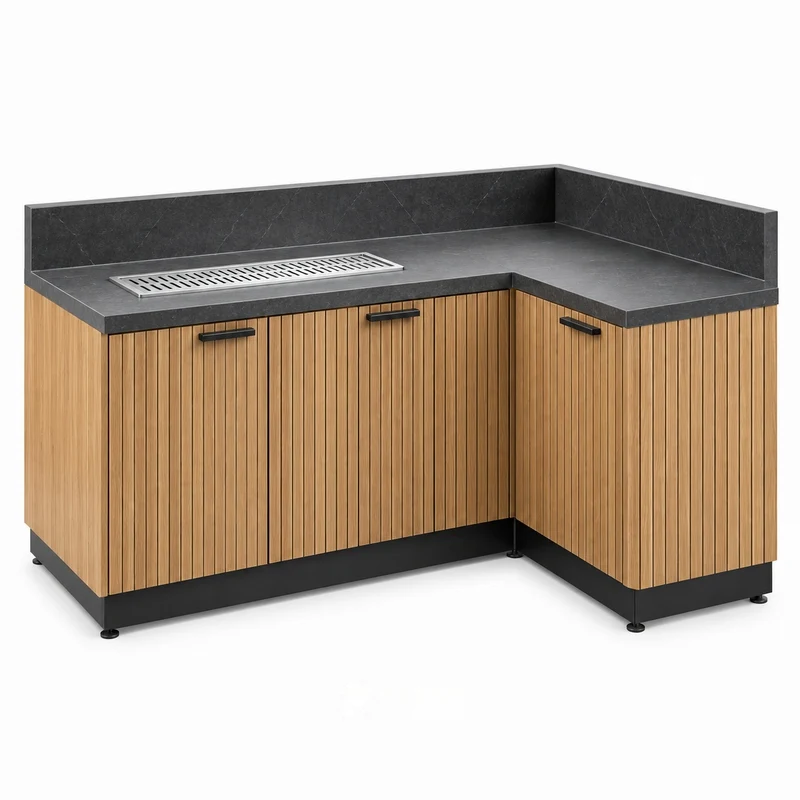
coffee beverage counters fixture, reference FC-080
FG-062 · coffee-beverage-counters

How to Choose the Coffee & Beverage Counters Configuration

Choose coffee & beverage counters: equipment interfaces, the four checks to record and the configuration comparison to prepare before ordering.

Explore →
coffee beverage counters fixture, reference FC-081
FG-063 · coffee-beverage-counters

Planning Merchandise Capacity for Coffee & Beverage Counters

Plan coffee & beverage counters: equipment interfaces, the four checks to record and the merchandise capacity worksheet to prepare before ordering.

Explore →
coffee beverage counters fixture, reference FC-082
FG-064 · coffee-beverage-counters

Choosing Materials and Finishes for Coffee & Beverage Counters

Select coffee & beverage counters: equipment interfaces, the four checks to record and the material and finish schedule to prepare before ordering.

Explore →
coffee beverage counters fixture, reference FC-113
FG-065 · coffee-beverage-counters

Staff Access and Replenishment Around Coffee & Beverage Counters

Plan coffee & beverage counters: equipment interfaces, the four checks to record and the access and replenishment check to prepare before ordering.

Explore →
coffee beverage counters fixture, reference FC-120
FG-066 · coffee-beverage-counters

Checking Interfaces and Connections for Coffee & Beverage Counters

Check coffee & beverage counters: equipment interfaces, the four checks to record and the equipment interface schedule to prepare before ordering.

Explore →
coffee beverage counters fixture, reference FC-152
FG-067 · coffee-beverage-counters

What to Include in a Coffee & Beverage Counters Quotation Request

Prepare coffee & beverage counters: equipment interfaces, the four checks to record and the quotation request to prepare before ordering.

Explore →
Store 16 — Warm cafe convenience store, interior view 4
FG-068 · coffee-beverage-counters

Reviewing Coffee & Beverage Counters Drawings Before Production

Review coffee & beverage counters: equipment interfaces, the four checks to record and the drawing approval record to prepare before ordering.

Explore →
Store 29 — Coffee timber convenience store, interior view 1
FG-069 · coffee-beverage-counters

An Inspection Checklist for Coffee & Beverage Counters

Inspect coffee & beverage counters: equipment interfaces, the four checks to record and the inspection checklist to prepare before ordering.

Explore →
Store 30 — Charcoal cafe convenience store, interior view 2
FG-070 · coffee-beverage-counters

Packing and Delivery Planning for Coffee & Beverage Counters

Plan coffee & beverage counters: equipment interfaces, the four checks to record and the packing and receiving schedule to prepare before ordering.

Explore →
Store 33 — Compact foodservice store, interior view 3
FG-071 · coffee-beverage-counters

Planning Maintenance and Replacement Parts for Coffee & Beverage Counters

Plan coffee & beverage counters: equipment interfaces, the four checks to record and the maintenance and spare-parts record to prepare before ordering.

Explore →
Store 34 — Self-service food store, interior view 4
FG-072 · coffee-beverage-counters

Standardizing Coffee & Beverage Counters Across Multiple Stores

Standardize coffee & beverage counters: equipment interfaces, the four checks to record and the store allocation and revision register to prepare before ordering.

Explore →
START WITH YOUR FIXTURE REQUIREMENTS

Tell Us Which Fixtures You Need.

Share the cabinet type, dimensions, merchandise and quantity. We will review display, storage and combination requirements for your quotation.

  • Destination and available width, depth and height
  • Product package sizes and equipment interfaces
  • Cabinet quantity, shelves, finish and hardware
  • Schedule, packing and delivery scope
Contact FOCUS →

Your project list

Start with a fixture reference, a floor plan or a description of the store you want to create.

Browse fixtures →

Speak with FOCUS

gzfocusdisplay@gmail.com

+86 136 6049 7267

Scan to contact FOCUS on WhatsAppOpen WhatsApp ↗

Start the conversation

Send your project details and available drawings to FOCUS.

Your inquiry is sent securely to FOCUS. We use these details only to respond to your project. Privacy information