
Standardizing Corner Shelving Across Multiple Stores
Standardize corner shelving: corner access, the four checks to record and the store allocation and revision register to prepare before ordering.
- Published
- 2026-09-15
- Content updated
- 2026-10-22
- Reading time
- 4 minutes

Editorial buyer guidance. Read our authorship and sourcing policy.
For corner shelving, begin with corner access. Draw the complete external curve or corner outline in plan, including signs and stock projection. Prepare a store allocation and revision register covering outer radius, inside opening, shelf reach, adjacent run depth. Link each purchase and package to the released fixture revision. When a connection, finish or equipment interface changes, confirm compatibility and identify which stores and spare parts are affected.
Three decisions for your fixture purchase.
- 01
Confirm corner access
- 02
Check outer radius alongside inside opening
- 03
Prepare the store allocation and revision register
Separate the common design from site exceptions: corner shelving
Approve the common configuration and sample references, then allocate quantities by store and zone. Record where doors, services, equipment or receiving conditions require a different item. Check the corner on the floor plan with both neighboring runs installed. A nominal corner size does not reveal how much of the back shelf is reachable. Mark the turning direction and the transition between the two runs before deciding whether a round or angular unit is appropriate.
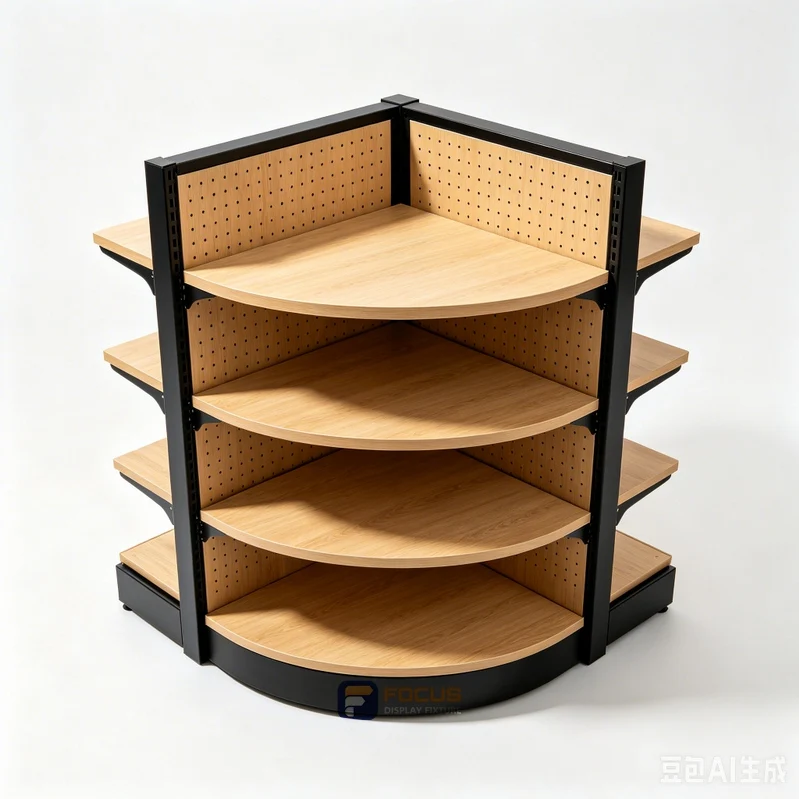
Four checks for the store allocation and revision register
Use these checks for merchandise at changes of direction. Record the value or decision, its evidence and any unresolved point beside the fixture reference.
- outer radius · Draw the complete external curve or corner outline in plan, including signs and stock projection.
- inside opening · Check the clear inner opening against the staff or customer approach to the corner.
- shelf reach · Try picking and replenishing the farthest position with representative merchandise.
- adjacent run depth · Match the corner geometry to the adjoining run depth and check for unusable gaps or conflicting supports.

Compare the corner shelving options
The starting arrangements are Quarter-round shelf, Angular connector, Independent corner cabinet. Compare them for merchandise at changes of direction using the same store allocation and revision register. Check the corner on the floor plan with both neighboring runs installed. A nominal corner size does not reveal how much of the back shelf is reachable. Mark the turning direction and the transition between the two runs before deciding whether a round or angular unit is appropriate.

Worked planning example
Use a project-specific store allocation and revision register for corner shelving. Draw the complete external curve or corner outline in plan, including signs and stock projection. Try picking and replenishing the farthest position with representative merchandise. No verified overall configuration is listed for this application in the current size catalog; obtain a dimensioned drawing rather than borrowing the dimensions of a shelving unit.
Control repeat orders by revision
Link each purchase and package to the released fixture revision. When a connection, finish or equipment interface changes, confirm compatibility and identify which stores and spare parts are affected. Match the corner geometry to the adjoining run depth and check for unusable gaps or conflicting supports.
Prevent this corner shelving mistake
Ordering a left-hand corner for a right-hand transition. Draw the complete external curve or corner outline in plan, including signs and stock projection. Try picking and replenishing the farthest position with representative merchandise.
What to send with the store allocation and revision register
Send the selected fixture reference, the marked drawing and the intended use for merchandise at changes of direction. Include outer radius and inside opening, then document shelf reach and adjacent run depth. State the quantity, destination and any components supplied by others. List alternatives separately so a change of configuration does not silently change the comparison.
Translate the guidance into a specification check.
Use these parameters to record the actual merchandise, clear dimensions and configuration required for the cabinet quotation.
Source: current fixture dimension catalog. Catalog dimensions apply to the named series and arrangement; confirm the selected configuration against the project drawing.

Store 03 · Natural oak convenience store
- Market
- Design reference
- Store format
- Store layout reference
- Project scale
- Project-specific
Challenge
Coordinate merchandise at changes of direction with corner access.
Planning response
Bring outer radius, inside opening, shelf reach, adjacent run depth onto the fixture review record.
Reference interpretation
The image illustrates an arrangement; installed quantities and site dimensions follow the project brief.
Explore More Store ArrangementsCompare one controlled basis.
Turn the review into an order record.
Link each purchase and package to the released fixture revision. When a connection, finish or equipment interface changes, confirm compatibility and identify which stores and spare parts are affected. Match the corner geometry to the adjoining run depth and check for unusable gaps or conflicting supports. Keep the decision with the selected fixture reference, quantities and drawing revision.
Review FOCUS capabilities →What still needs configuration confirmation.
AI-assisted purchasing guidance with illustrative calculations; project engineering remains configuration-specific.
Prepare the required inputs →Avoid these shortcuts.
- Treating a reference image as an approved production specification.
- Comparing suppliers without identical dimensions, quantities and delivery scope.
- Separating material, lighting or hardware decisions from the drawing revision.
- Leaving packing, local installation and site interfaces undefined.
Before the next approval.
Download this guide and checklist ↓- Outer radius: Draw the complete external curve or corner outline in plan, including signs and stock projection.
- Inside opening: Check the clear inner opening against the staff or customer approach to the corner.
- Shelf reach: Try picking and replenishing the farthest position with representative merchandise.
- Adjacent run depth: Match the corner geometry to the adjoining run depth and check for unusable gaps or conflicting supports.
- Attach the store allocation and revision register and the selected drawing revision
- Mark unresolved points and assign a responsible project contact
- Record each open point, owner, due date and required evidence.
Answers to the next practical questions.
01What information is needed for this corner shelving rollout check?+
Provide outer radius, inside opening, shelf reach, adjacent run depth, the fixture reference and its drawing revision. Draw the complete external curve or corner outline in plan, including signs and stock projection.
02Why should I check corner access?+
Ordering a left-hand corner for a right-hand transition. Check the clear inner opening against the staff or customer approach to the corner.
03Does this store allocation and revision register confirm a price or product rating?+
No. It identifies the inputs needed for a configuration review. Dimensions, documented performance, included items, quantities and delivery terms must be confirmed for the selected assembly.
Trace the supporting information.
Current dimension catalog ↗Updated fixture dimensions, series and configuration scope.
Content review policyGuidance published 2026-09-15. Content updated: 2026-10-22. Project engineering approval and physical testing are separate.
Move from research to a fixture specification.
Keep building the specification.
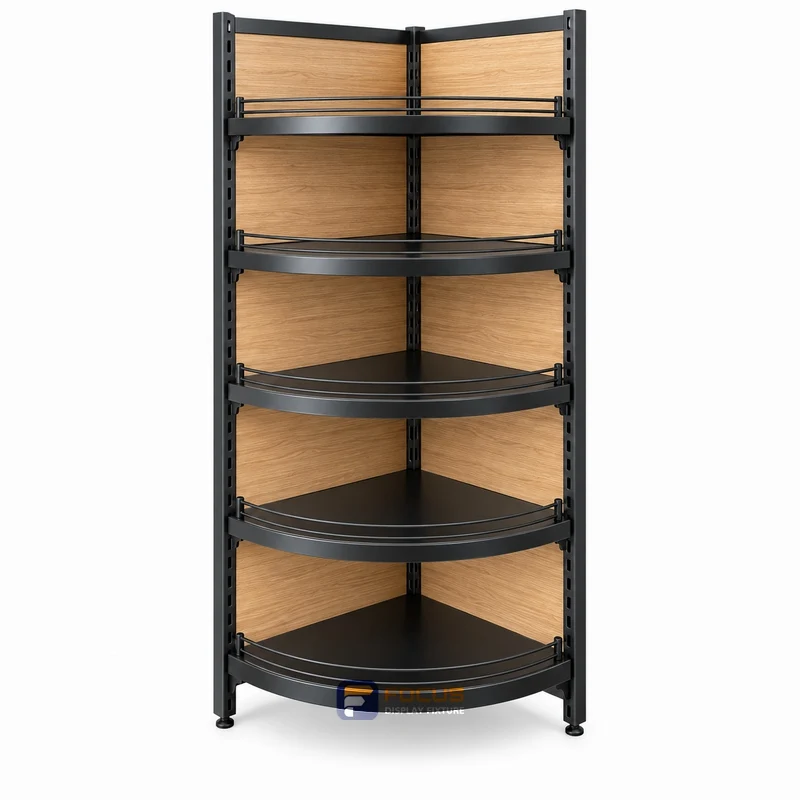
How to Measure Corner Shelving Before Ordering
For corner shelving, begin with corner access. Draw the complete external curve or corner outline in plan, including signs and stock projection. Prepare a measurement record covering outer radius, inside opening, shelf reach, adjacent run depth. Repeat the critical measurement after finishes and retained equipment are accounted for. Put unresolved dimensions on the drawing as open items rather than using an image estimate.
Read next →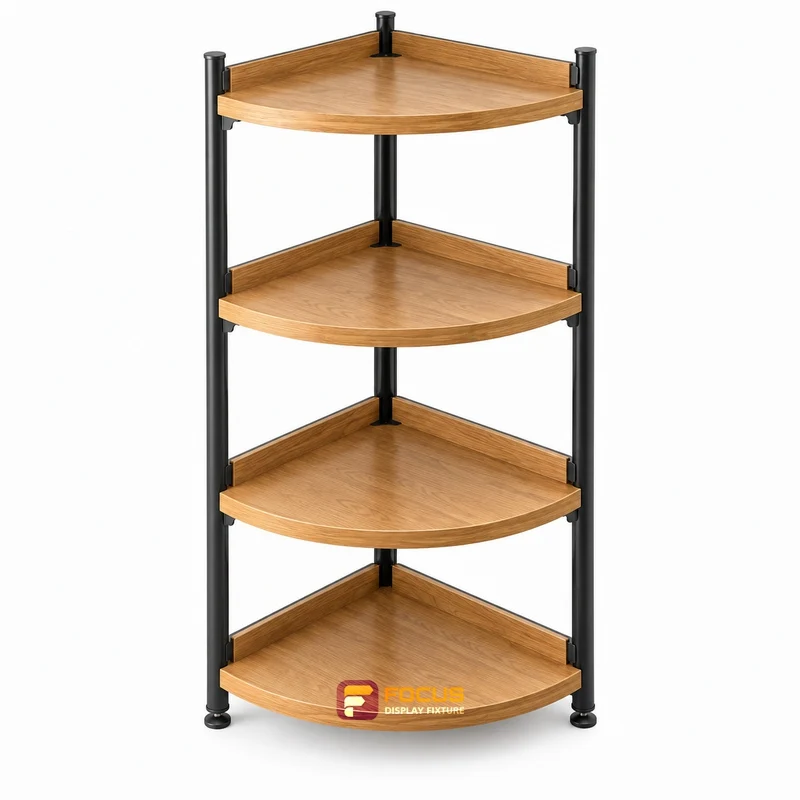
How to Choose the Corner Shelving Configuration
For corner shelving, begin with corner access. Draw the complete external curve or corner outline in plan, including signs and stock projection. Prepare a configuration comparison covering outer radius, inside opening, shelf reach, adjacent run depth. An attractive individual cabinet may require ends, supports or neighboring fixtures to operate as intended. Review the complete combination and identify components supplied by others.
Read next →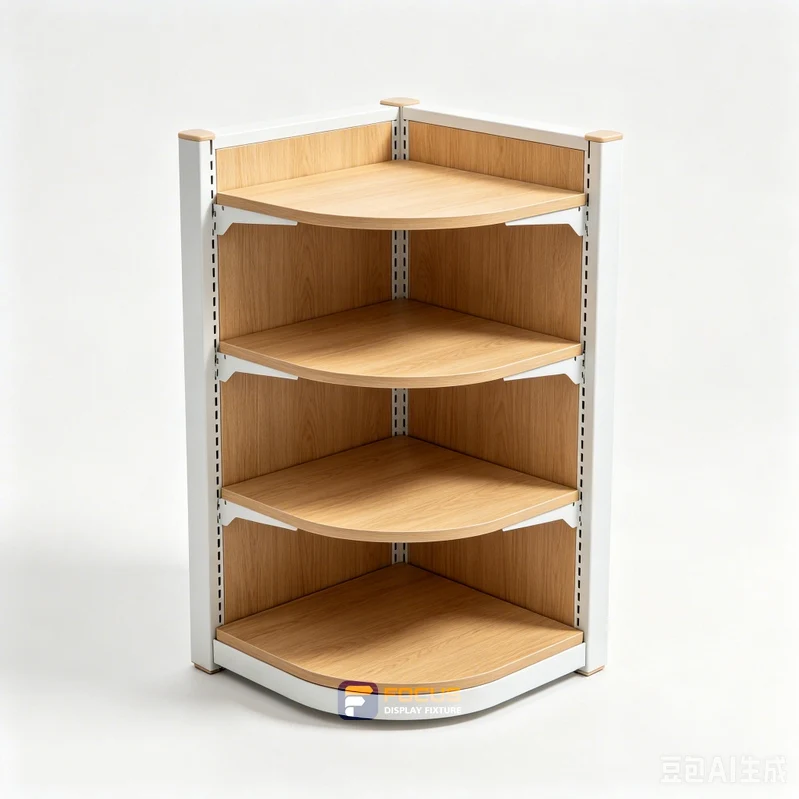
Planning Merchandise Capacity for Corner Shelving
For corner shelving, begin with corner access. Draw the complete external curve or corner outline in plan, including signs and stock projection. Prepare a merchandise capacity worksheet covering outer radius, inside opening, shelf reach, adjacent run depth. For angled shelves, hooks, trays and irregular products, use a representative arrangement rather than applying a rectangular-grid calculation. Check item mass, distribution and the verified assembly loading conditions separately.
Read next →Request a configuration for your next fixture order.
Send available dimensions, merchandise package sizes, cabinet quantities, destination and required options. FOCUS can review a specific configuration and quotation scope.
Request a Fixture Quote