
FOCUS / BUYER RESOURCES

How to Choose Bakery Display Fixtures

Choose bakery displays around trays, product height, visibility and replenishment. Check usable openings and distinguish furniture from temperature equipment.

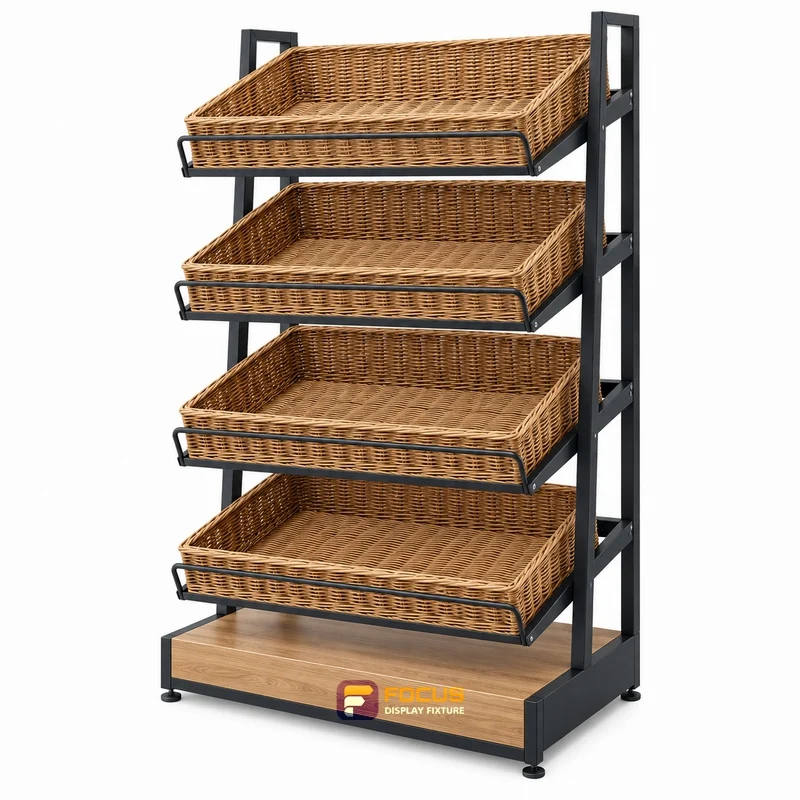
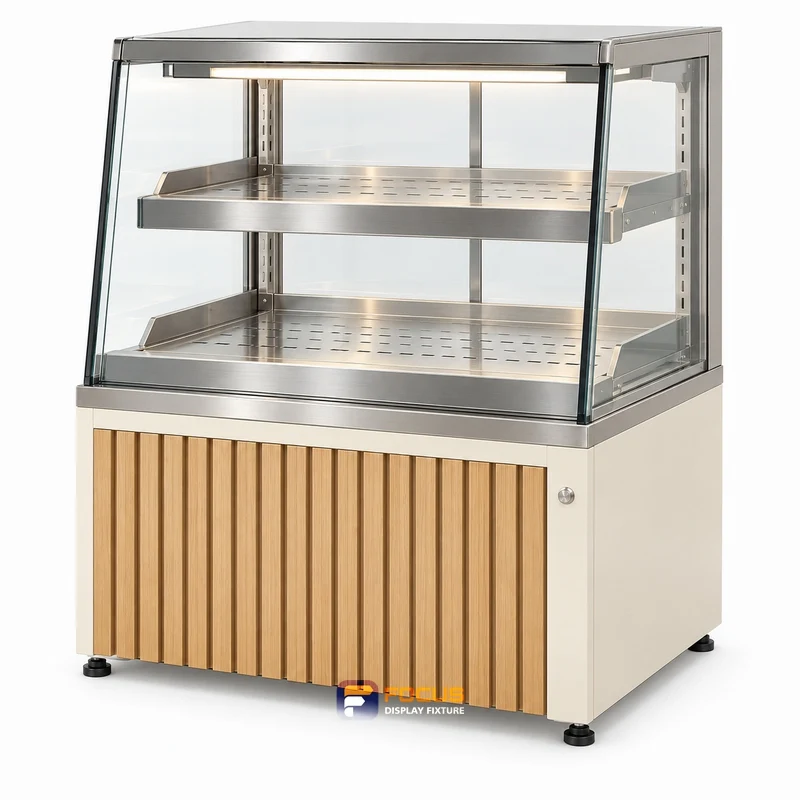
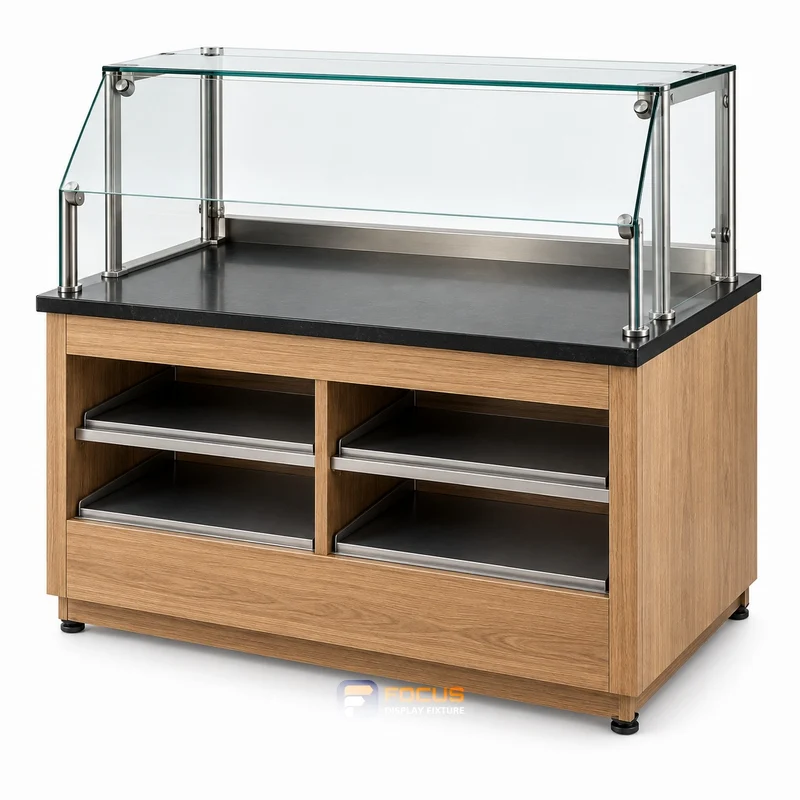
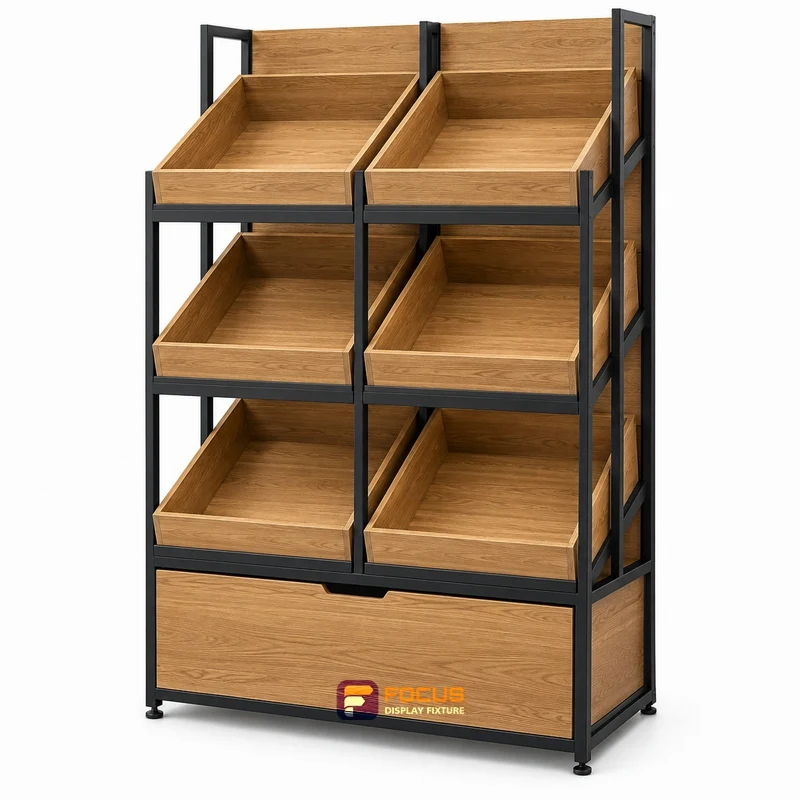
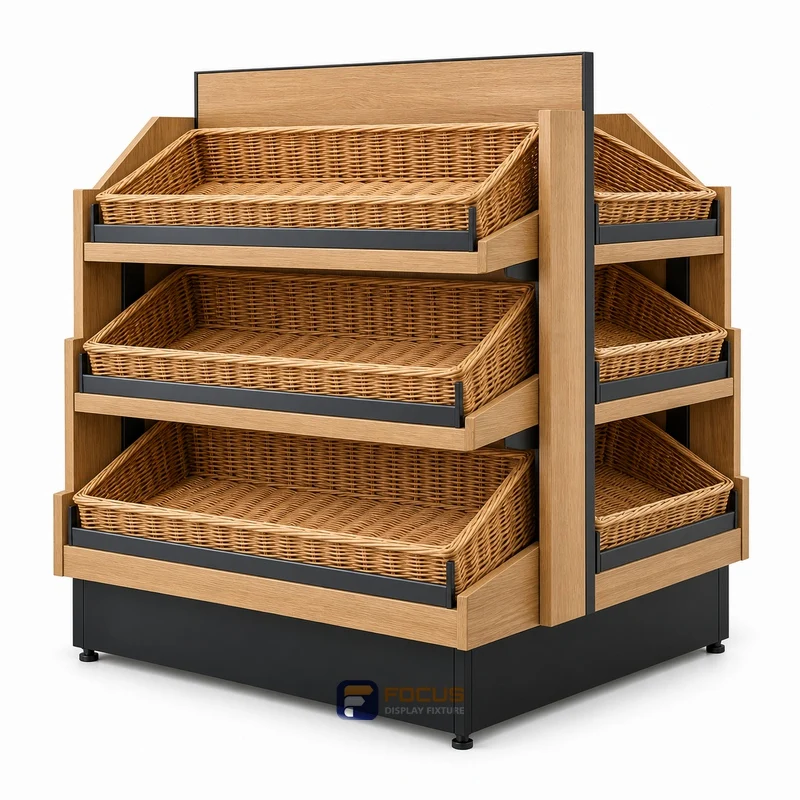
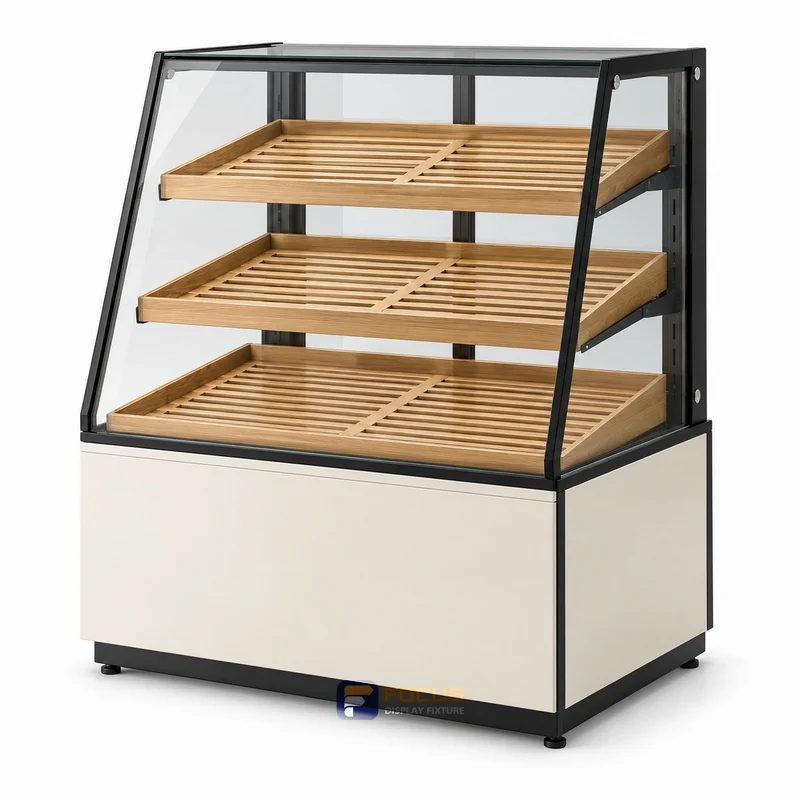
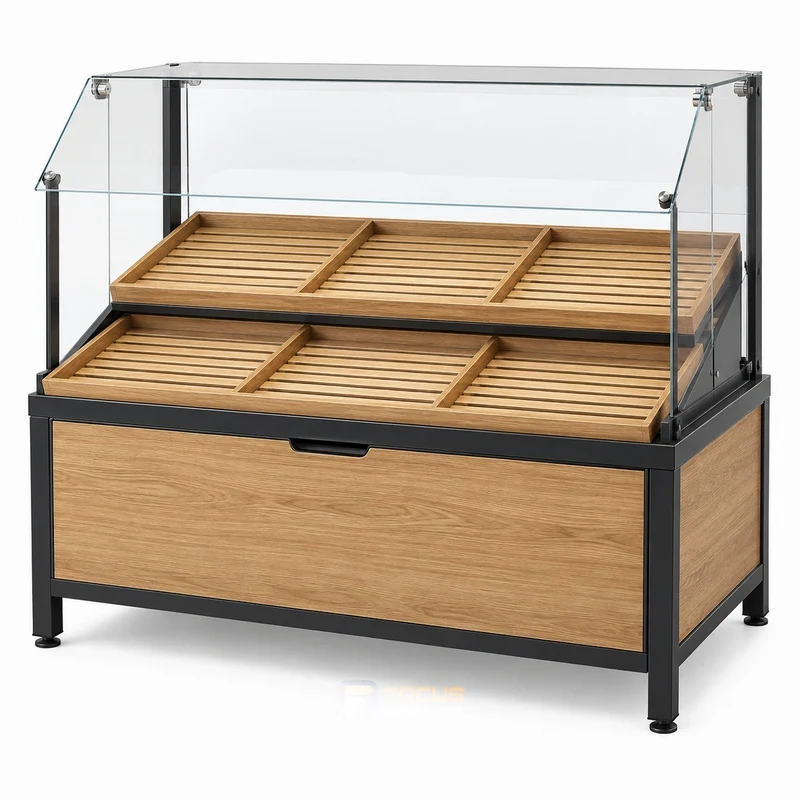
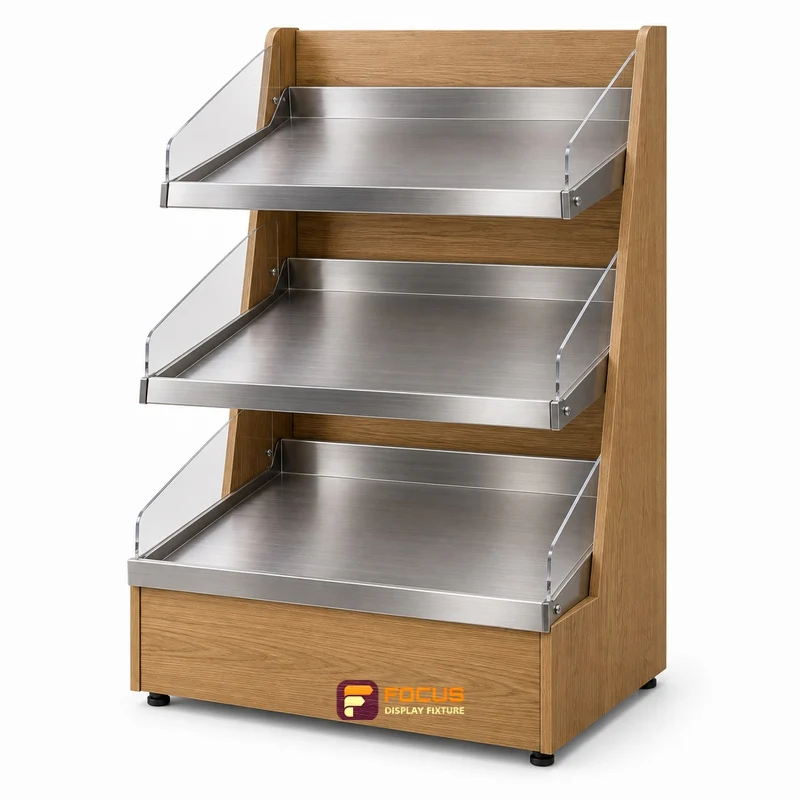
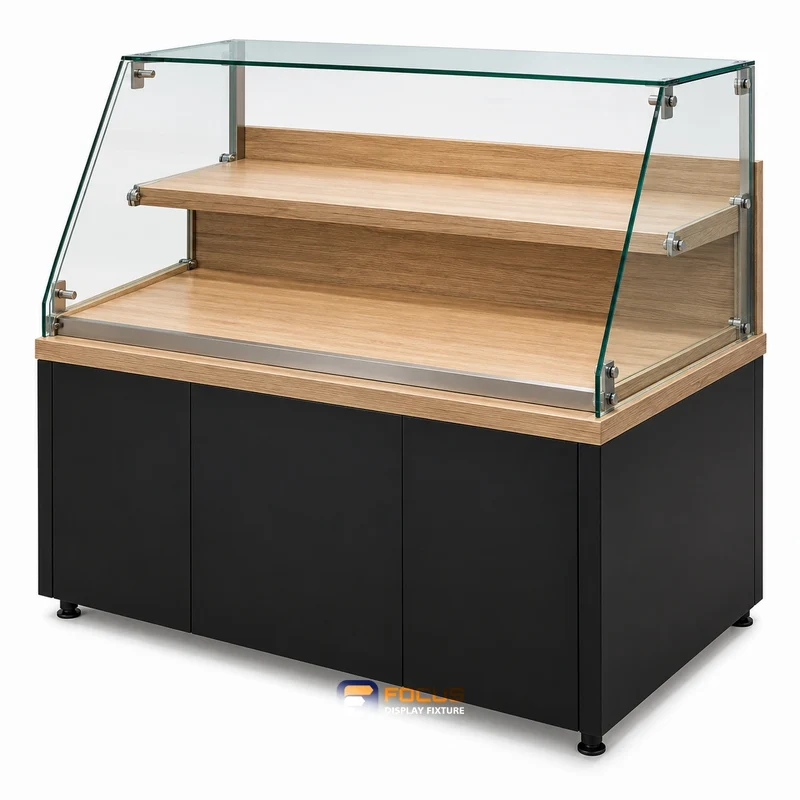
How to Choose Bakery Display Fixtures visual reference
CONFIGURATION / BUYER CHECKS

What to confirm for bakery displays.

Four checks for the selected configuration
CheckWhat the buyer needs to confirm
tray widthCompare the actual tray width with the clear opening between supports and doors.
tray depthCheck the loaded tray depth against the shelf, front restraint and staff lifting space.
shelf spacingInclude the height of the baked product, labels and the lifting angle when setting the shelf interval.
door openingShow the door fully open and test the removal path with a representative tray.

Compare bakery displays → · Prepare a fixture schedule →

THE PRACTICAL STARTING POINT

Start with the tray, the product and the service method.

Record tray width and depth, the visible product height and the way staff replenish the display. Then review usable space, customer reach, door movement, cleaning and lighting. Identify any temperature-control equipment separately from the furniture scope.

bakery displays fixture, reference FC-044
COMPARE ON ONE BASIS

Make the alternative review useful.

Try the working sequence with representative trays and packages. Compare visibility and access with the display stocked, then review the shelf arrangement and refill method before approving the configuration.

What to record

  • tray width: value, unit, selected reference and approval contact.
  • tray depth: value, unit, selected reference and approval contact.
  • shelf spacing: value, unit, selected reference and approval contact.
  • door opening: value, unit, selected reference and approval contact.

From comparison to approval

DecisionRecordEvidence to retain
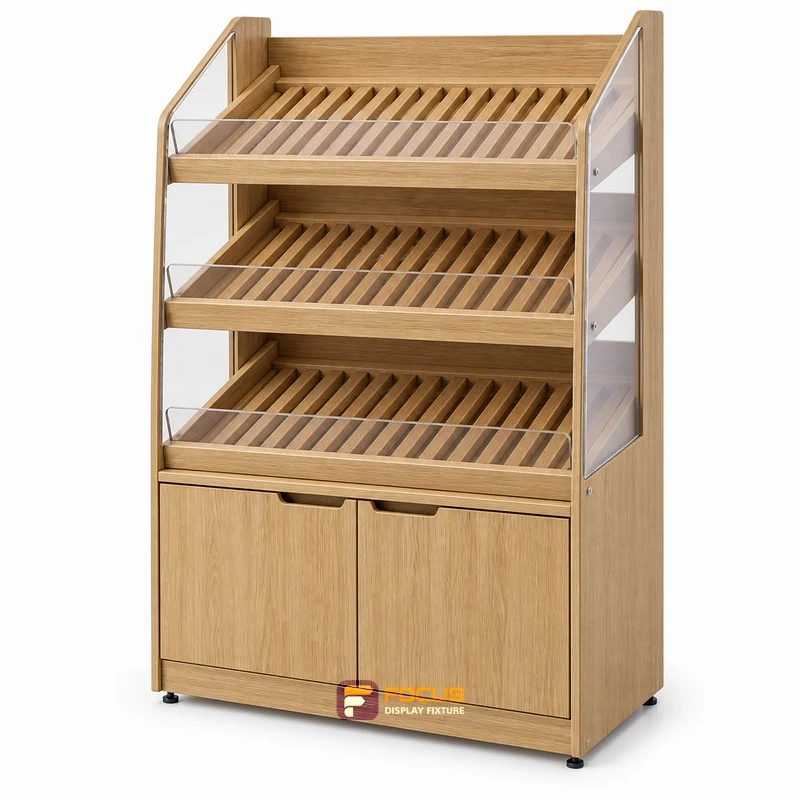
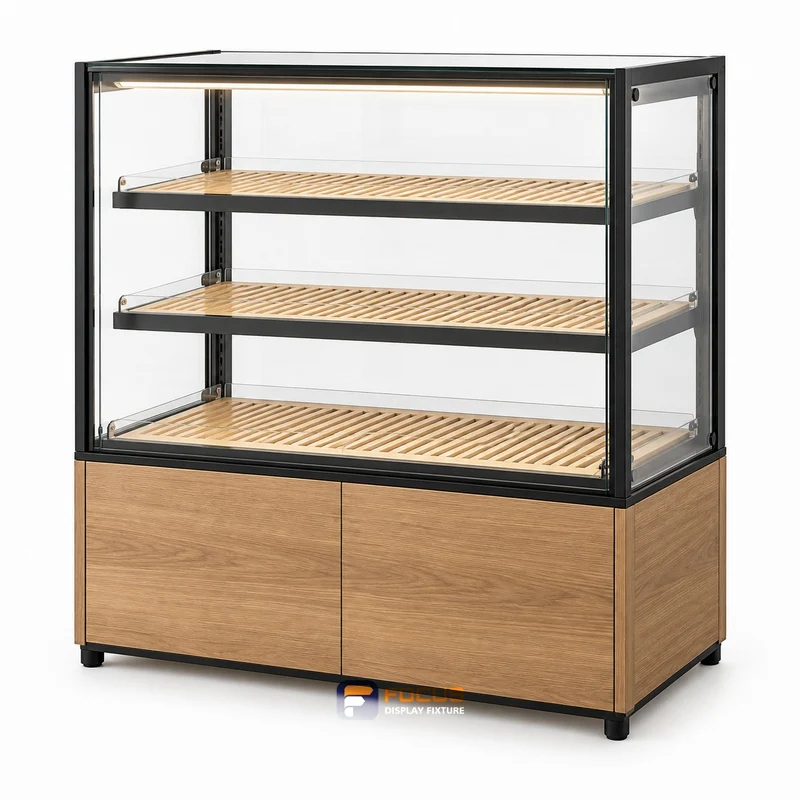
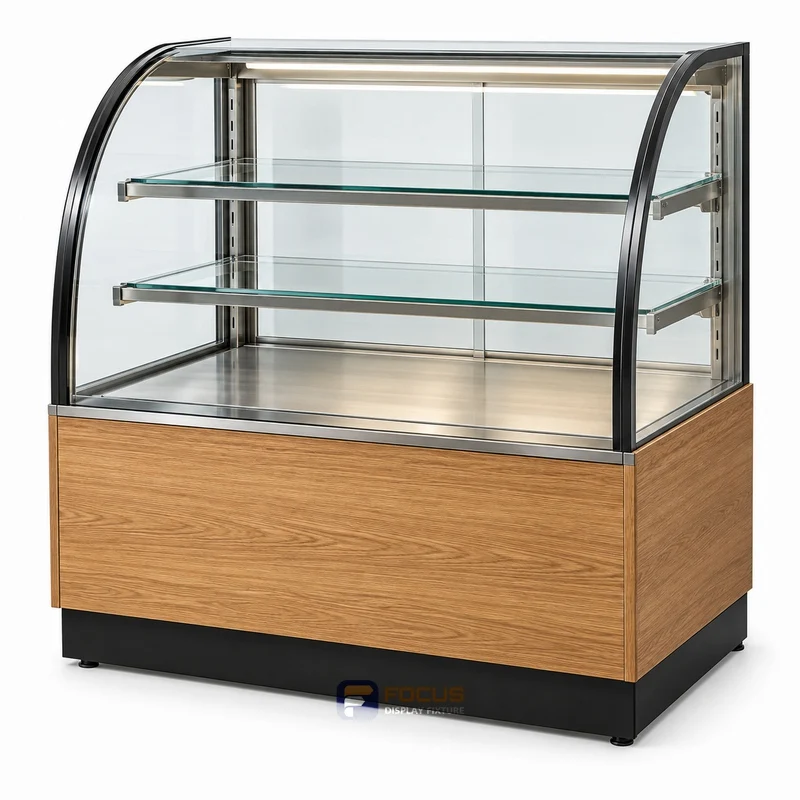
Select the arrangementOpen bakery rack / Enclosed pastry case / Countertop showcaseChosen configuration and reasons
Measure the working spacetray width / tray depthMeasured plan and equipment or package information
Define the supplied itemsFixture count, options, equipment and accessoriesA common scope for the quotation
Approve the executionFinish, drawing revision, packing and responsibilityApproval and handoff record
What is the most common specification shortcut?

Using tray nominal size instead of rim-to-rim size. Keep the selected reference, actual dimensions and the configuration evidence together so a visual preference does not replace a working specification.

What makes quotations comparable?

Give each supplier the same reference list, quantities, construction, finish and destination. Ask for differences and exclusions to be marked against that schedule.

When should the configuration be released?

Release the agreed revision after the responsible parties have reviewed the site inputs, equipment interfaces, materials and order scope. Record the effect of later changes before continuing.

Explore the related system →
DIMENSION PLANNING

Keep the configuration with the dimensions.

The supplied dimension catalog does not define this specialist fixture. Set its size from the equipment layout and approved shop drawing.

Keep series togetherSingle-sided, double-sided and end units have different depths. Use a complete listed W × D × H combination.

Separate levels and accessoriesShelf layers, hook rows, lightboxes and base cabinets are separate configuration features.

Coordinate equipment separatelyConfirm service openings, loads and connection details for the selected assembly.

Compare all dimension references →

tray fit and replenishment

Measure the actual tray including its rim. The display needs room for the tray and for hands to lift or slide it. Decide whether goods are packaged and how customers access them; a decorative glass enclosure does not establish temperature-control performance.

ParameterValue or requirementBuyer check
tray widthRecord the project requirementCheck against the selected configuration
tray depthRecord the project requirementCheck against the selected configuration
shelf spacingRecord the project requirementCheck against the selected configuration
door openingRecord the project requirementCheck against the selected configuration

Choose the decision you are making

bakery displays fixture, reference FC-044
FG-097 · bakery-displays

How to Measure Bakery Displays Before Ordering

Measure bakery displays: tray fit and replenishment, the four checks to record and the measurement record to prepare before ordering.

Explore →
bakery displays fixture, reference FC-045
FG-098 · bakery-displays

How to Choose the Bakery Displays Configuration

Choose bakery displays: tray fit and replenishment, the four checks to record and the configuration comparison to prepare before ordering.

Explore →
bakery displays fixture, reference FC-046
FG-099 · bakery-displays

Planning Merchandise Capacity for Bakery Displays

Plan bakery displays: tray fit and replenishment, the four checks to record and the merchandise capacity worksheet to prepare before ordering.

Explore →
bakery displays fixture, reference FC-050
FG-100 · bakery-displays

Choosing Materials and Finishes for Bakery Displays

Select bakery displays: tray fit and replenishment, the four checks to record and the material and finish schedule to prepare before ordering.

Explore →
bakery displays fixture, reference FC-083
FG-101 · bakery-displays

Staff Access and Replenishment Around Bakery Displays

Plan bakery displays: tray fit and replenishment, the four checks to record and the access and replenishment check to prepare before ordering.

Explore →
bakery displays fixture, reference FC-084
FG-102 · bakery-displays

Checking Interfaces and Connections for Bakery Displays

Check bakery displays: tray fit and replenishment, the four checks to record and the equipment interface schedule to prepare before ordering.

Explore →
bakery displays fixture, reference FC-089
FG-103 · bakery-displays

What to Include in a Bakery Displays Quotation Request

Prepare bakery displays: tray fit and replenishment, the four checks to record and the quotation request to prepare before ordering.

Explore →
bakery displays fixture, reference FC-090
FG-104 · bakery-displays

Reviewing Bakery Displays Drawings Before Production

Review bakery displays: tray fit and replenishment, the four checks to record and the drawing approval record to prepare before ordering.

Explore →
bakery displays fixture, reference FC-091
FG-105 · bakery-displays

An Inspection Checklist for Bakery Displays

Inspect bakery displays: tray fit and replenishment, the four checks to record and the inspection checklist to prepare before ordering.

Explore →
bakery displays fixture, reference FC-092
FG-106 · bakery-displays

Packing and Delivery Planning for Bakery Displays

Plan bakery displays: tray fit and replenishment, the four checks to record and the packing and receiving schedule to prepare before ordering.

Explore →
bakery displays fixture, reference FC-093
FG-107 · bakery-displays

Planning Maintenance and Replacement Parts for Bakery Displays

Plan bakery displays: tray fit and replenishment, the four checks to record and the maintenance and spare-parts record to prepare before ordering.

Explore →
bakery displays fixture, reference FC-094
FG-108 · bakery-displays

Standardizing Bakery Displays Across Multiple Stores

Standardize bakery displays: tray fit and replenishment, the four checks to record and the store allocation and revision register to prepare before ordering.

Explore →
START WITH YOUR FIXTURE REQUIREMENTS

Tell Us Which Fixtures You Need.

Share the cabinet type, dimensions, merchandise and quantity. We will review display, storage and combination requirements for your quotation.

  • Destination and available width, depth and height
  • Product package sizes and equipment interfaces
  • Cabinet quantity, shelves, finish and hardware
  • Schedule, packing and delivery scope
Contact FOCUS →

Your project list

Start with a fixture reference, a floor plan or a description of the store you want to create.

Browse fixtures →

Speak with FOCUS

gzfocusdisplay@gmail.com

+86 136 6049 7267

Scan to contact FOCUS on WhatsAppOpen WhatsApp ↗

Start the conversation

Send your project details and available drawings to FOCUS.

Your inquiry is sent securely to FOCUS. We use these details only to respond to your project. Privacy information