

FOCUS / BUYER RESOURCES

What Affects Convenience Store Fixture Costs

Compare fixture quotations using the same scope.

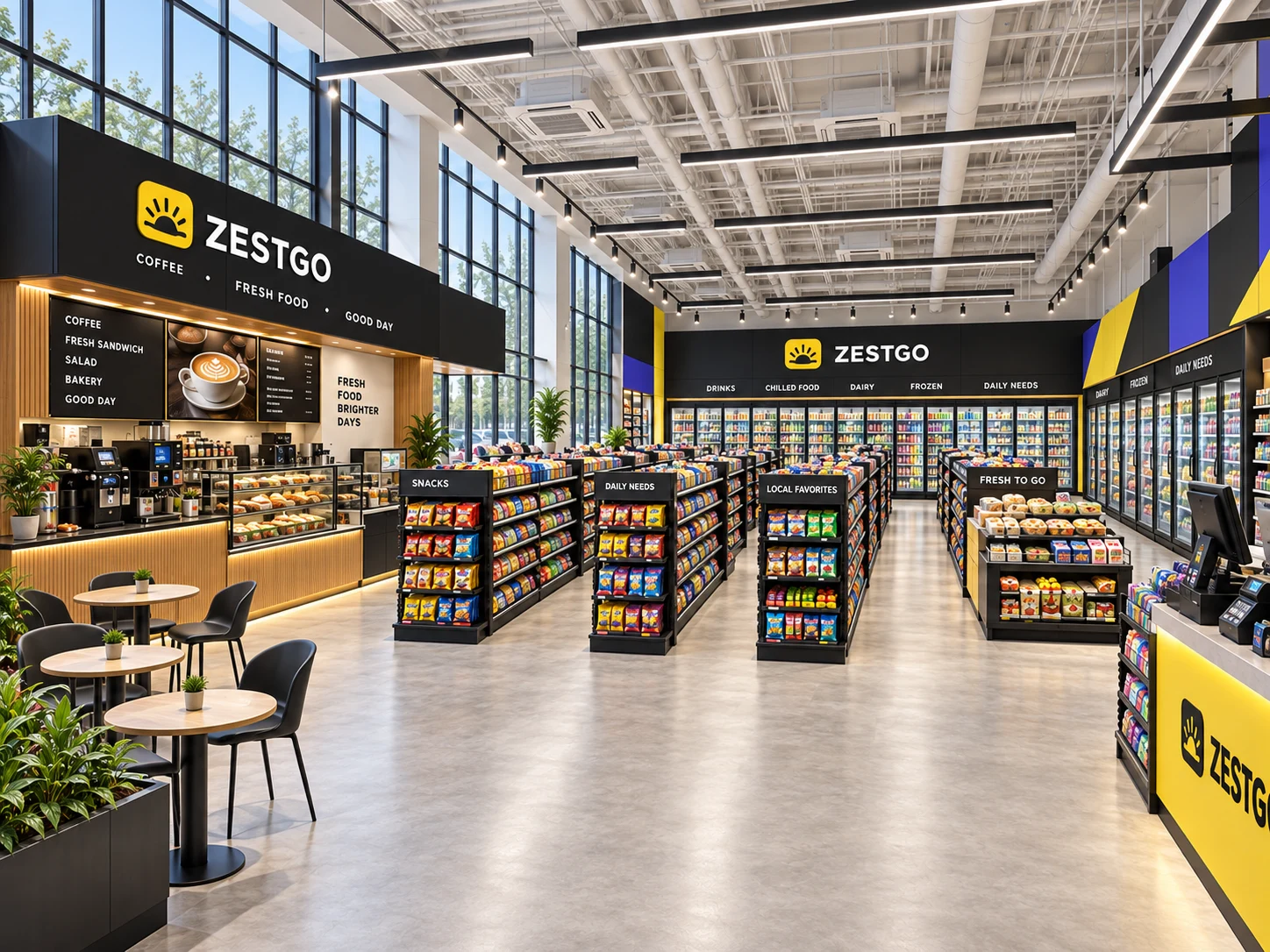
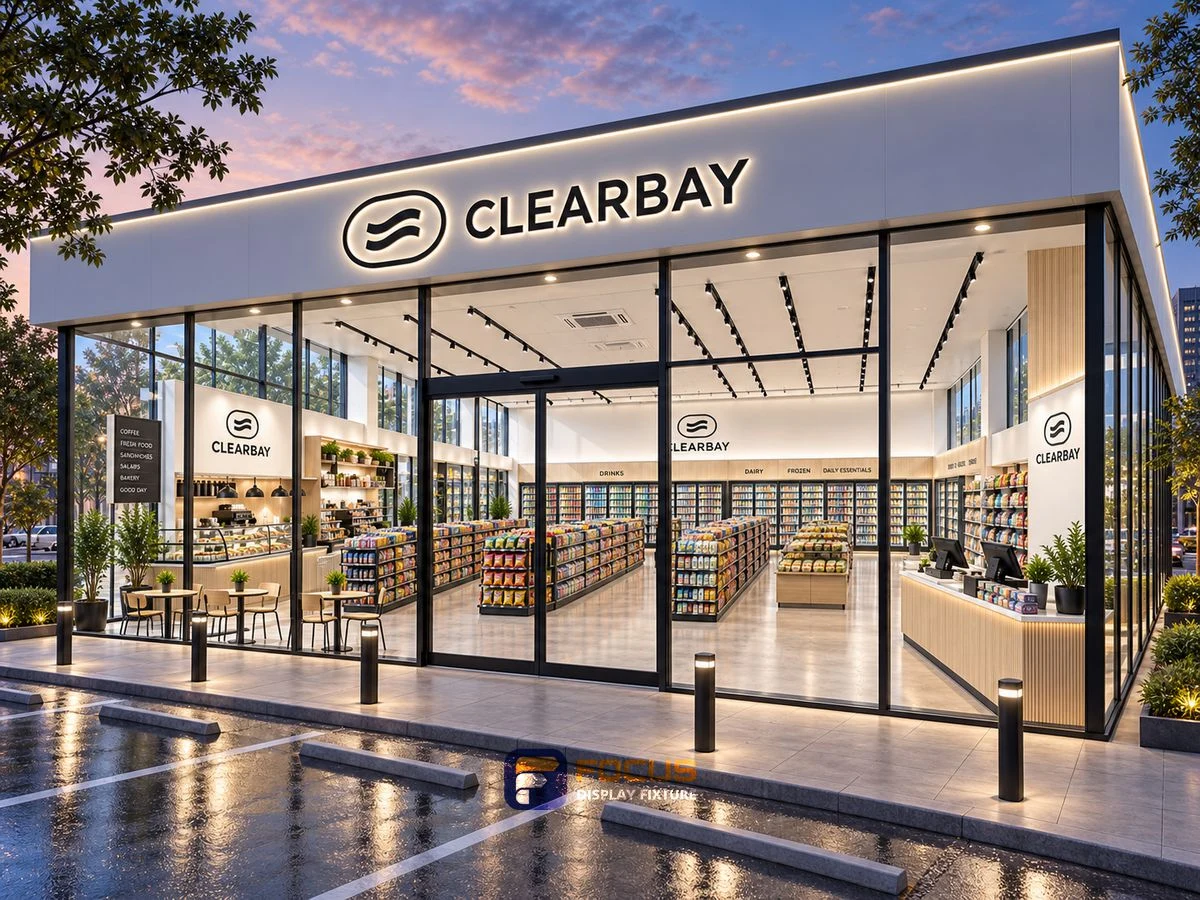
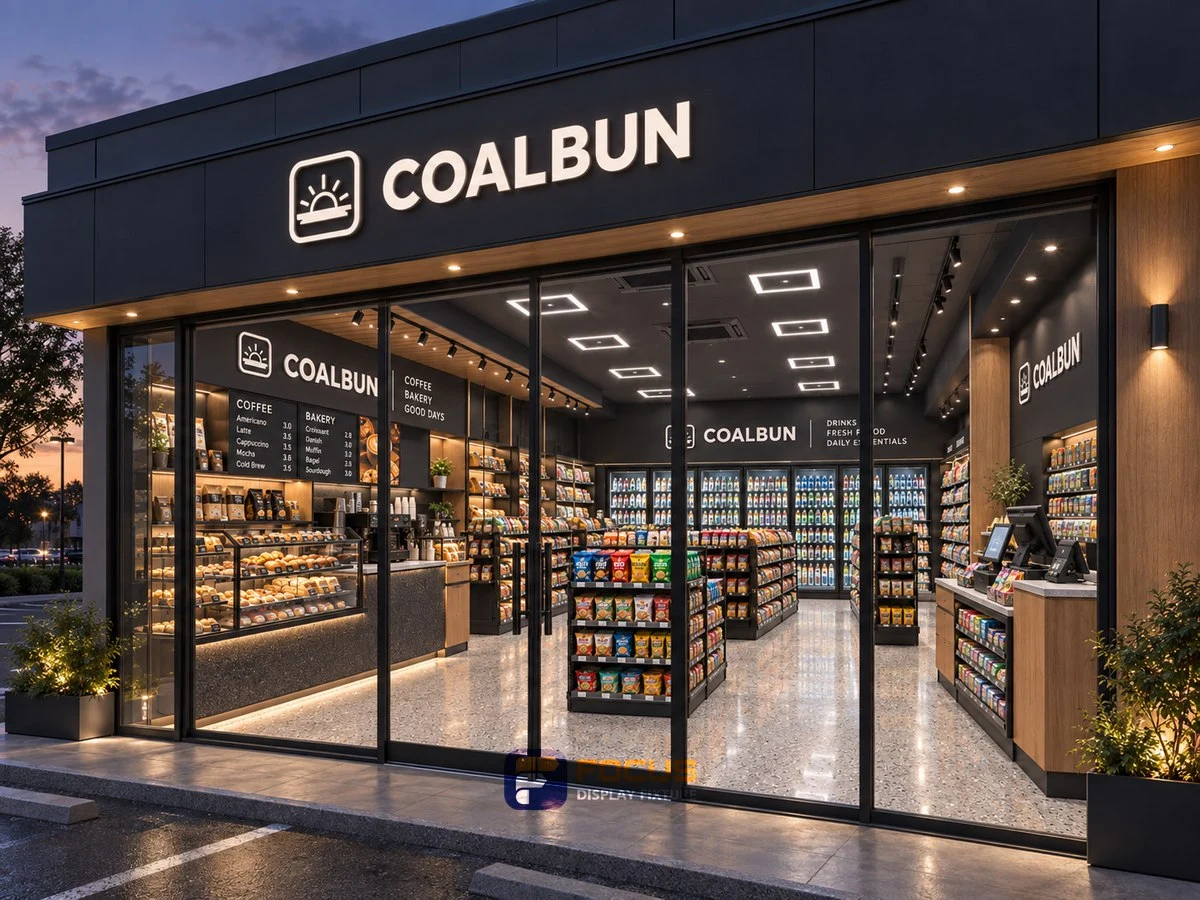
What Affects Convenience Store Fixture Costs visual reference
THE PRACTICAL STARTING POINT

Compare prices on one documented supply scope.

The useful comparison is the agreed fixture configuration, quantities and delivery basis. Separate changes in construction or finish from changes in freight, assembly, equipment and support. Record the drawing revision and the assumptions attached to each proposal.

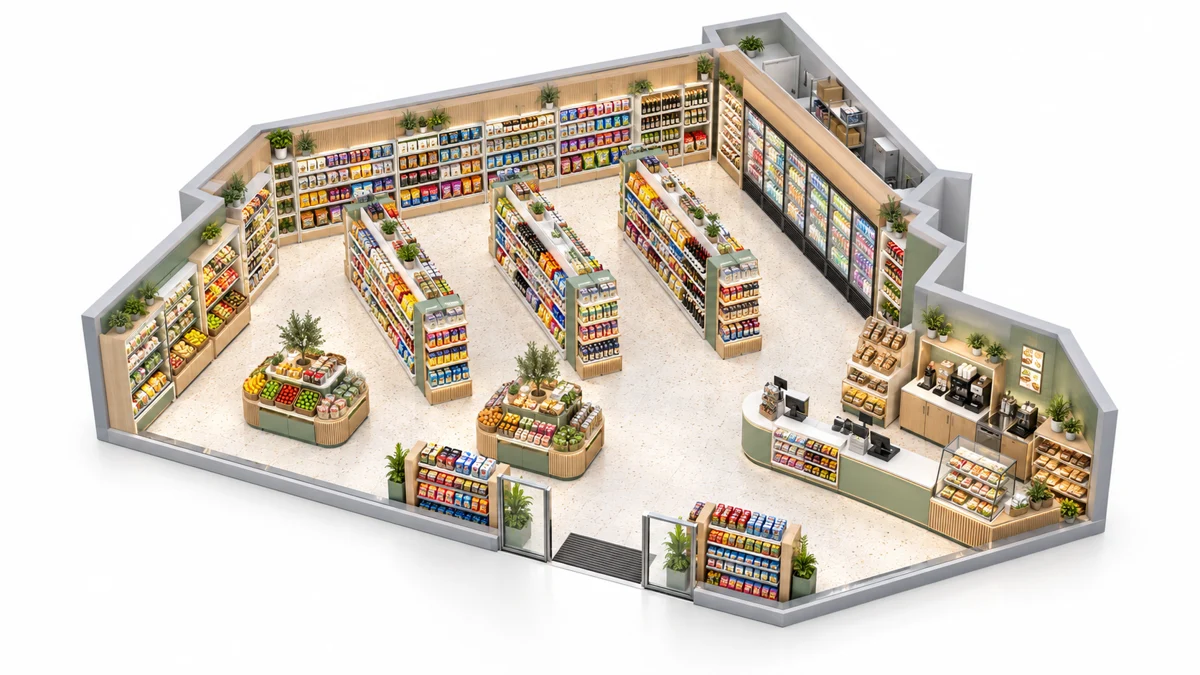
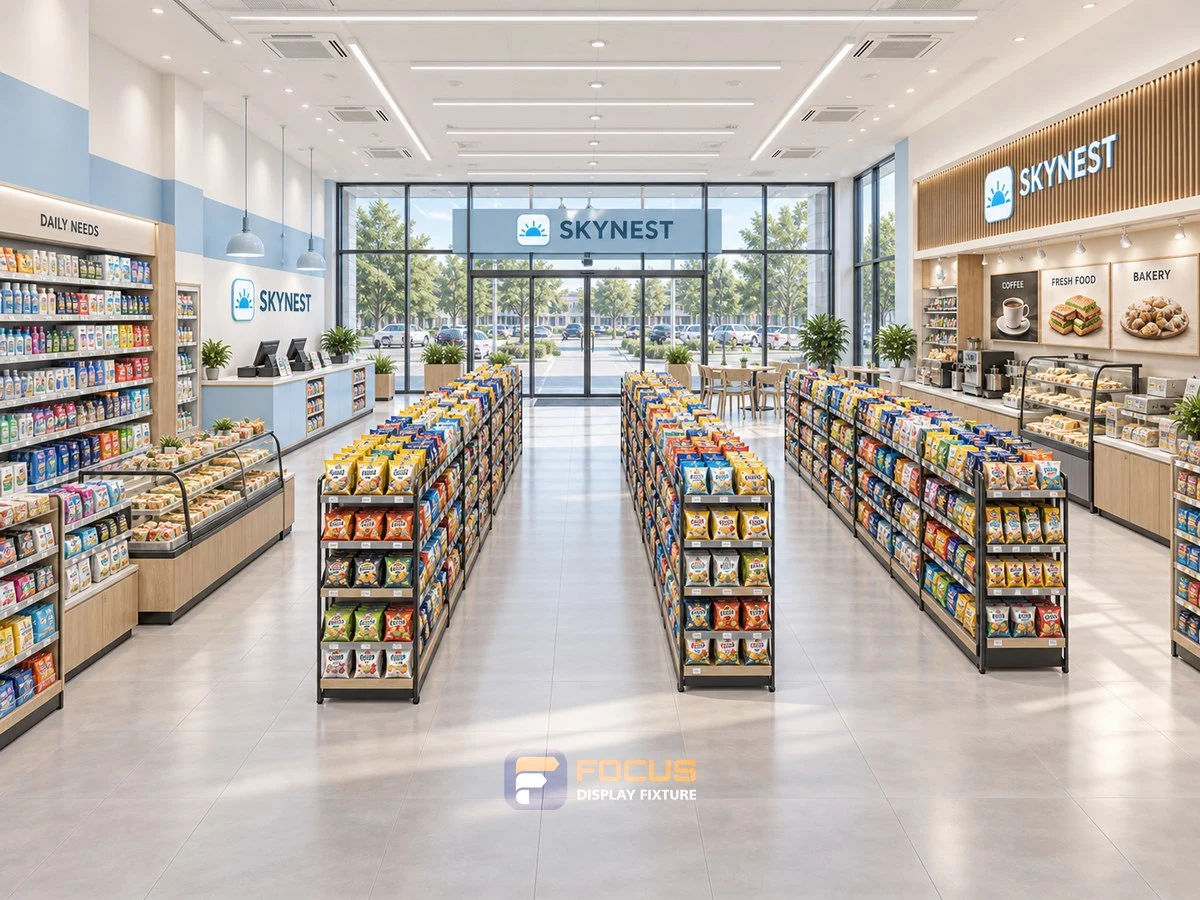
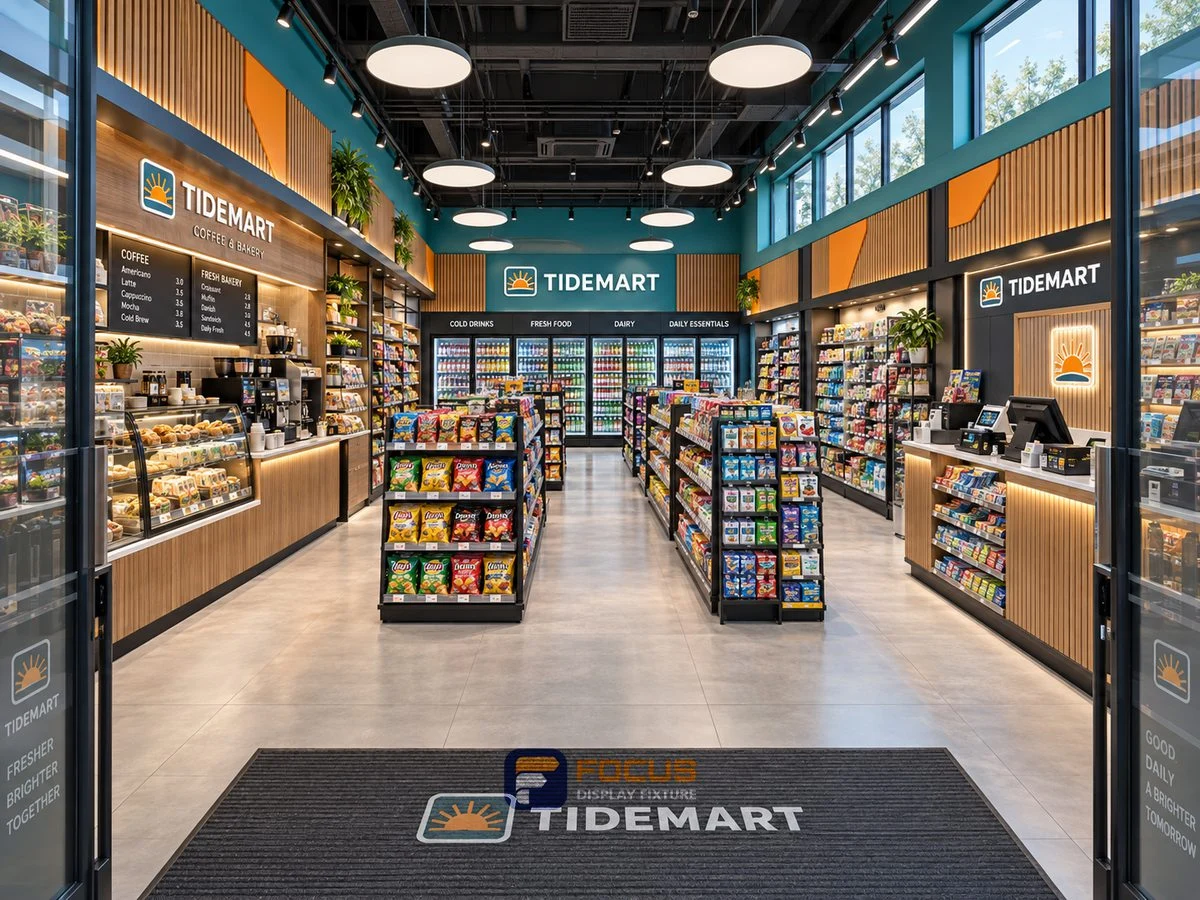
Chain Store Rollouts configuration reference
COMPARE ON ONE BASIS

Make the alternative review useful.

Use one fixture schedule for each supplier response. Mark exclusions, optional items and differences line by line; compare the same quantities and destination before deciding which proposal fits the project.

What to record

  • prototype revision: value, unit, selected reference and approval contact.
  • store allocation: value, unit, selected reference and approval contact.
  • package ID: value, unit, selected reference and approval contact.
  • spare-part code: value, unit, selected reference and approval contact.

From comparison to approval

DecisionRecordEvidence to retain
Select the arrangementPilot store / Regional batch / Repeat-order programChosen configuration and reasons
Measure the working spaceprototype revision / store allocationMeasured plan and equipment or package information
Define the supplied itemsFixture count, options, equipment and accessoriesA common scope for the quotation
Approve the executionFinish, drawing revision, packing and responsibilityApproval and handoff record
What is the most common specification shortcut?

Sending every branch the same quantities despite different plans. Keep the selected reference, actual dimensions and the configuration evidence together so a visual preference does not replace a working specification.

What makes quotations comparable?

Give each supplier the same reference list, quantities, construction, finish and destination. Ask for differences and exclusions to be marked against that schedule.

When should the configuration be released?

Release the agreed revision after the responsible parties have reviewed the site inputs, equipment interfaces, materials and order scope. Record the effect of later changes before continuing.

Explore the related system →
DIMENSION PLANNING

Plan with matching fixture sizes.

In the wood-finish B series, a 930 mm starter and a 900 mm add-on have different listed widths. One starter plus two add-ons totals 2730 mm, before separately specified end details. Other series use different dimensions.

Keep series togetherSingle-sided, double-sided and end units have different depths. Use a complete listed W × D × H combination.

Separate levels and accessoriesShelf layers, hook rows, lightboxes and base cabinets are separate configuration features.

Coordinate equipment separatelyConfirm service openings, loads and connection details for the selected assembly.

Compare all dimension references →

version and batch control

Approve a prototype configuration before allocating site-specific quantities. Keep a location schedule beside the common fixture specification so differences in doors, services or delivery access remain visible. A repeated model number needs a revision identifier when its connection or finish changes.

ParameterValue or requirementBuyer check
prototype revisionRecord the project requirementCheck against the selected configuration
store allocationRecord the project requirementCheck against the selected configuration
package IDRecord the project requirementCheck against the selected configuration
spare-part codeRecord the project requirementCheck against the selected configuration

Choose the decision you are making

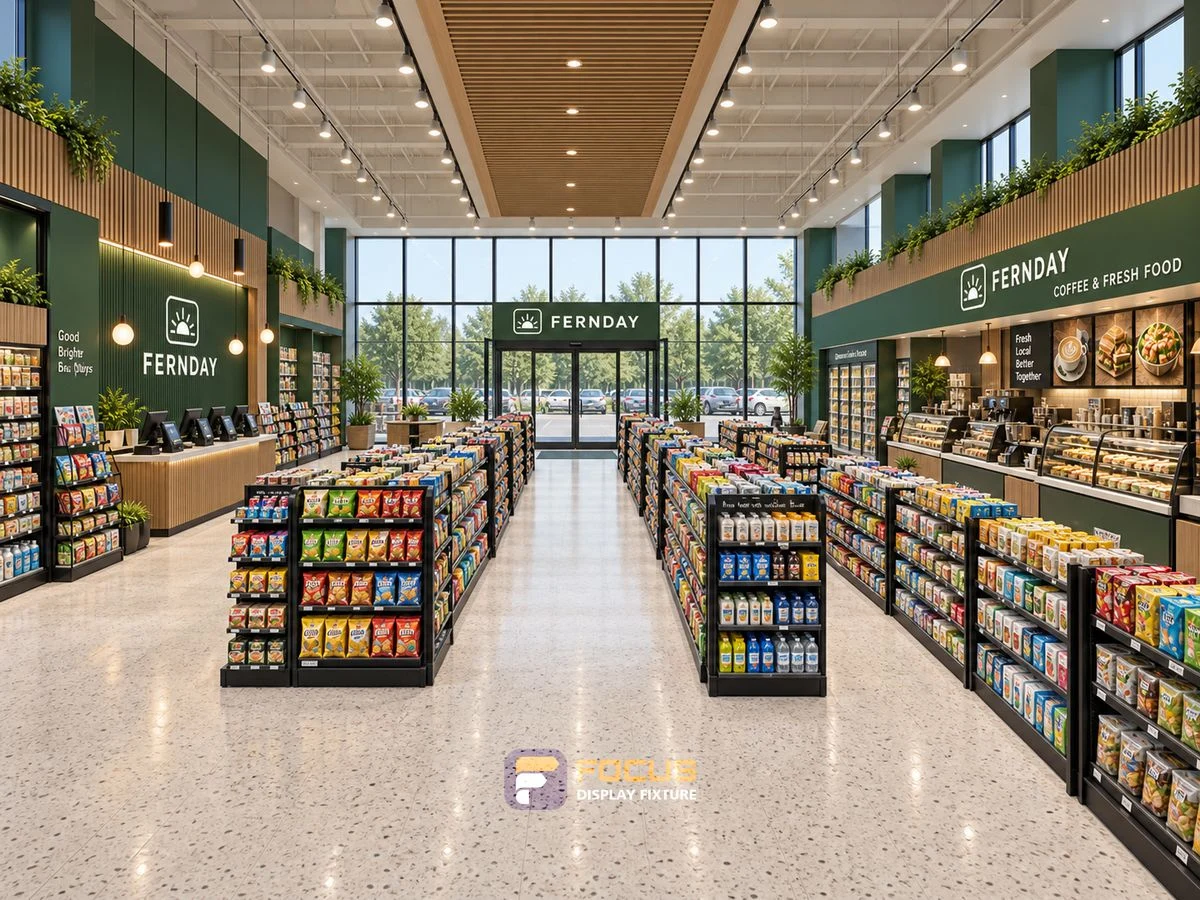
Store 27 — Forest green convenience store, interior view 1
FG-289 · chain-rollouts

How to Measure Chain Store Rollouts Before Ordering

Measure chain store rollouts with a practical measurement guide covering version and batch control, prototype revision and a usable buyer checklist.

Explore →
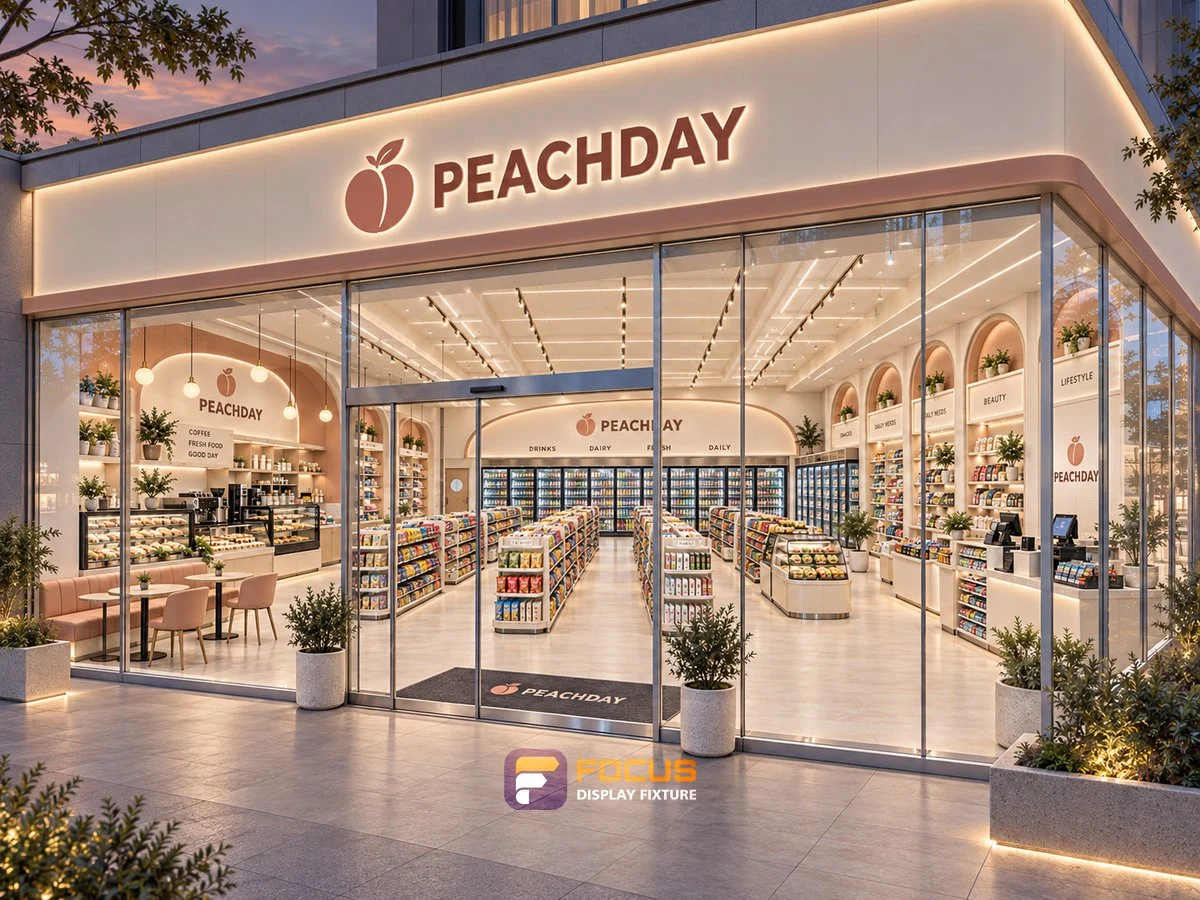
Store 23 — Soft peach convenience store, interior view 5
FG-290 · chain-rollouts

How to Choose the Chain Store Rollouts Configuration

Compare chain store rollouts with a practical configuration guide covering version and batch control, prototype revision and a usable buyer checklist.

Explore →
Store 24 — Bright white convenience store, interior view 5
FG-291 · chain-rollouts

Planning Merchandise Capacity for Chain Store Rollouts

Calculate chain store rollouts with a practical capacity guide covering version and batch control, prototype revision and a usable buyer checklist.

Explore →
Store 25 — Light timber convenience store, interior view 5
FG-292 · chain-rollouts

Choosing Materials and Finishes for Chain Store Rollouts

Specify chain store rollouts with a practical materials guide covering version and batch control, prototype revision and a usable buyer checklist.

Explore →
Store 28 — Sky blue convenience store, interior view 1
FG-293 · chain-rollouts

Staff Access and Replenishment Around Chain Store Rollouts

Walk through chain store rollouts with a practical access guide covering version and batch control, prototype revision and a usable buyer checklist.

Explore →
Store 26 — Amber wood convenience store, interior view 5
FG-294 · chain-rollouts

Checking Interfaces and Connections for Chain Store Rollouts

Coordinate chain store rollouts with a practical equipment guide covering version and batch control, prototype revision and a usable buyer checklist.

Explore →
Store 29 — Coffee timber convenience store, interior view 5
FG-295 · chain-rollouts

What to Include in a Chain Store Rollouts Quotation Request

Request chain store rollouts with a practical quotation guide covering version and batch control, prototype revision and a usable buyer checklist.

Explore →
Store 30 — Charcoal cafe convenience store, interior view 5
FG-296 · chain-rollouts

Reviewing Chain Store Rollouts Drawings Before Production

Review chain store rollouts with a practical drawings guide covering version and batch control, prototype revision and a usable buyer checklist.

Explore →
Store 31 — Teal market convenience store, interior view 5
FG-297 · chain-rollouts

An Inspection Checklist for Chain Store Rollouts

Inspect chain store rollouts with a practical inspection guide covering version and batch control, prototype revision and a usable buyer checklist.

Explore →
Store 32 — Blue market convenience store, interior view 5
FG-298 · chain-rollouts

Packing and Delivery Planning for Chain Store Rollouts

Pack chain store rollouts with a practical packing guide covering version and batch control, prototype revision and a usable buyer checklist.

Explore →
Store 35 — Adjacent retail shelving, interior view 5
FG-299 · chain-rollouts

Planning Maintenance and Replacement Parts for Chain Store Rollouts

Maintain chain store rollouts with a practical maintenance guide covering version and batch control, prototype revision and a usable buyer checklist.

Explore →
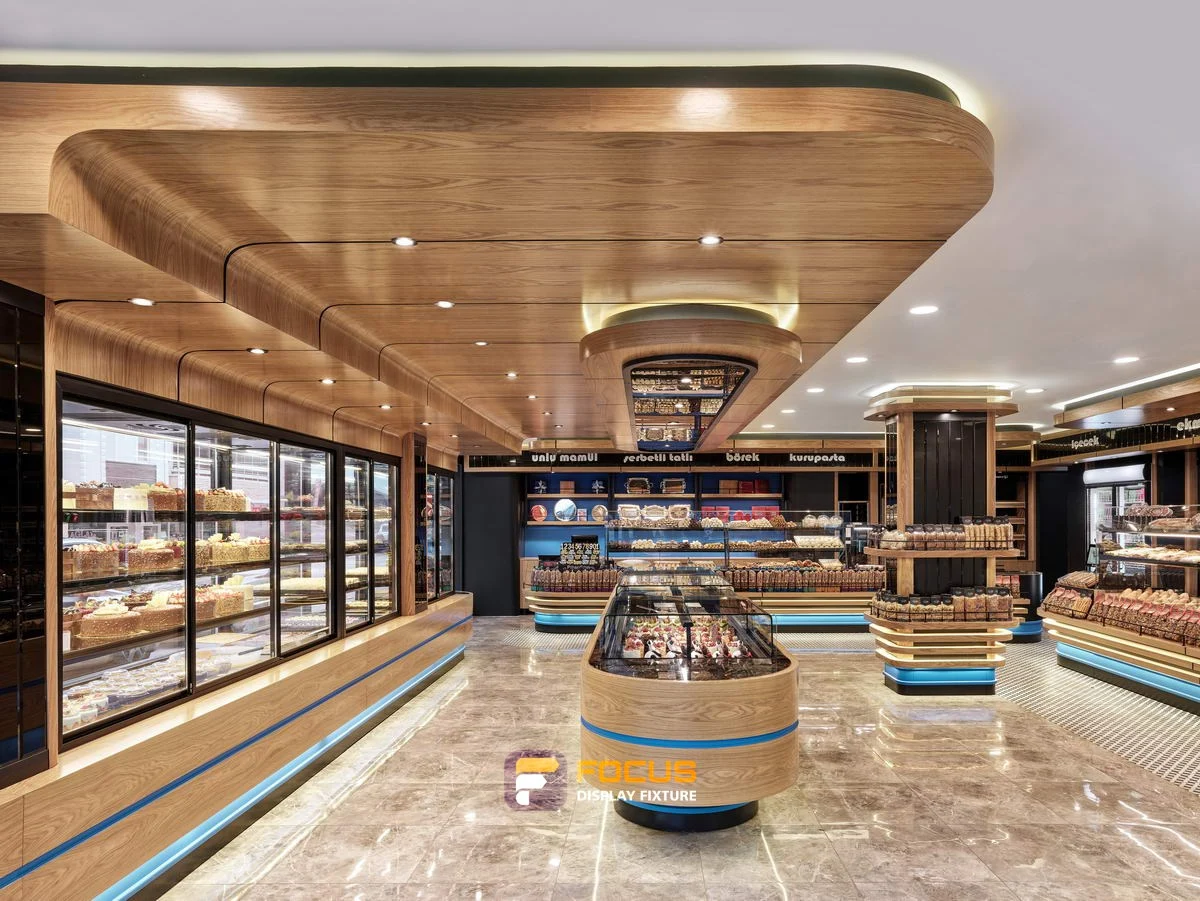
Store 01 — Bakery interior references, interior view 6
FG-300 · chain-rollouts

Standardizing Chain Store Rollouts Across Multiple Stores

Allocate chain store rollouts with a practical rollout guide covering version and batch control, prototype revision and a usable buyer checklist.

Explore →
START WITH YOUR FIXTURE REQUIREMENTS

Tell Us Which Fixtures You Need.

Share the cabinet type, dimensions, merchandise and quantity. We will review display, storage and combination requirements for your quotation.

  • Destination and available width, depth and height
  • Product package sizes and equipment interfaces
  • Cabinet quantity, shelves, finish and hardware
  • Schedule, packing and delivery scope
Contact FOCUS →

Your project list

Start with a fixture reference, a floor plan or a description of the store you want to create.

Browse fixtures →

Speak with FOCUS

gzfocusdisplay@gmail.com

+86 136 6049 7267

Scan to contact FOCUS on WhatsAppOpen WhatsApp ↗

Start the conversation

Send your project details and available drawings to FOCUS.

Your inquiry is sent securely to FOCUS. We use these details only to respond to your project. Privacy information