Pilot configuration
Identify the common cabinet modules, construction, finish and accessories. Review a representative sample or prototype where agreed.
 Start a Project ↗
Coordinate prototype revisions, branch quantities and package allocation. Keep standard fixtures, site exceptions and spare-part records aligned across stores.
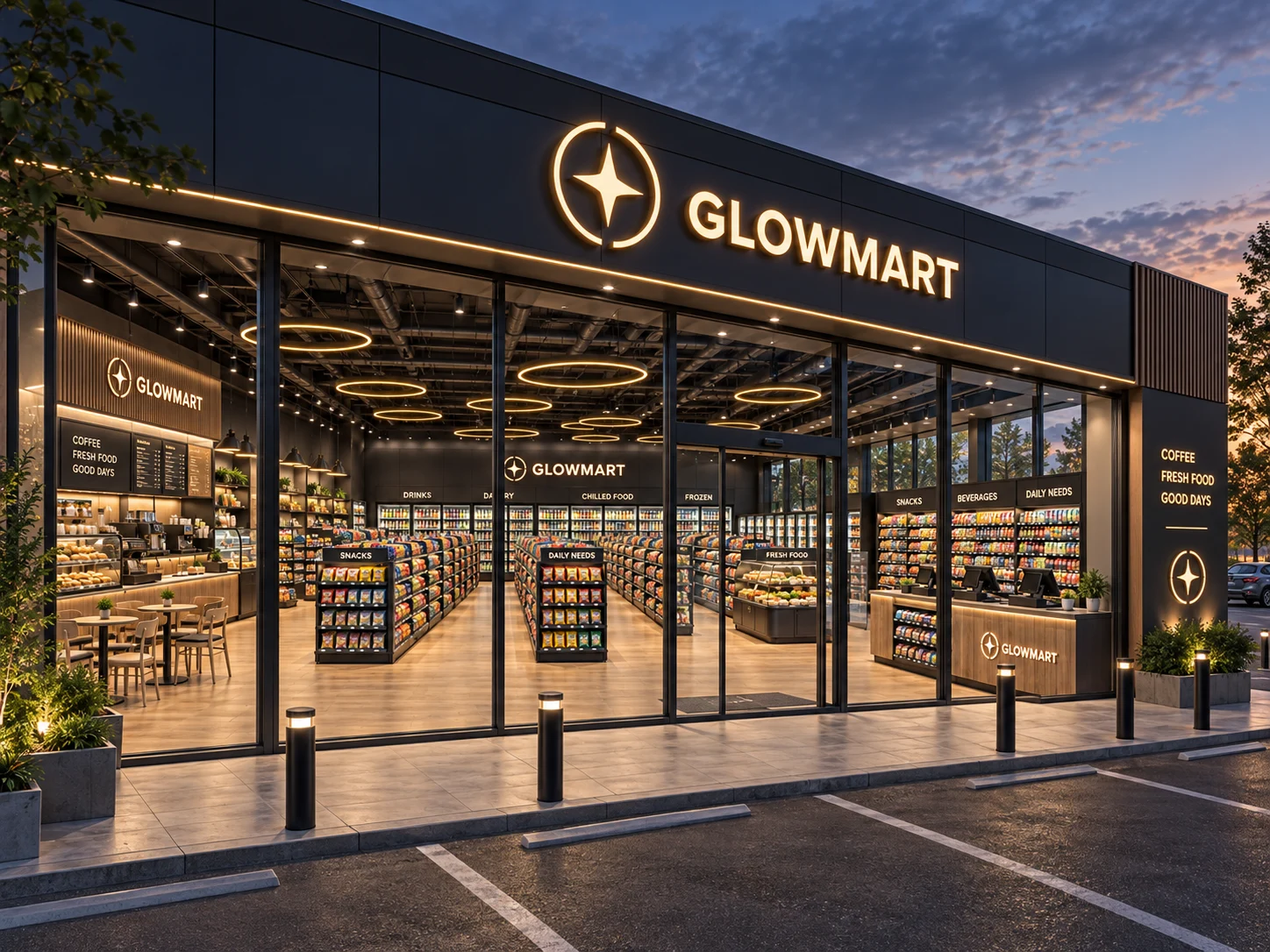
Agree a common fixture design and material sample before allocating multiple locations. Keep the prototype revision available to purchasing, site teams and the supplier.
Door positions, existing equipment and receiving access can differ between stores. Give every exception a location identifier and explain its effect on the fixture list.
Link each package to a store, zone and fixture reference. Separate common spare components from location-specific pieces. Preserve change records for later repeat orders.
| Parameter | Value or requirement | Buyer check |
|---|---|---|
| measured perimeter | Project record | Confirm before drawing approval |
| column position | Project record | Confirm before drawing approval |
| entrance swing | Project record | Confirm before drawing approval |
| equipment footprint | Project record | Confirm before drawing approval |
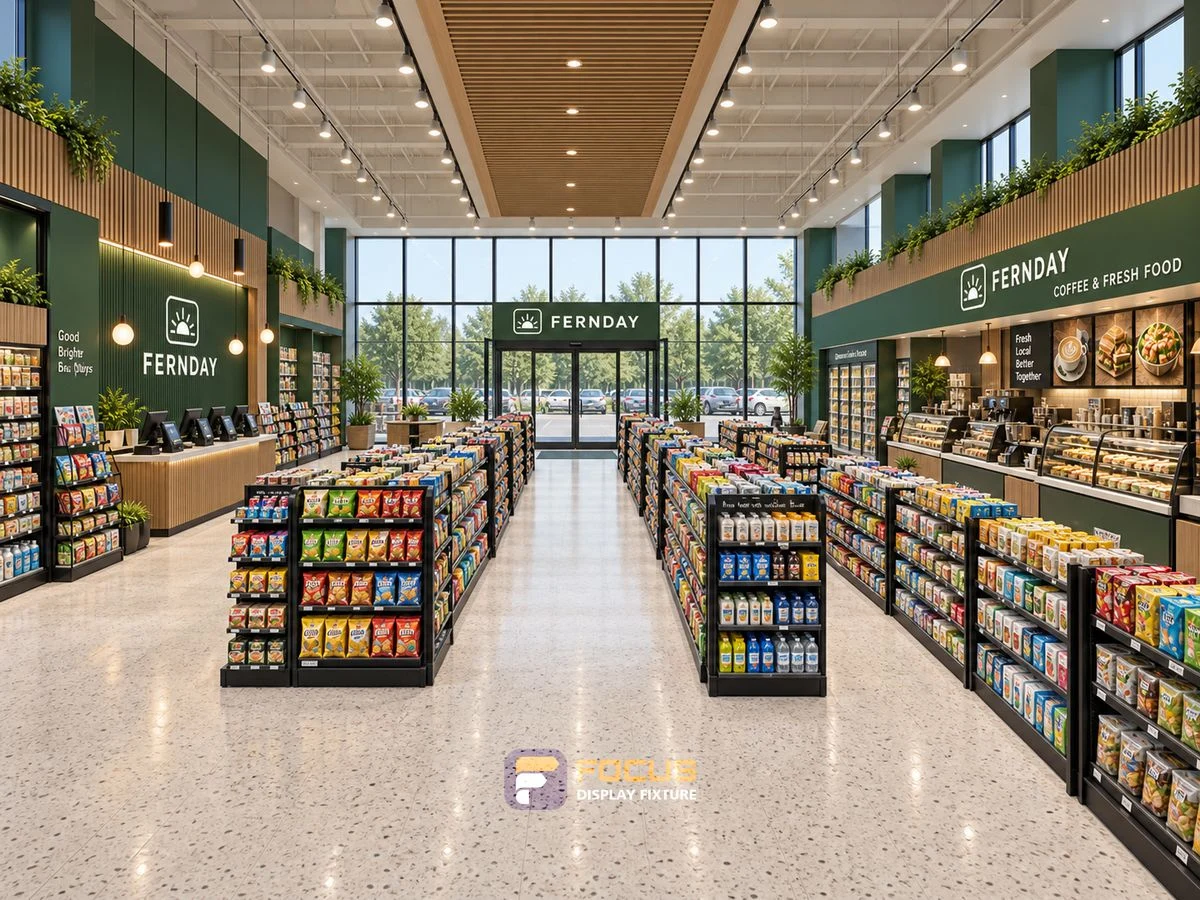
Measure chain store rollouts: version and batch control, the four checks to record and the measurement record to prepare before ordering.
Explore →
Choose chain store rollouts: version and batch control, the four checks to record and the configuration comparison to prepare before ordering.
Explore →
Plan chain store rollouts: version and batch control, the four checks to record and the merchandise capacity worksheet to prepare before ordering.
Explore →A repeat program works best when common parts and site-specific changes are separated before production. Use the pilot store to establish the drawing, material and component baseline.
Identify the common cabinet modules, construction, finish and accessories. Review a representative sample or prototype where agreed.
Assign each site a code, measured plan, receiving contact and installation window. Keep store-level quantities separate from the common design record.
Record differences in entrances, columns, existing equipment and utilities. Explain which fixture codes change and which remain standard.
Release only the agreed locations and revisions into each production batch. Link a change to the affected units, material order, cost and schedule.
Label packages by location, zone and fixture reference. Keep hardware and spare components with the right installation group.
Retain approved samples, component identifiers and the change history. Future stores and replacement parts should refer to this controlled baseline.
| Stage or document | Required information | Review purpose |
|---|---|---|
| Master configuration | Common drawings, finishes and hardware | Consistent design across stores |
| Site exception log | Location, changed fixture and approval | No unrecorded deviations |
| Batch schedule | Release, packing and delivery grouping | Traceable allocation |
| Support register | Installed reference and replacement component | Maintain compatibility |
Identify the affected reference and revision, then review the effect on drawings, materials, quantities, schedule and delivery scope before releasing the change.
Keep the measured brief, current fixture schedule, approved drawings and finish records together with the packing list and agreed responsibility list.
Send the location, fixture or package code, current drawing revision and photographs showing the issue and its surroundings. Explain what prevents the next operation.
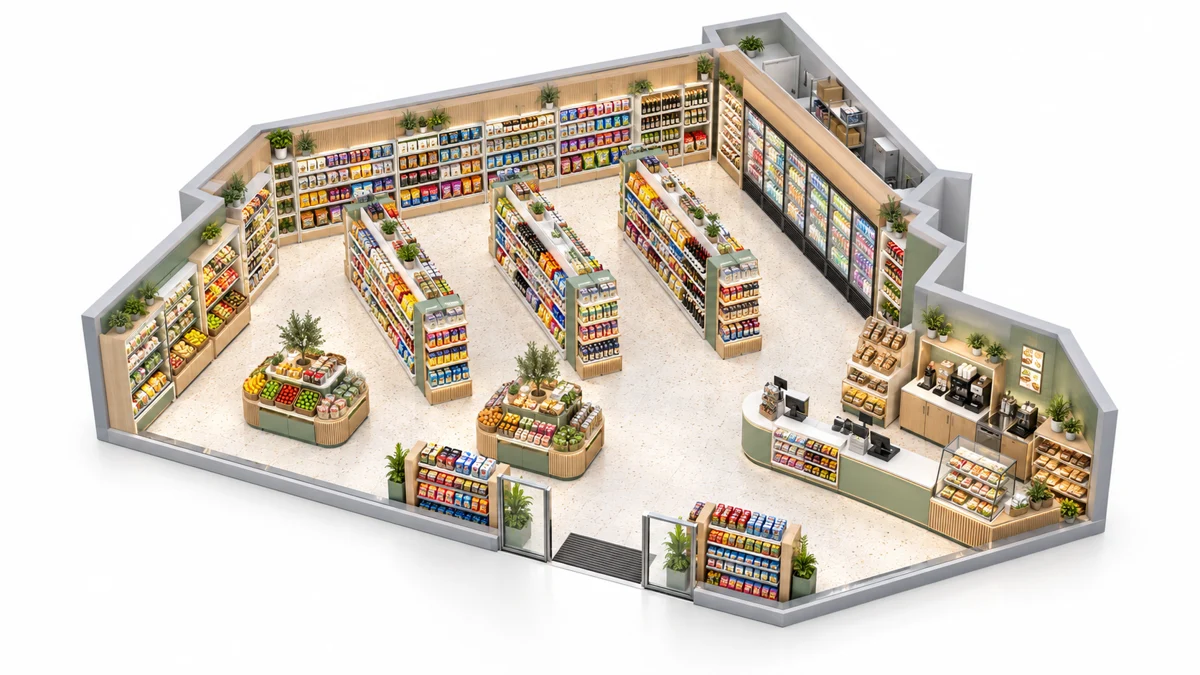
Use one approved fixture kit with controlled variations for individual sites.
Read the complete process →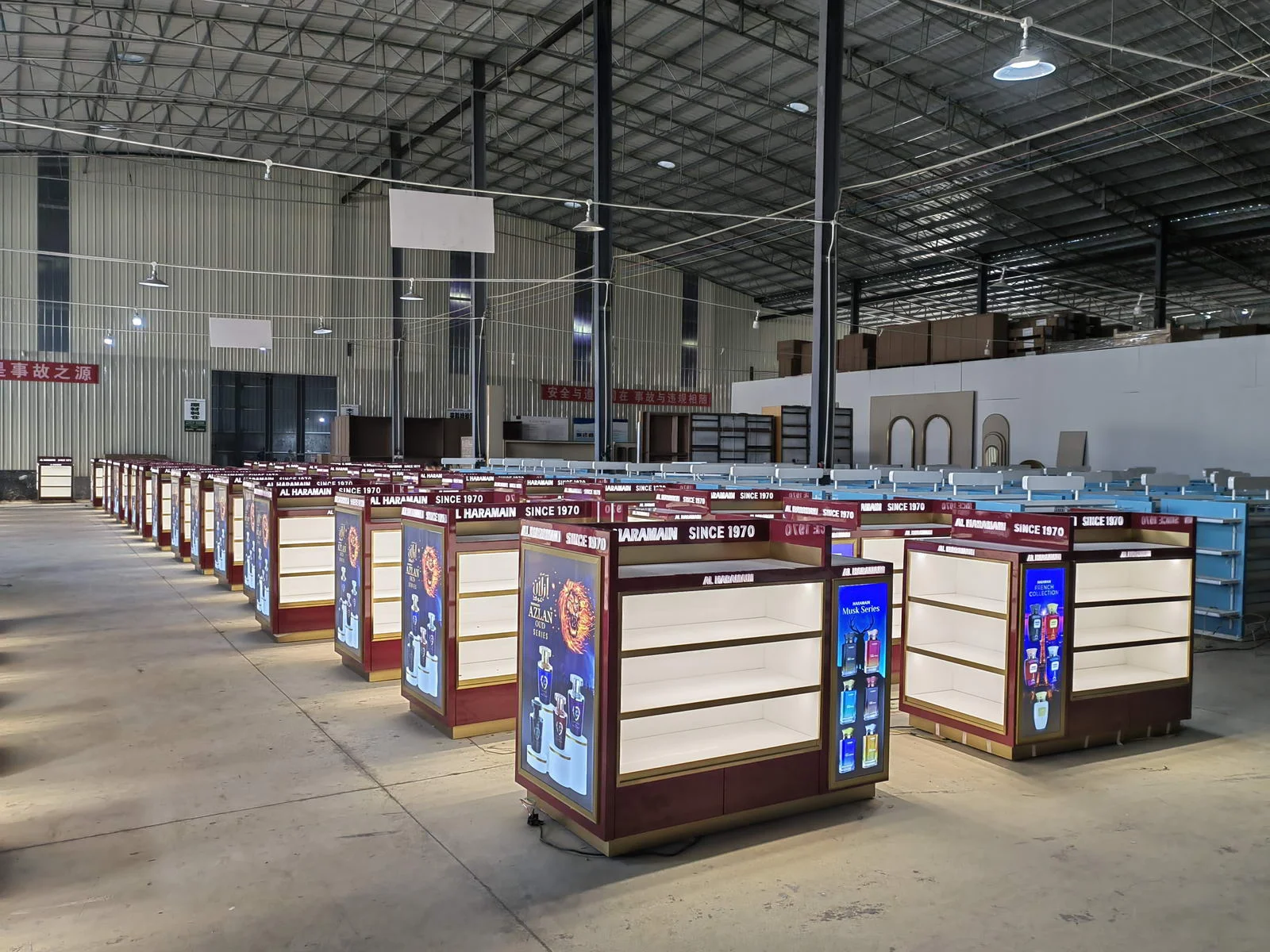
Use a representative sample to resolve fit, handling and finish questions before committing to the production batch.
Read the complete process →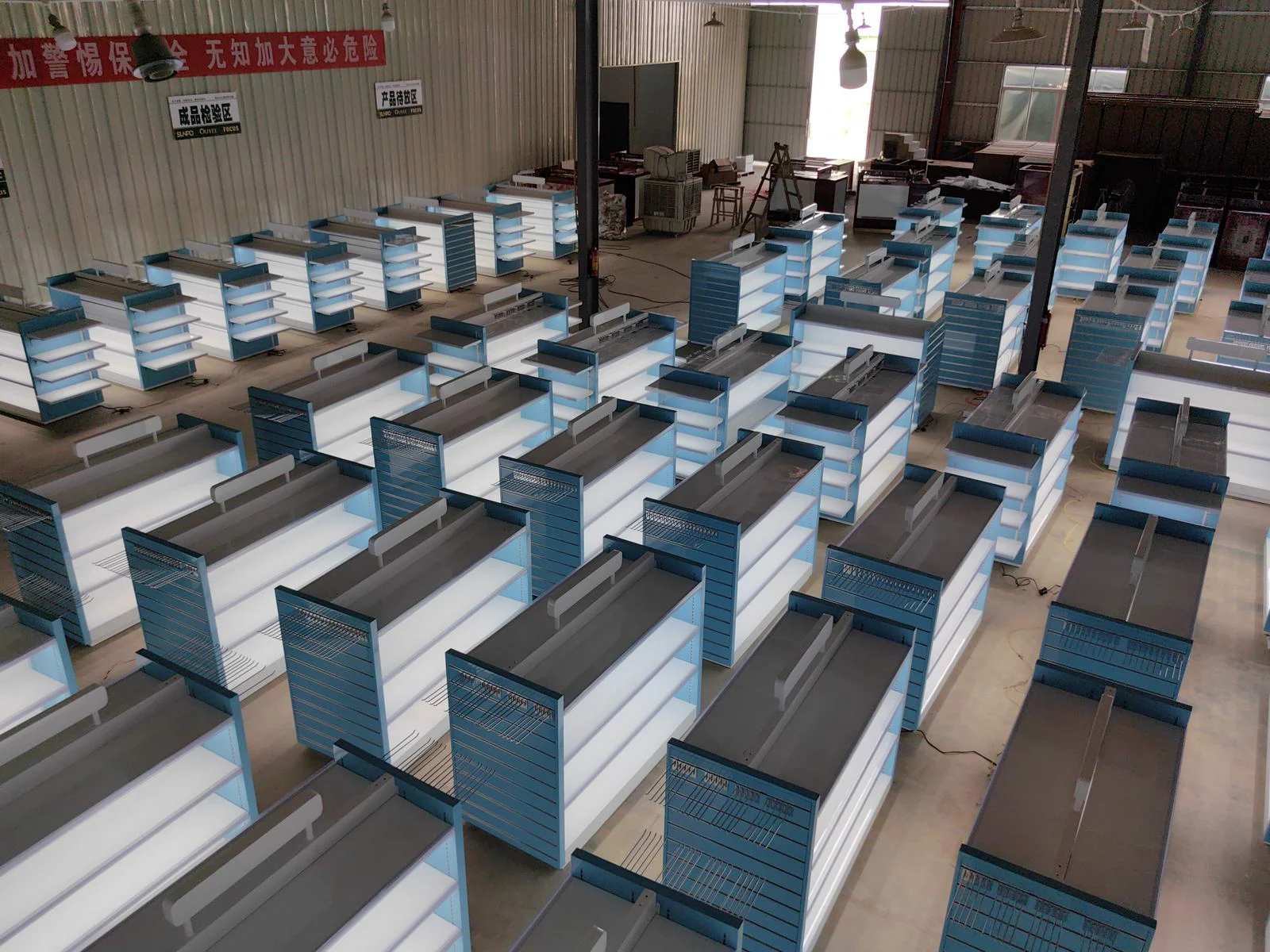
Plan protection, package codes and site assembly as part of the fixture design.
Read the complete process →Share the cabinet type, dimensions, merchandise and quantity. We will review display, storage and combination requirements for your quotation.
Start with a fixture reference, a floor plan or a description of the store you want to create.
Browse fixtures → Open WhatsApp ↗