Mobile Displays / 029
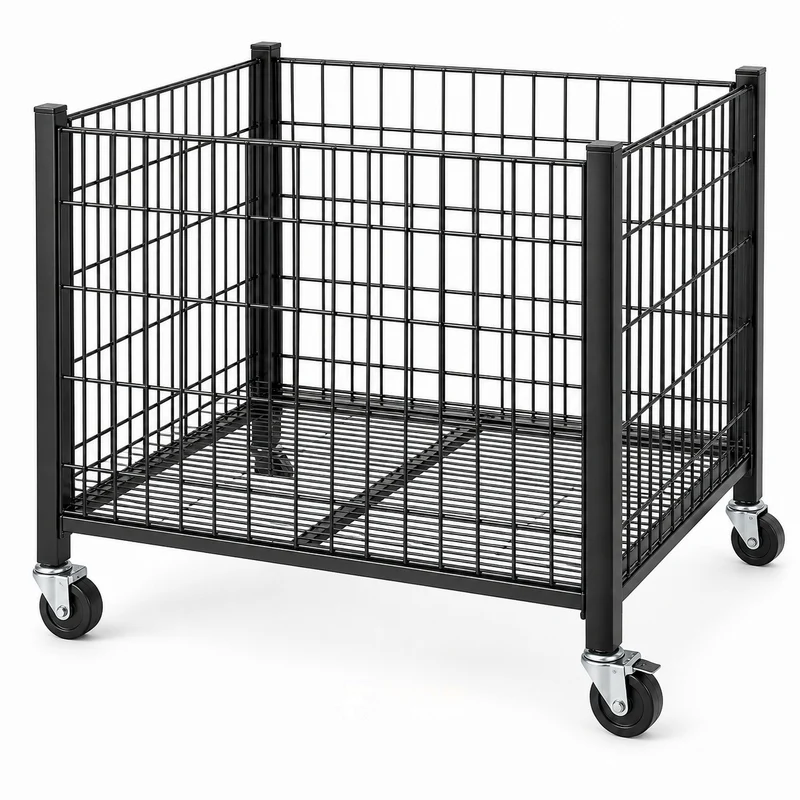
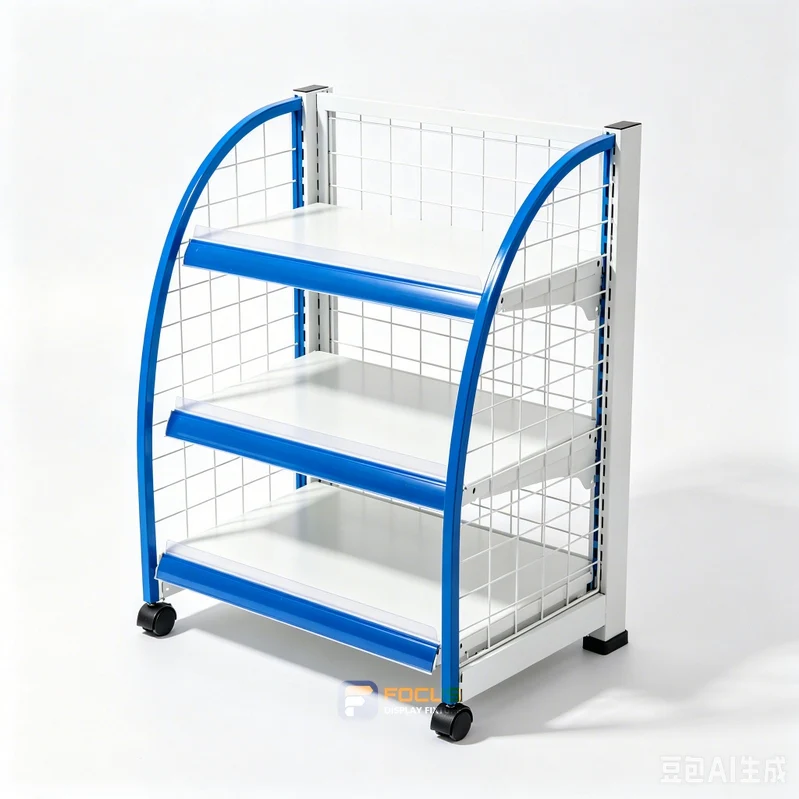
Explore reference FC-029 for temporary promotions. Review movement and parking alongside the finish and configuration shown.
Reference configuration
Made to project dimensions
Start a Project ↗
FIXTURE SYSTEMS
Review the route from the storage area to the selling position while the fixture is loaded. Caster locks must be accessible after the unit is parked. Movement, static display and transport are different conditions; document which conditions the selected hardware and assembly cover.
Measuring movement clearance with an empty fixture only is a common source of specification changes.
| Configuration | Primary check | Operating consideration |
|---|---|---|
| Basket trolley | loaded footprint | movement and parking |
| Mobile island | caster type | movement and parking |
| Rolling promotional table | lock access | movement and parking |
Project-specific configuration; dimensional drawing required.
Dimensions in millimetres; valid for the selected catalog configuration. Review the dimension record and configuration scope →. Final production dimensions follow the approved drawing.
The supplied dimension catalog does not define this specialist fixture. Set its size from the equipment layout and approved shop drawing.
| Parameter | Selected configuration | Coordination check |
|---|---|---|
| Catalog variant | Custom configuration | Keep the series and starter / add-on role with the dimensions |
| Display / storage levels | Confirm selected arrangement | Count shelves, hook rows and cabinet compartments separately |
| Construction | Specify substrate, surface and structural support in the project drawing | Approve substrate, thickness and structural details |
| Configuration detail | The supplied dimension catalog does not define this specialist fixture. Set its size from the equipment layout and approved shop drawing. | Match this reference to the final design and merchandise |
| Finish | Approve finish sample | Keep the selected finish with the configuration code |
5 results

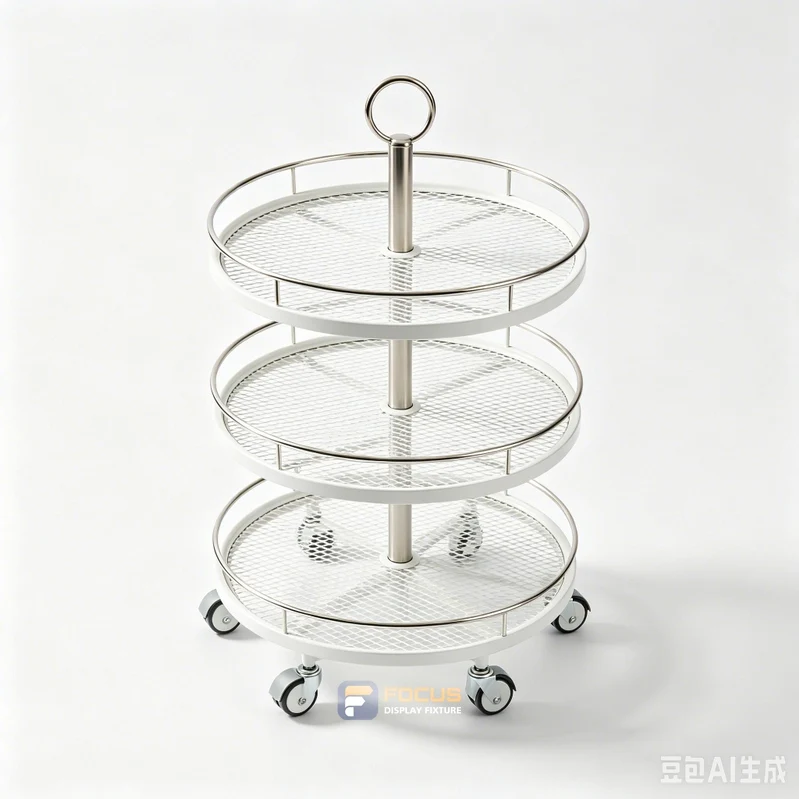
Explore reference FC-029 for temporary promotions. Review movement and parking alongside the finish and configuration shown.
Reference configuration
Made to project dimensions
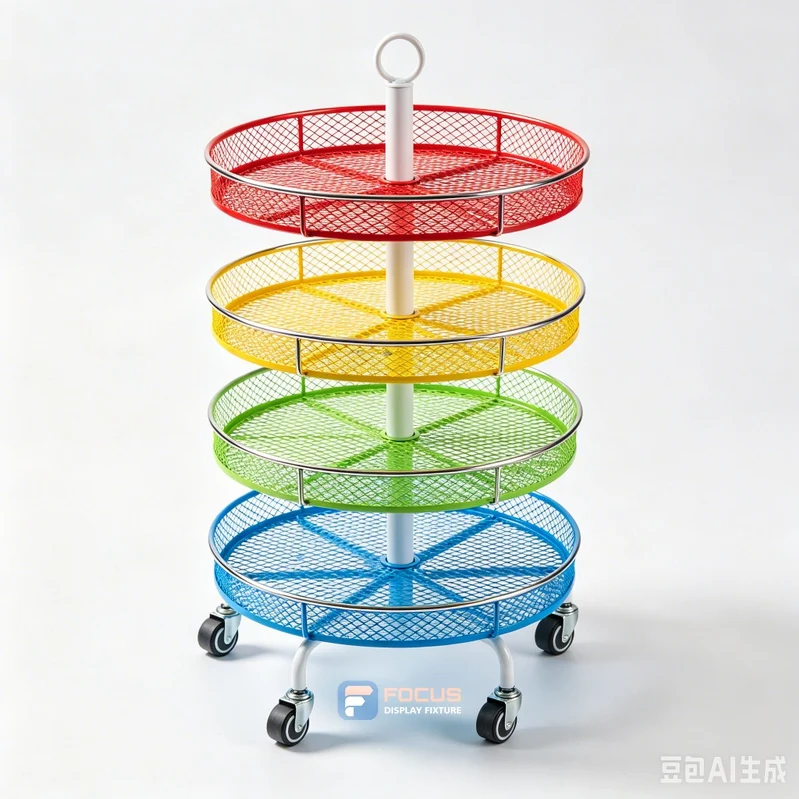
Explore reference FC-125 for temporary promotions. Review movement and parking alongside the finish and configuration shown.
Reference configuration
Made to project dimensions
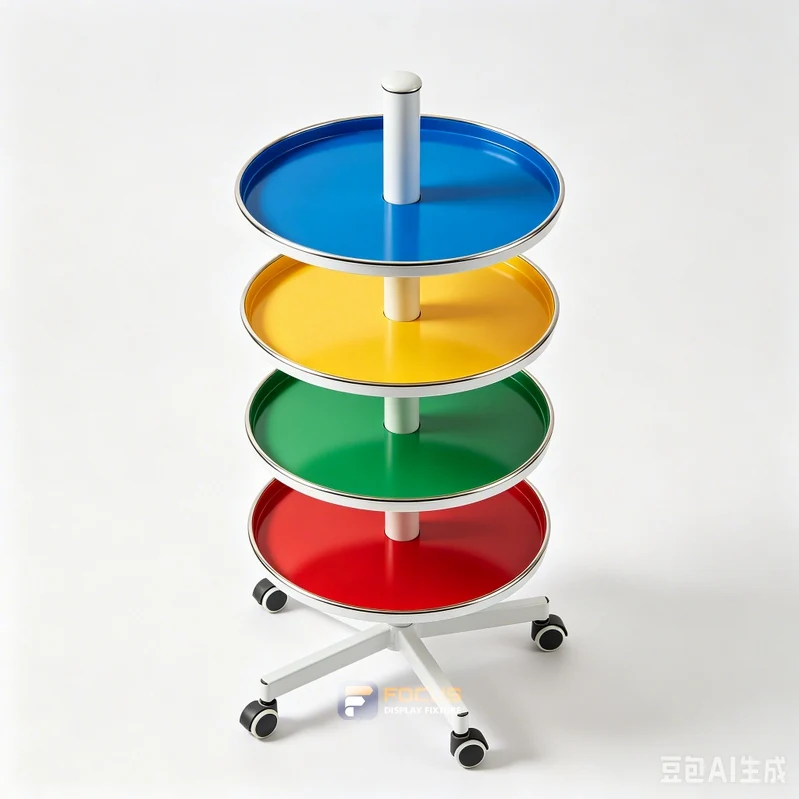
Explore reference FC-129 for temporary promotions. Review movement and parking alongside the finish and configuration shown.
Reference configuration
Made to project dimensions
Explore reference FC-132 for temporary promotions. Review movement and parking alongside the finish and configuration shown.
Reference configuration
Made to project dimensions
Explore reference FC-141 for temporary promotions. Review movement and parking alongside the finish and configuration shown.
Reference configuration
Made to project dimensions
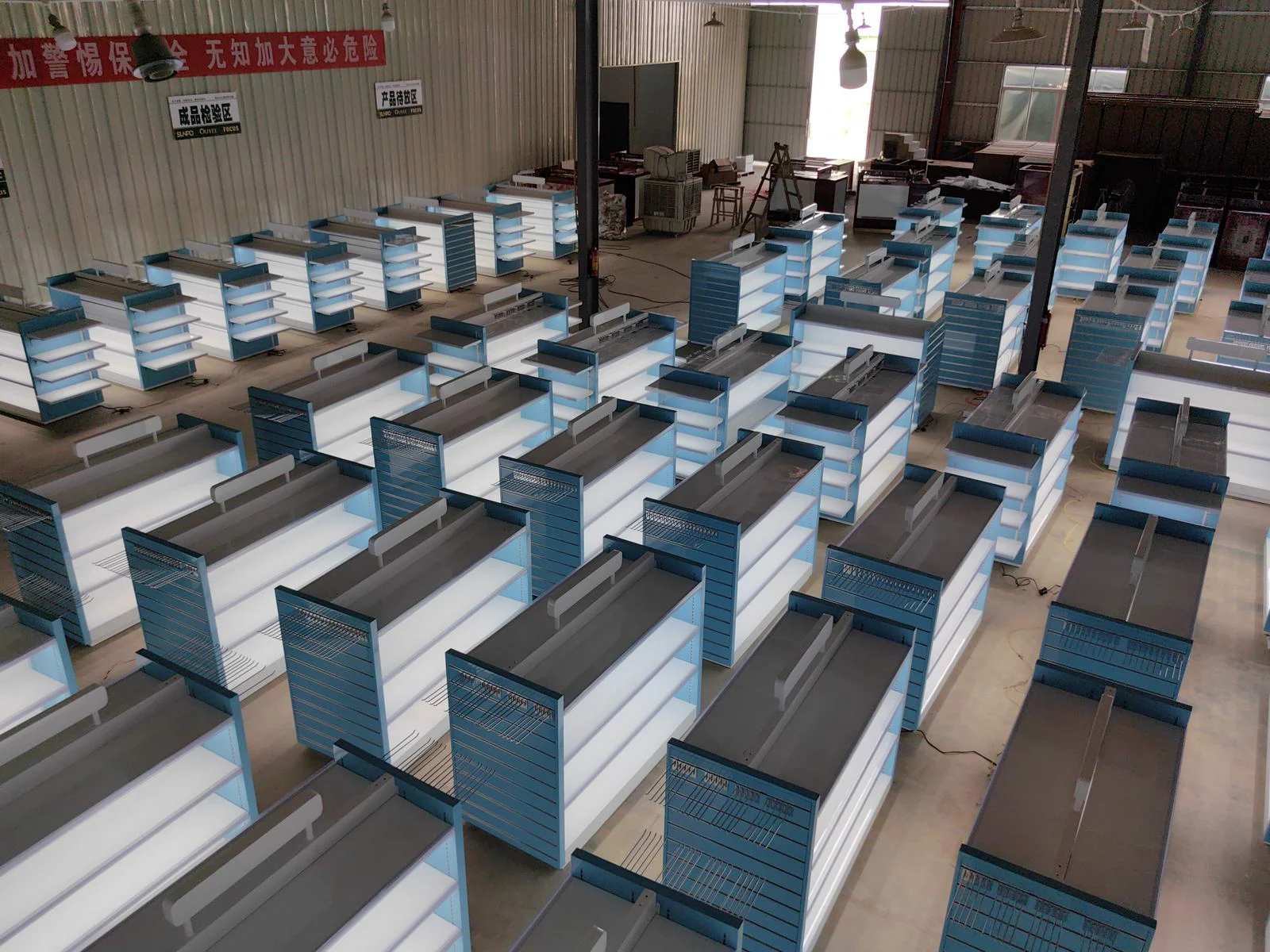
Measure mobile displays with a practical measurement guide covering movement and parking, loaded footprint and a usable buyer checklist.
Explore →
Compare mobile displays with a practical configuration guide covering movement and parking, loaded footprint and a usable buyer checklist.
Explore →
Calculate mobile displays with a practical capacity guide covering movement and parking, loaded footprint and a usable buyer checklist.
Explore →Send the fixture reference, loaded footprint, caster type and the relevant drawing or operating example. Include the intended use for temporary promotions.
The worked values illustrate the method. The selected product needs its own agreed dimensions, configuration and evidence.
Link the a dimension sheet to the fixture reference and drawing revision. List any alternative configuration as a separate option.

Match the structure, visible finish and cleaning requirements to the way each display will be used.
Read the complete process →
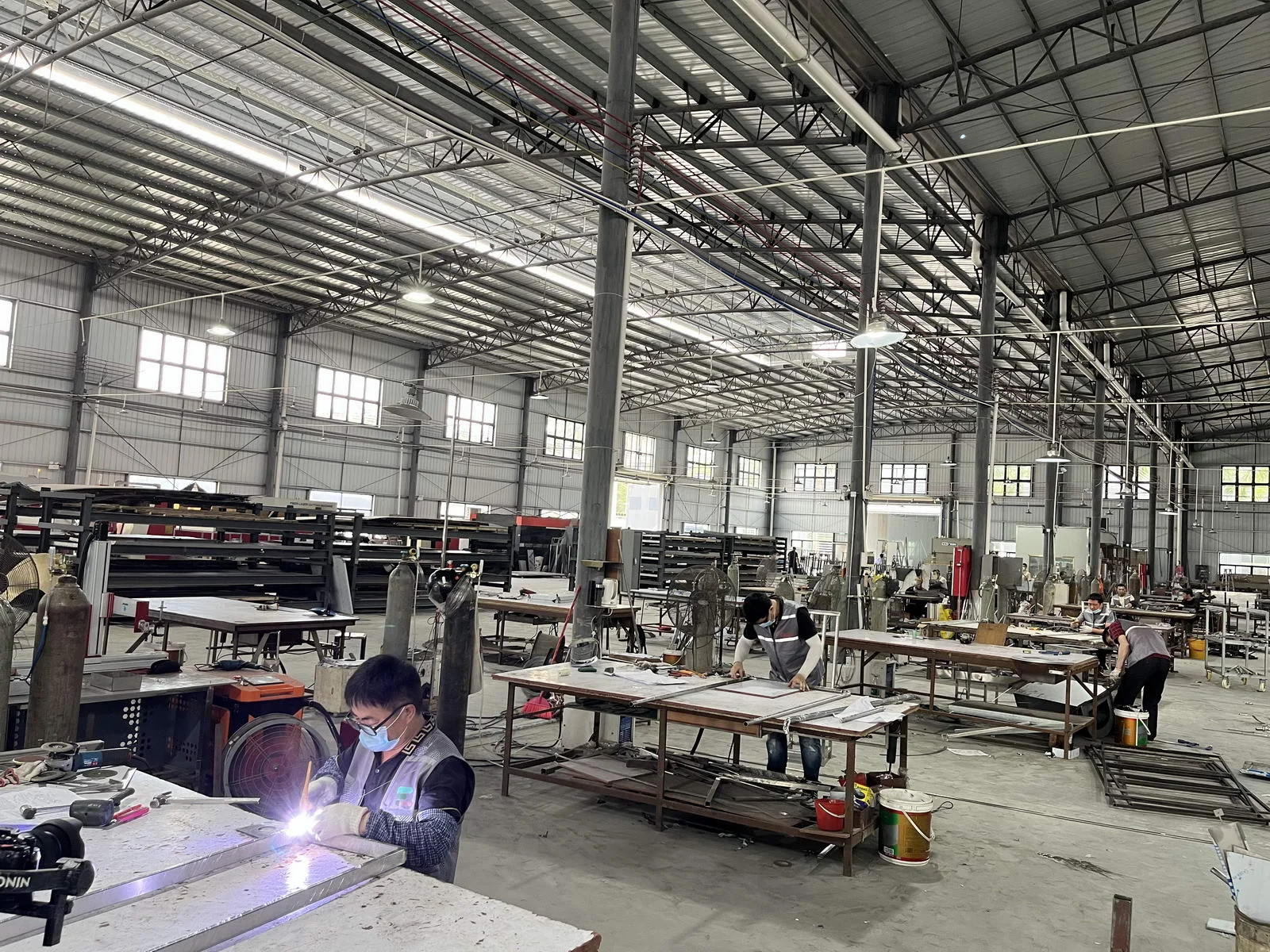
Define what is checked, how it is recorded and what must be closed before shipment.
Read the complete process →
Plan protection, package codes and site assembly as part of the fixture design.
Read the complete process →
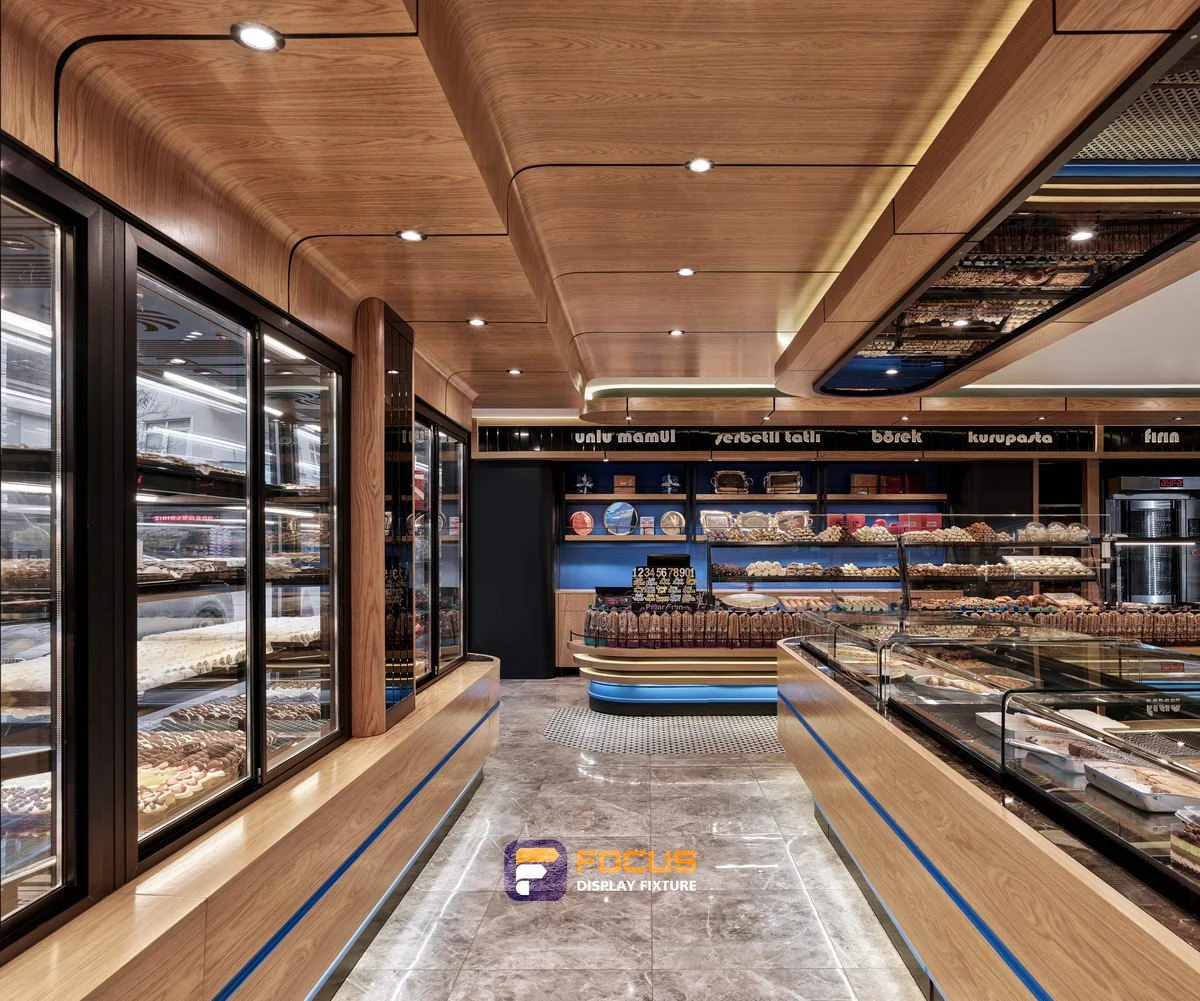
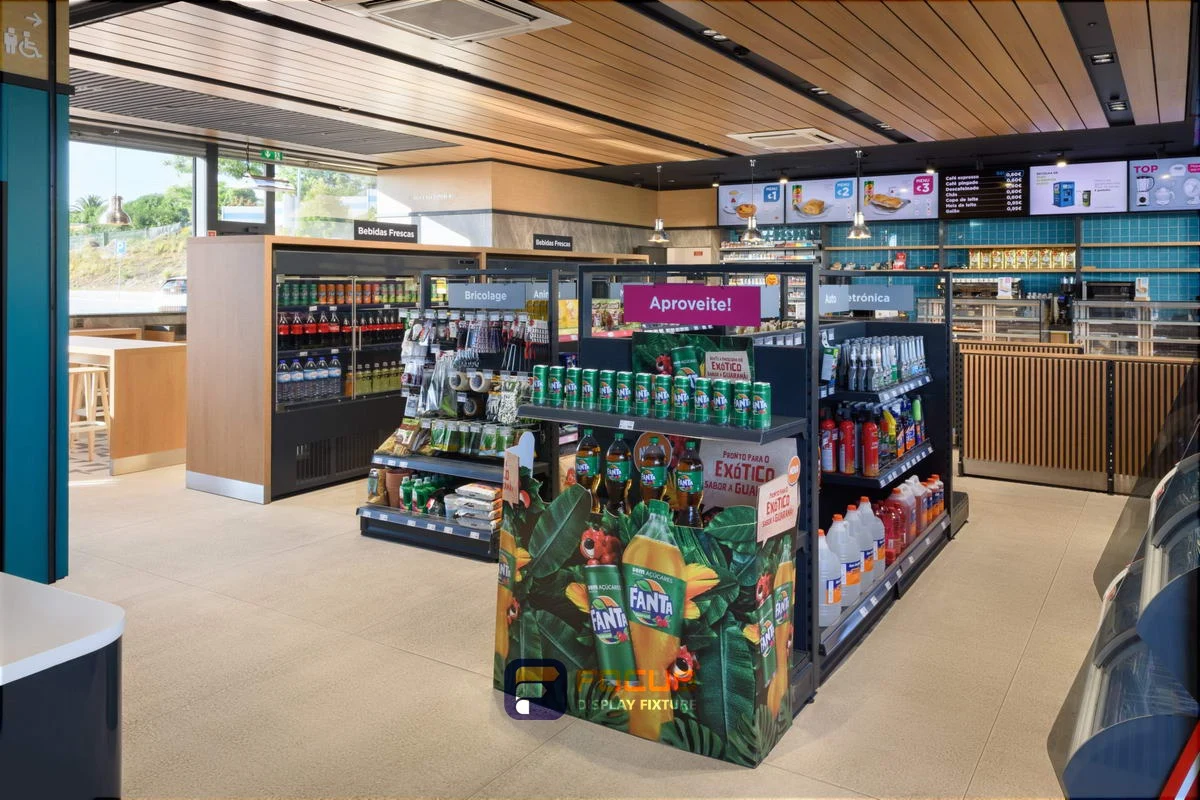
Explore every supplied view in store collection 01. Review the fixture arrangement, material direction and service areas as a design reference.
Explore this store →
Explore every supplied view in store collection 02. Review the fixture arrangement, material direction and service areas as a design reference.
Explore this store →
Explore every supplied view in store collection 03. Review the fixture arrangement, material direction and service areas as a design reference.
Explore this store →Share the cabinet type, dimensions, merchandise and quantity. We will review display, storage and combination requirements for your quotation.
Start with a fixture reference, a floor plan or a description of the store you want to create.
Browse fixtures →
Open WhatsApp ↗