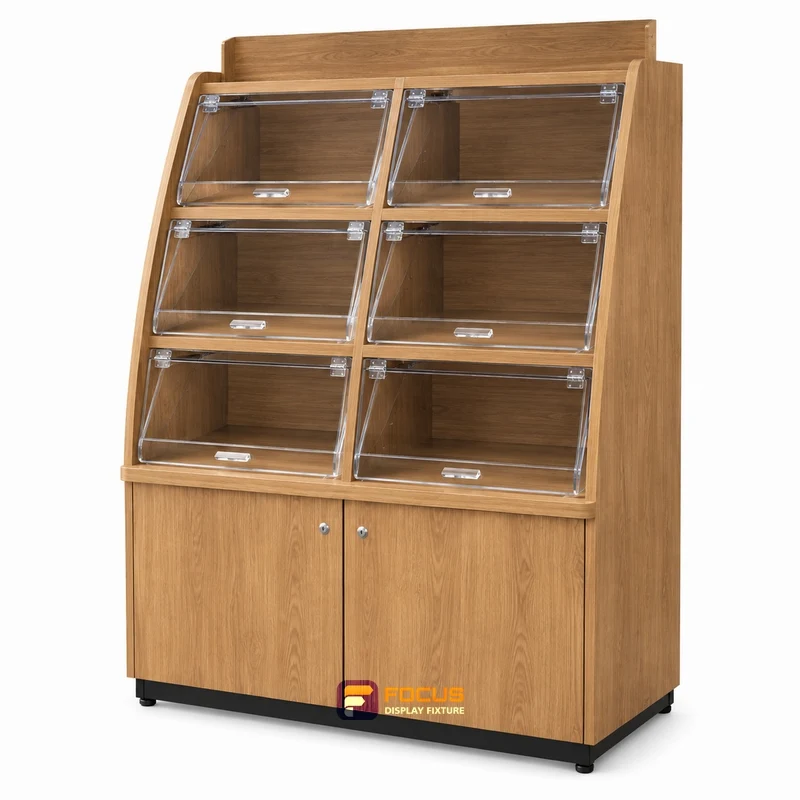
← Individual fixturesFC-028 / CONFIGURATION REFERENCE

Produce Displays / 028

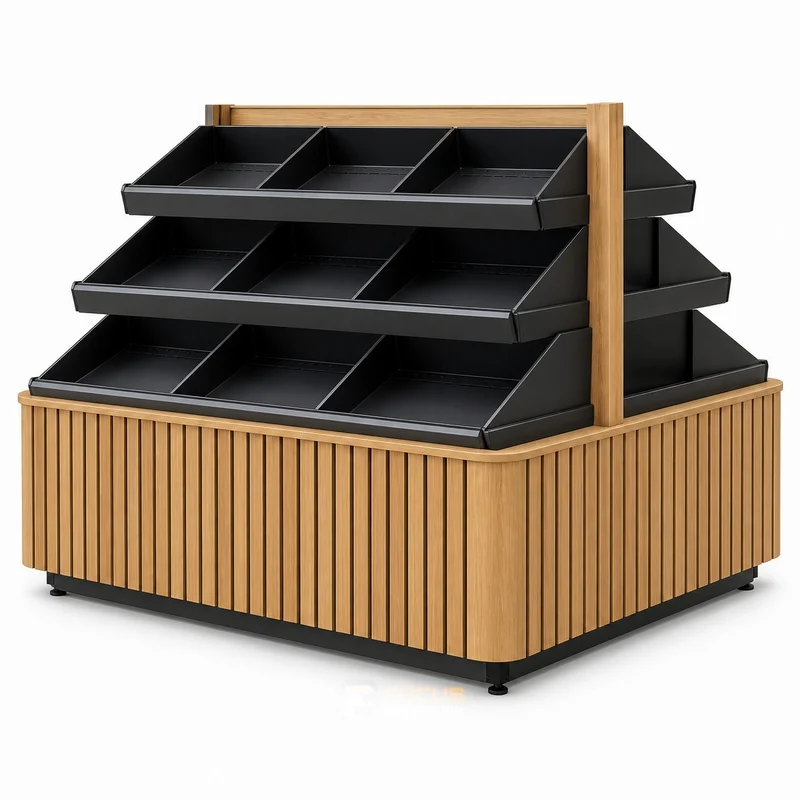
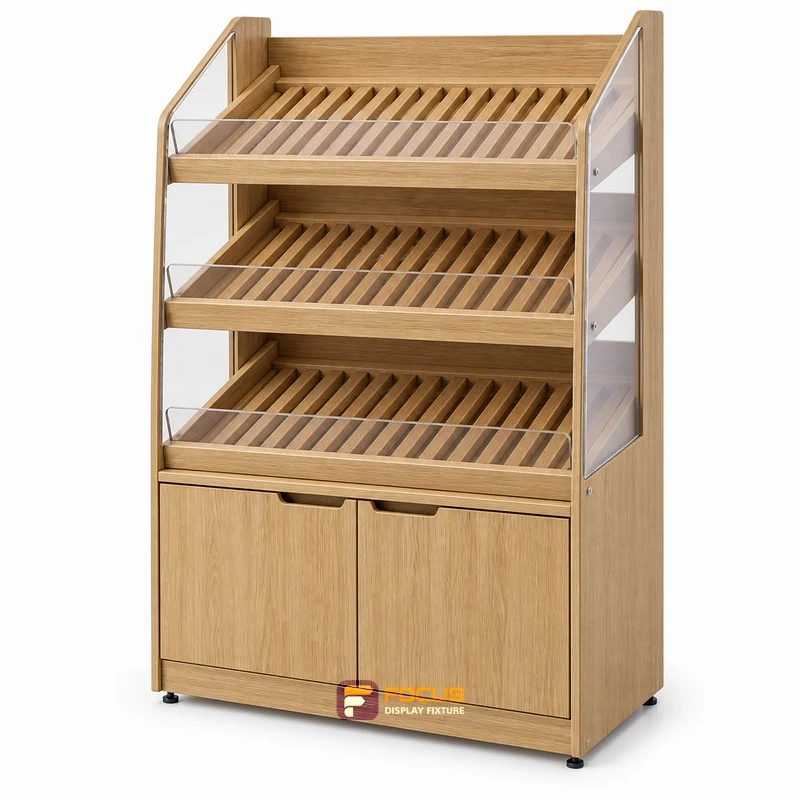
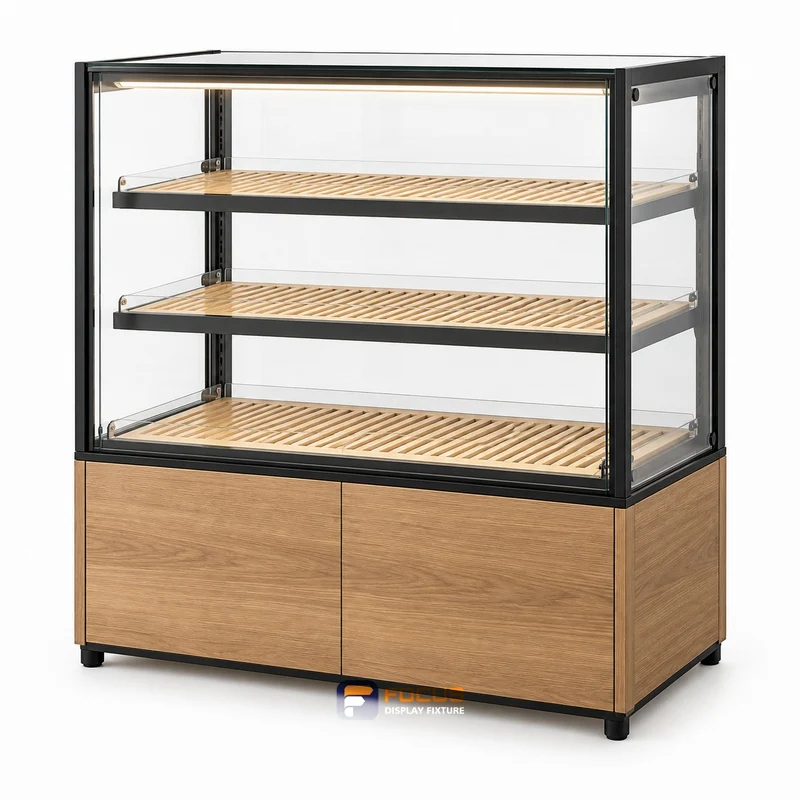
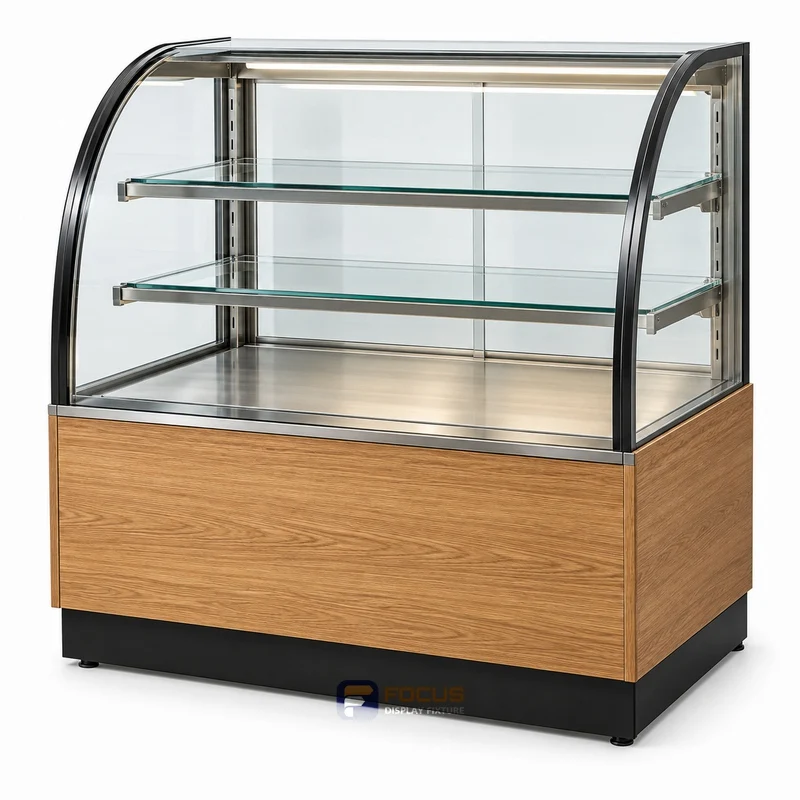
FC-028 is a produce displays design reference for produce baskets and crates. Review presentation and cleaning, crate footprint and tilt angle before specifying the configuration.

PROJECT CONFIGURATIONMade to project dimensionsSend equipment dimensions or a measured plan
Discuss This Configuration
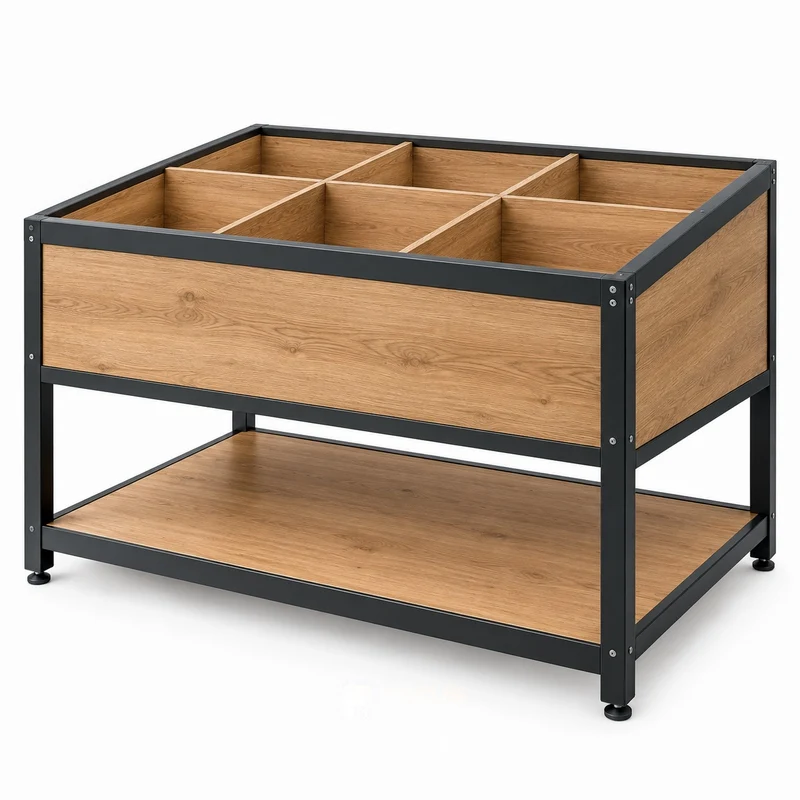
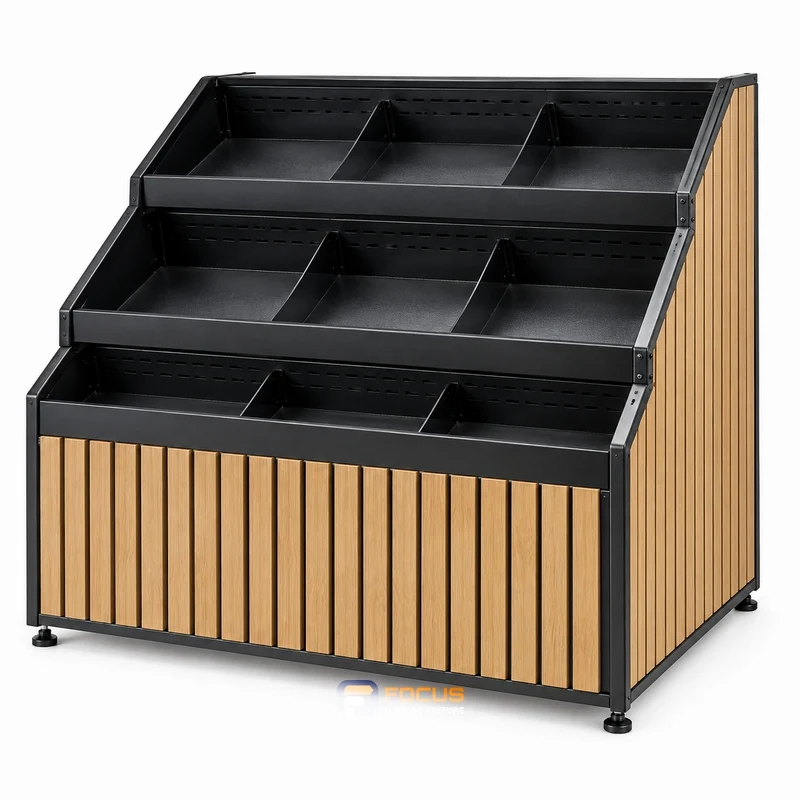
produce displays fixture, reference FC-028
Reference FC-028 · dimensions and construction follow the agreed configuration.
FC-028 / BEFORE SPECIFYING

Check the fit of this reference.

This is a design reference. Its image does not confirm a tested assembly, an in-stock item or a fixed price. Use the selected catalog configuration and the approved project drawing to define the order.

Four checks for the selected configuration
CheckWhat the buyer needs to confirm
crate footprintMeasure the complete crate base and stacking features, then compare them with the support area.
tilt angleReview product and crate stability at the proposed display angle before choosing the layout.
liner detailIdentify whether the liner is removable and how moisture or debris is cleared from the support.
caster lockCheck that staff can reach and operate the wheel locks in the final loaded display position.

Compare produce displays → · Prepare a fixture schedule →

FC-028 / CONFIGURATION DETAILS

Dimensions & configuration.

Project-specific configuration; dimensional drawing required.

Dimensions in millimetres; valid for the selected catalog configuration. Review the dimension record and configuration scope →. Final production dimensions follow the approved drawing.

Width
Specify
Depth
Specify
Height
Specify

The supplied dimension catalog does not define this specialist fixture. Set its size from the equipment layout and approved shop drawing.

FC-028 · Configuration record · FOCUS-SPEC-V6-20260916
ParameterSelected configurationCoordination check
Overall widthTo project drawingCatalog configuration, not a measurement of the image
Overall depthTo project drawingDo not substitute shelf depth for the complete footprint
Overall heightTo project drawingCheck base, top sign and equipment projections
Catalog variantCustom configurationKeep the series and starter / add-on role with the dimensions
Catalog component countConfirm on the selected drawingConfirm whether the listed count covers one bay, the complete run, shelves or other components
ConstructionSpecify substrate, surface and structural support in the project drawingApprove substrate, thickness and structural details
Configuration detailThe supplied dimension catalog does not define this specialist fixture. Set its size from the equipment layout and approved shop drawing.Match this reference to the final design and merchandise
FinishApprove finish sampleKeep the selected finish with the configuration code
Vertical arrangementConfirm on drawingCatalog layer spacing is not upright slot pitch
AccessoriesSelect compatible shelves, hooks, lightbox and base cabinetsAccessory dimensions belong to the matching host system
Load ratingConfirm for the selected assemblyConfirm shelf span, anchoring and intended merchandise load
Equipment and servicesSpecify equipment footprint and service connections separatelyCoordinate appliance, lighting driver and service requirements
PackingPackage dimensions and weights to packing designProduct dimensions do not establish packed dimensions
InstallationLevel, connect and restrain to the approved planConfirm floor, wall and access conditions
Design configuration

Make this reference work for your store.

Use the operating crate or basket when reviewing the display. Angled presentation changes both reach and the tendency of goods to move. Identify removable liners, cleaning access and where dripping or damaged product is handled, without assuming that decorative wood is suitable for every wet use. Measure the complete crate base and stacking features, then compare them with the support area. Identify whether the liner is removable and how moisture or debris is cleared from the support.

Reference FC-028 identifies the displayed design. Dimensions, materials, load ratings and equipment scope are specified for the agreed configuration.

Your project dimensions

Enter dimensions when available, or leave them blank for a drawing-based review.

Review project & inquire →

Configuration, scope and delivery

ParameterValue or requirementBuyer check
Sloping crate displayStarting configurationReview the visible design with the fixture schedule
Materials & finishProject-selectedApprove substrate, surface and edge detail
EquipmentSeparately specifiedConfirm models and service requirements
AccessoriesItemized in quotationCount shelves, hooks, handles and sign components
PackingAgreed package scheduleCheck access, handling and assembly scope
InstallationDefined responsibilitiesConfirm local site work and supporting documents
BUYER KNOWLEDGE

Specify produce displays with confidence.

Questions for your configuration

What information is needed for this produce displays measurement check?

Provide crate footprint, tilt angle, liner detail, caster lock, the fixture reference and its drawing revision. Measure the complete crate base and stacking features, then compare them with the support area.

Why should I check presentation and cleaning?

Selecting an incline solely from a lifestyle rendering. Review product and crate stability at the proposed display angle before choosing the layout.

Does this measurement record confirm a price or product rating?

No. It identifies the inputs needed for a configuration review. Dimensions, documented performance, included items, quantities and delivery terms must be confirmed for the selected assembly.

MERCHANDISE · ACCESS · CONFIGURATION

Review the working space inside the fixture.

produce displays fixture, reference FC-028

Designed around produce baskets and crates.

Use the operating crate or basket when reviewing the display. Angled presentation changes both reach and the tendency of goods to move. Identify removable liners, cleaning access and where dripping or damaged product is handled, without assuming that decorative wood is suitable for every wet use.

Operation and access

Review presentation and cleaning with the actual merchandise and adjacent fixtures. Check removal, replenishment and cleaning while the fixture is stocked.

Capacity conditions

Use clear internal dimensions and real package sizes to count facings and rows. Geometric display quantity is separate from the assembly’s verified load rating.

Configuration areaWhat belongs in the specificationReview point
Exterior & clear spacecrate footprint, tilt angle, liner detail, caster lockRecord dimensions, units and the relevant view
ConstructionSubstrate, frame, joints, panels and edgesConnect material choices to the approved drawing
Access & hardwareDoors, drawers, locks, handles or open pickingSpecify applicable parts for this configuration
Lighting & servicesIncluded equipment, cables and access panelsList included items and items supplied by others
Merchandise supportShelf count, spacing and documented loading basisCheck actual package sizes and loading conditions
Combination & expansionNeighboring fixtures, ends, corners and connectionsConfirm the complete run or counter arrangement
Packing & assemblyAssembled or sectional format, protected dimensions and labelsCheck receiving access and installation responsibility

Combine this reference with the rest of the store.

See all complete-store layouts →
SHARED PROJECT KNOWLEDGE

The details behind a reliable store.

START WITH YOUR FIXTURE REQUIREMENTS

Tell Us Which Fixtures You Need.

Share the cabinet type, dimensions, merchandise and quantity. We will review display, storage and combination requirements for your quotation.

  • Destination and available width, depth and height
  • Product package sizes and equipment interfaces
  • Cabinet quantity, shelves, finish and hardware
  • Schedule, packing and delivery scope
Contact FOCUS →

Your project list

Start with a fixture reference, a floor plan or a description of the store you want to create.

Browse fixtures →

Speak with FOCUS

gzfocusdisplay@gmail.com

+86 136 6049 7267

Scan to contact FOCUS on WhatsAppOpen WhatsApp ↗

Start the conversation

Send your project details and available drawings to FOCUS.

Your inquiry is sent securely to FOCUS. We use these details only to respond to your project. Privacy information