Self-Serve Pastry Cases / 109
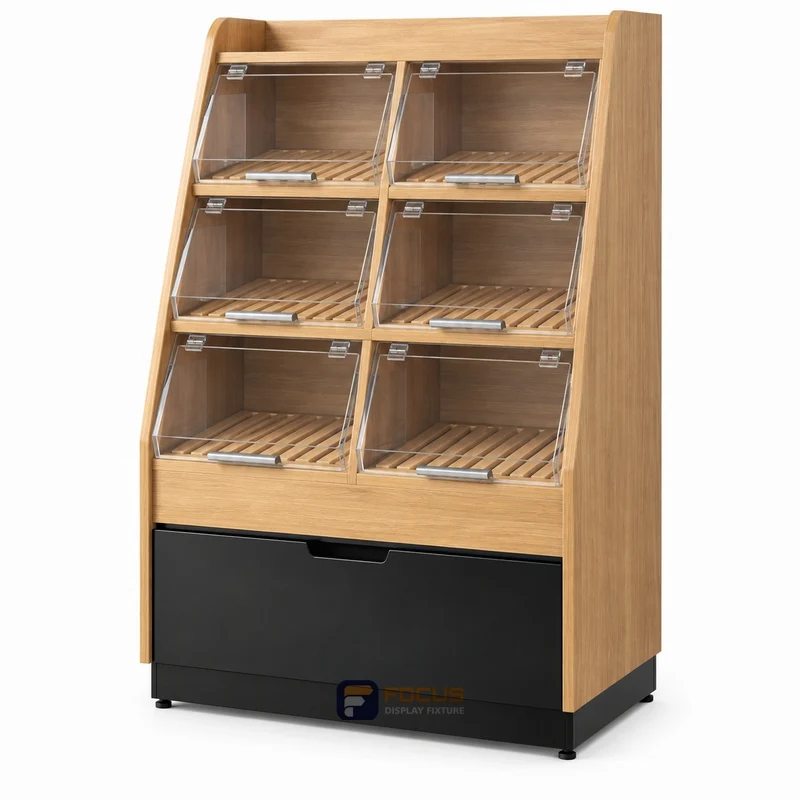
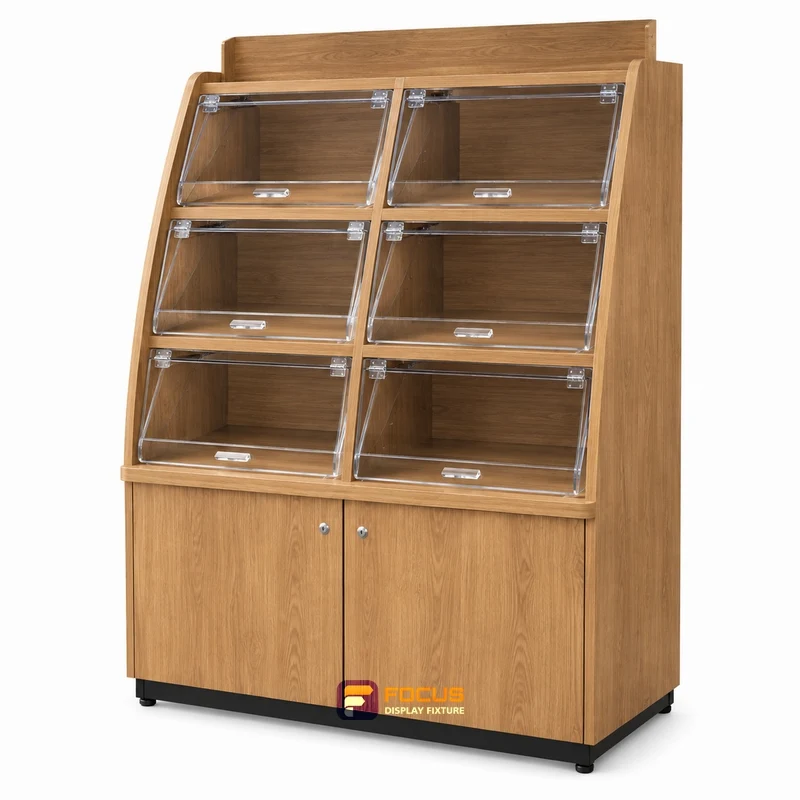
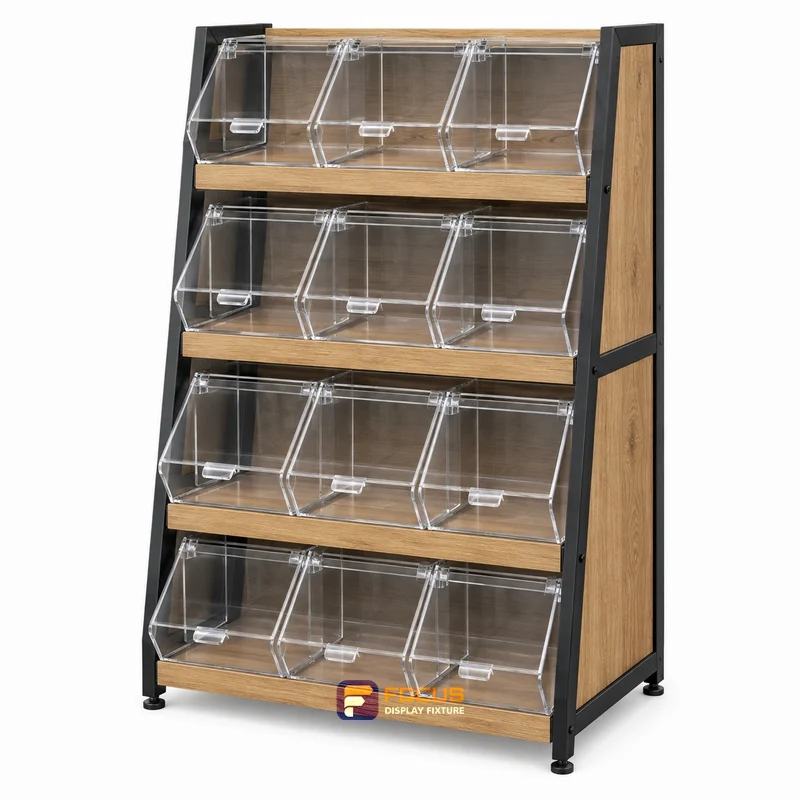
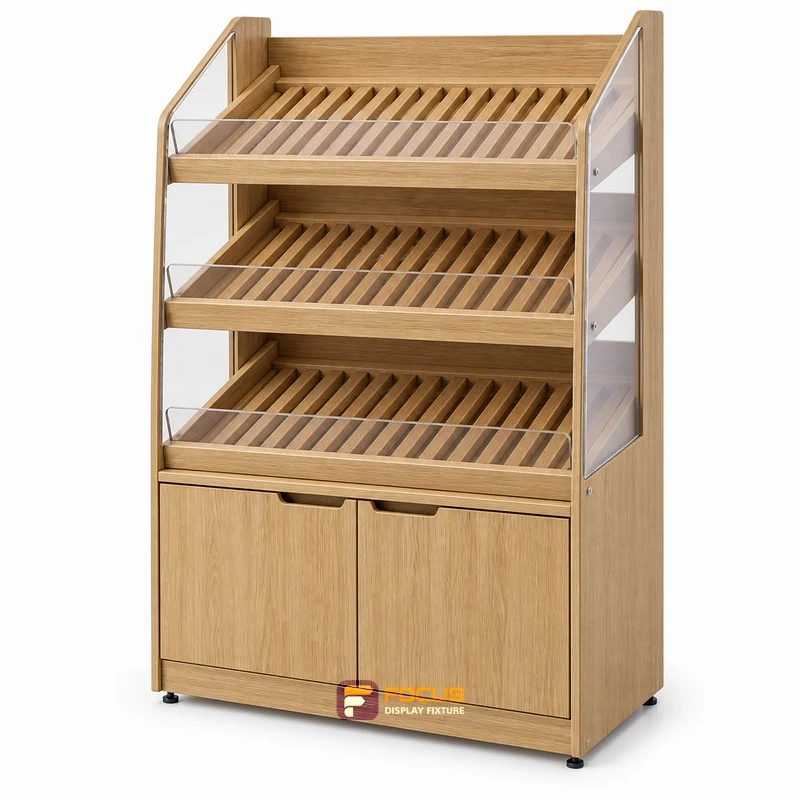
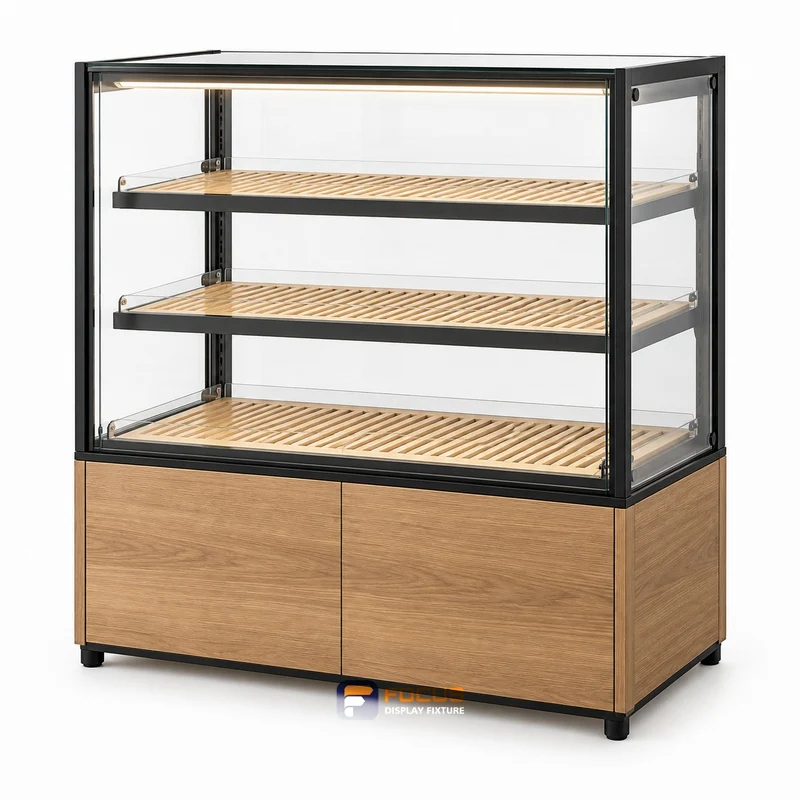
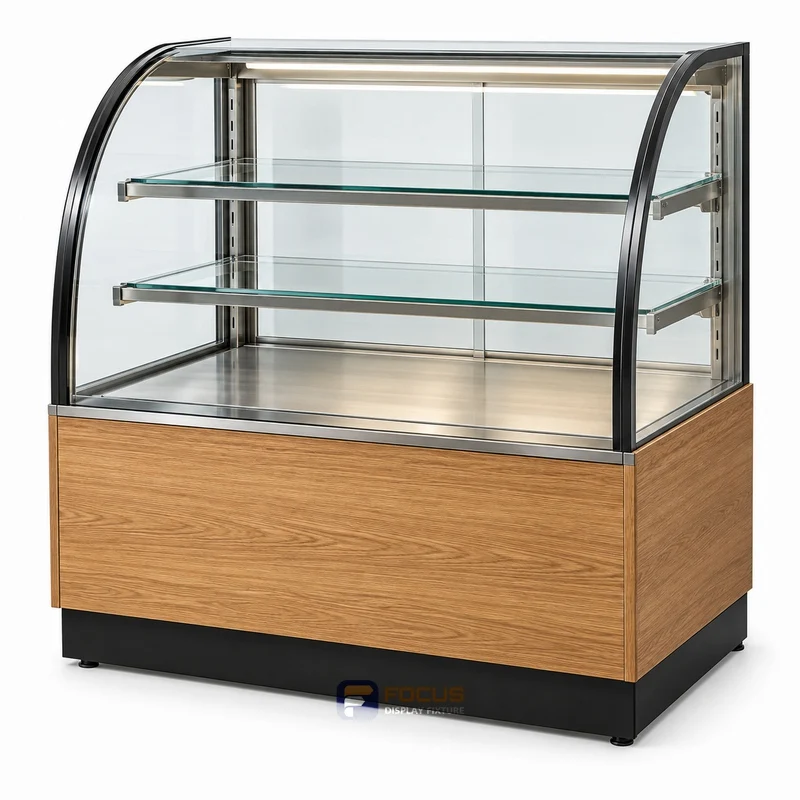
FC-109 is a self-serve pastry cases design reference for self-service pastries. Review customer access and crumb removal, tray footprint and door travel before specifying the configuration.
Start a Project ↗FC-109 is a self-serve pastry cases design reference for self-service pastries. Review customer access and crumb removal, tray footprint and door travel before specifying the configuration.

This is a design reference. Its image does not confirm a tested assembly, an in-stock item or a fixed price. Use the selected catalog configuration and the approved project drawing to define the order.
| Check | What the buyer needs to confirm |
|---|---|
| tray footprint | Check the selected tray with its loaded product and handling space, not just its empty footprint. |
| door travel | Mark the opening movement and access needed for customers and for staff replenishment. |
| clear spacing | Allow for the product height and the angle needed to lift the tray out of the display. |
| crumb tray | Confirm the crumb tray can be removed and cleaned without dismantling fixed parts. |
Compare self-serve pastry cases → · Prepare a fixture schedule →
Project-specific configuration; dimensional drawing required.
Dimensions in millimetres; valid for the selected catalog configuration. Review the dimension record and configuration scope →. Final production dimensions follow the approved drawing.
The supplied dimension catalog does not define this specialist fixture. Set its size from the equipment layout and approved shop drawing.
| Parameter | Selected configuration | Coordination check |
|---|---|---|
| Overall width | To project drawing | Catalog configuration, not a measurement of the image |
| Overall depth | To project drawing | Do not substitute shelf depth for the complete footprint |
| Overall height | To project drawing | Check base, top sign and equipment projections |
| Catalog variant | Custom configuration | Keep the series and starter / add-on role with the dimensions |
| Catalog component count | Confirm on the selected drawing | Confirm whether the listed count covers one bay, the complete run, shelves or other components |
| Construction | Specify substrate, surface and structural support in the project drawing | Approve substrate, thickness and structural details |
| Configuration detail | The supplied dimension catalog does not define this specialist fixture. Set its size from the equipment layout and approved shop drawing. | Match this reference to the final design and merchandise |
| Finish | Approve finish sample | Keep the selected finish with the configuration code |
| Vertical arrangement | Confirm on drawing | Catalog layer spacing is not upright slot pitch |
| Accessories | Select compatible shelves, hooks, lightbox and base cabinets | Accessory dimensions belong to the matching host system |
| Load rating | Confirm for the selected assembly | Confirm shelf span, anchoring and intended merchandise load |
| Equipment and services | Specify equipment footprint and service connections separately | Coordinate appliance, lighting driver and service requirements |
| Packing | Package dimensions and weights to packing design | Product dimensions do not establish packed dimensions |
| Installation | Level, connect and restrain to the approved plan | Confirm floor, wall and access conditions |
Walk through opening the door, selecting a product and closing it while holding a bag or tray. Staff replenishment can use a different side if the configuration supports it. Identify removable parts and reachable corners, and keep food holding conditions separate from display styling. Check the selected tray with its loaded product and handling space, not just its empty footprint. Allow for the product height and the angle needed to lift the tray out of the display.
Reference FC-109 identifies the displayed design. Dimensions, materials, load ratings and equipment scope are specified for the agreed configuration.
Enter dimensions when available, or leave them blank for a drawing-based review.
Review project & inquire →| Parameter | Value or requirement | Buyer check |
|---|---|---|
| Front-access case | Starting configuration | Review the visible design with the fixture schedule |
| Materials & finish | Project-selected | Approve substrate, surface and edge detail |
| Equipment | Separately specified | Confirm models and service requirements |
| Accessories | Itemized in quotation | Count shelves, hooks, handles and sign components |
| Packing | Agreed package schedule | Check access, handling and assembly scope |
| Installation | Defined responsibilities | Confirm local site work and supporting documents |

Measure self-serve pastry cases: customer access and crumb removal, the four checks to record and the measurement record to prepare before ordering.
Explore →
Choose self-serve pastry cases: customer access and crumb removal, the four checks to record and the configuration comparison to prepare before ordering.
Explore →
Plan self-serve pastry cases: customer access and crumb removal, the four checks to record and the merchandise capacity worksheet to prepare before ordering.
Explore →Provide tray footprint, door travel, clear spacing, crumb tray, the fixture reference and its drawing revision. Check the selected tray with its loaded product and handling space, not just its empty footprint.
Leaving no room for the handle or open door. Mark the opening movement and access needed for customers and for staff replenishment.
No. It identifies the inputs needed for a configuration review. Dimensions, documented performance, included items, quantities and delivery terms must be confirmed for the selected assembly.

Walk through opening the door, selecting a product and closing it while holding a bag or tray. Staff replenishment can use a different side if the configuration supports it. Identify removable parts and reachable corners, and keep food holding conditions separate from display styling.
Review customer access and crumb removal with the actual merchandise and adjacent fixtures. Check removal, replenishment and cleaning while the fixture is stocked.
Use clear internal dimensions and real package sizes to count facings and rows. Geometric display quantity is separate from the assembly’s verified load rating.
| Configuration area | What belongs in the specification | Review point |
|---|---|---|
| Exterior & clear space | tray footprint, door travel, clear spacing, crumb tray | Record dimensions, units and the relevant view |
| Construction | Substrate, frame, joints, panels and edges | Connect material choices to the approved drawing |
| Access & hardware | Doors, drawers, locks, handles or open picking | Specify applicable parts for this configuration |
| Lighting & services | Included equipment, cables and access panels | List included items and items supplied by others |
| Merchandise support | Shelf count, spacing and documented loading basis | Check actual package sizes and loading conditions |
| Combination & expansion | Neighboring fixtures, ends, corners and connections | Confirm the complete run or counter arrangement |
| Packing & assembly | Assembled or sectional format, protected dimensions and labels | Check receiving access and installation responsibility |

FC-028 is a produce displays design reference for produce baskets and crates. Review presentation and cleaning, crate footprint and tilt angle before specifying the configuration.
Reference configuration
Made to project dimensions

FC-044 is a bakery displays design reference for bread and packaged bakery goods. Review tray fit and replenishment, tray width and tray depth before specifying the configuration.
Reference configuration
Made to project dimensions

FC-045 is a bakery displays design reference for bread and packaged bakery goods. Review tray fit and replenishment, tray width and tray depth before specifying the configuration.
Reference configuration
Made to project dimensions

FC-046 is a bakery displays design reference for bread and packaged bakery goods. Review tray fit and replenishment, tray width and tray depth before specifying the configuration.
Reference configuration
Made to project dimensions

Match the structure, visible finish and cleaning requirements to the way each display will be used.
Read the complete process →
Define what is checked, how it is recorded and what must be closed before shipment.
Read the complete process →
Plan protection, package codes and site assembly as part of the fixture design.
Read the complete process →Share the cabinet type, dimensions, merchandise and quantity. We will review display, storage and combination requirements for your quotation.
Start with a fixture reference, a floor plan or a description of the store you want to create.
Browse fixtures →
Open WhatsApp ↗