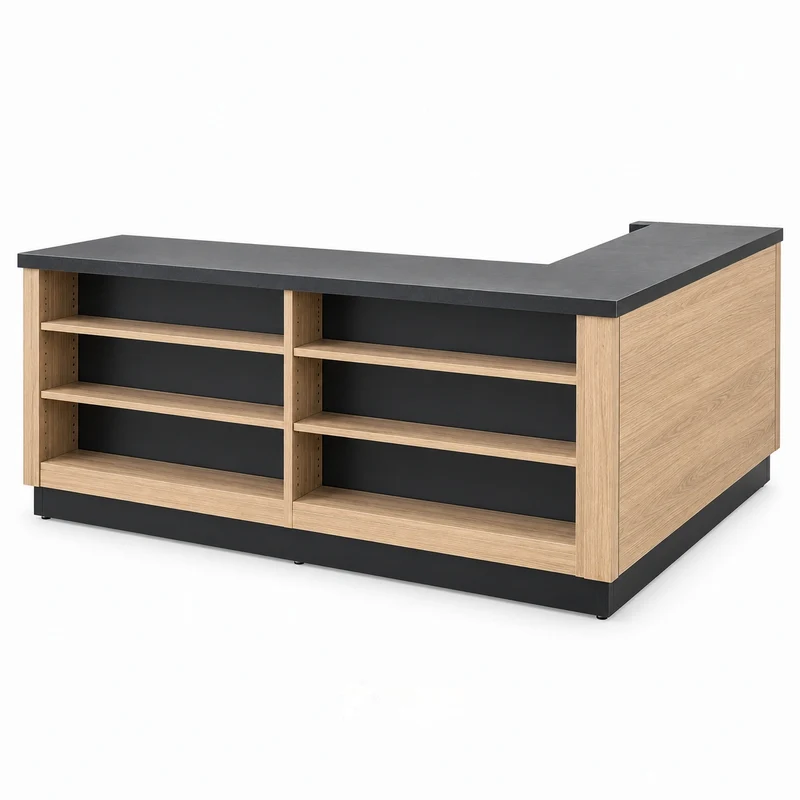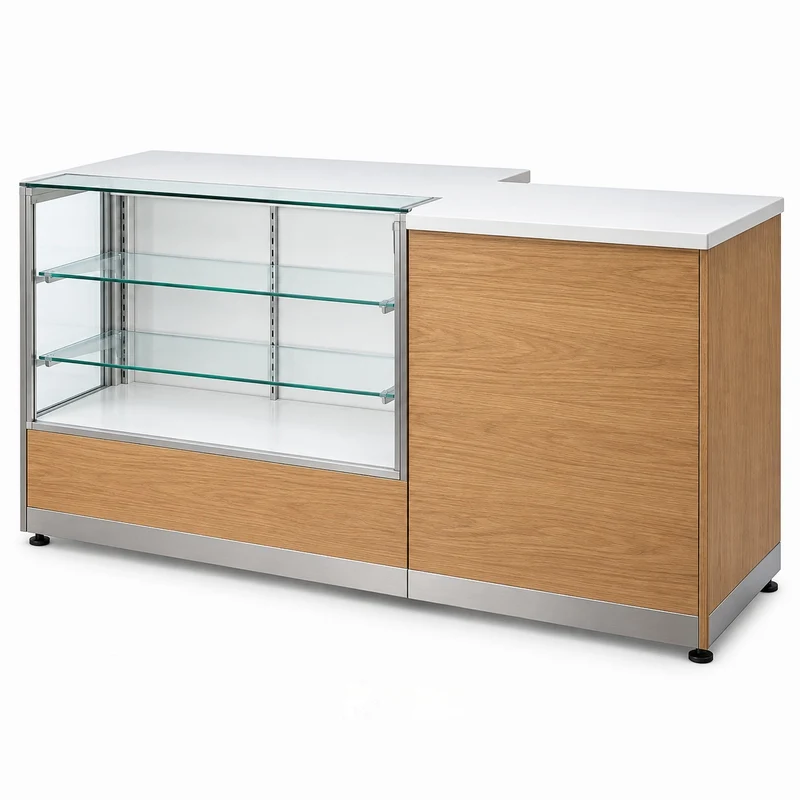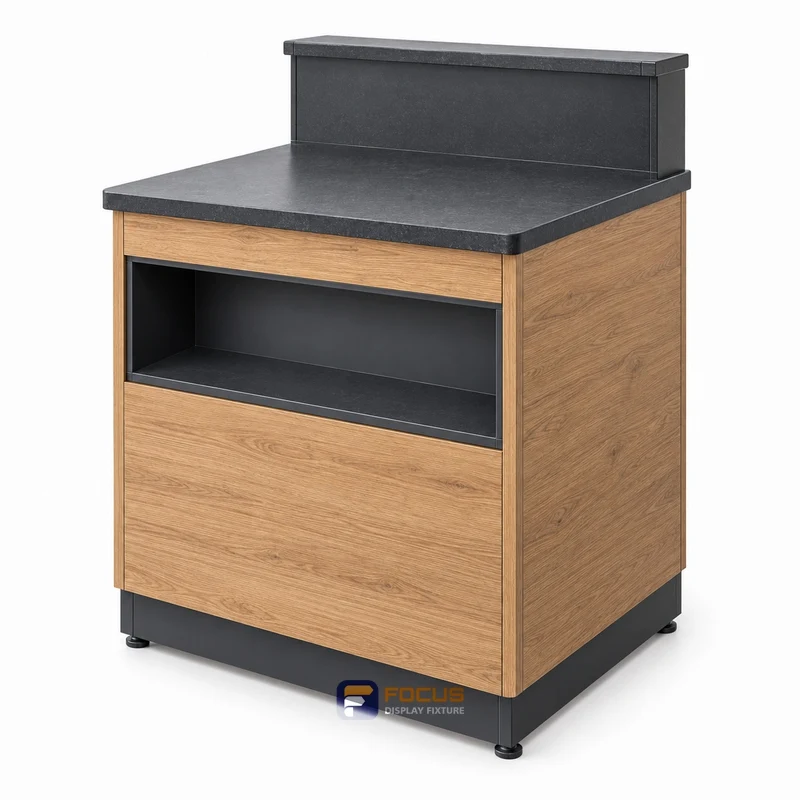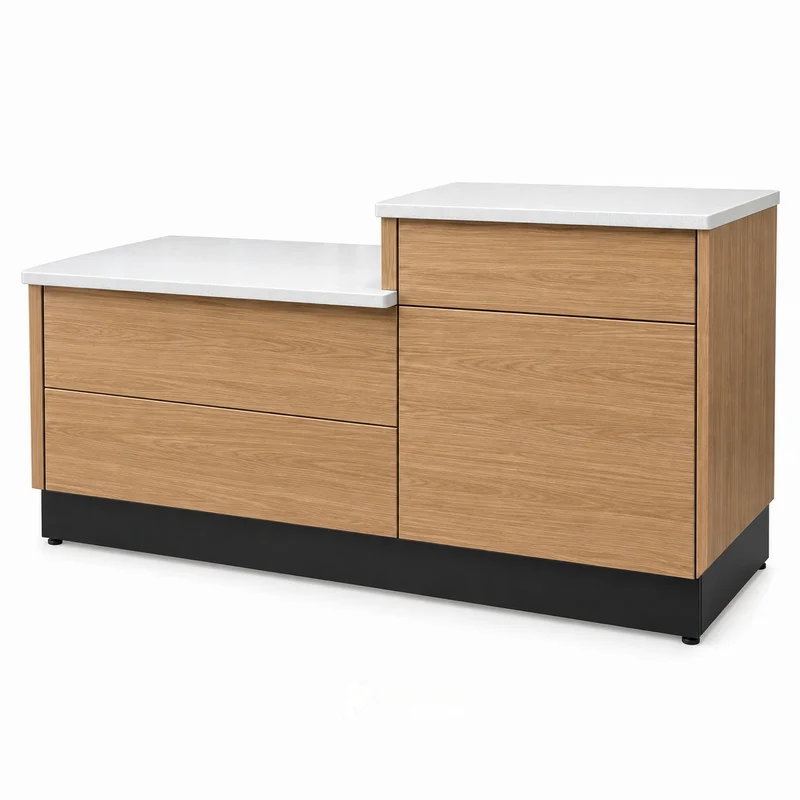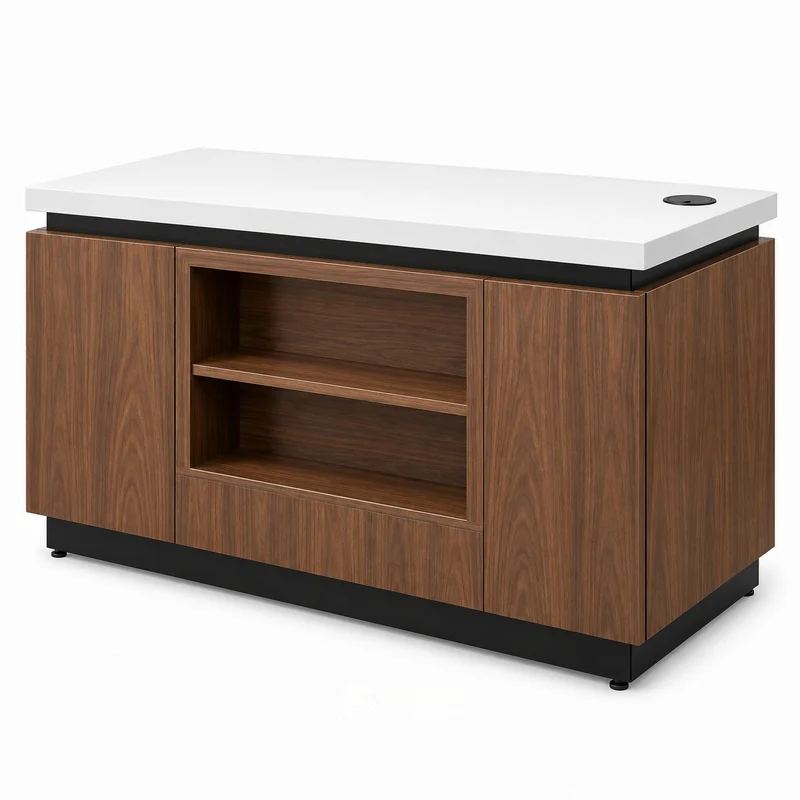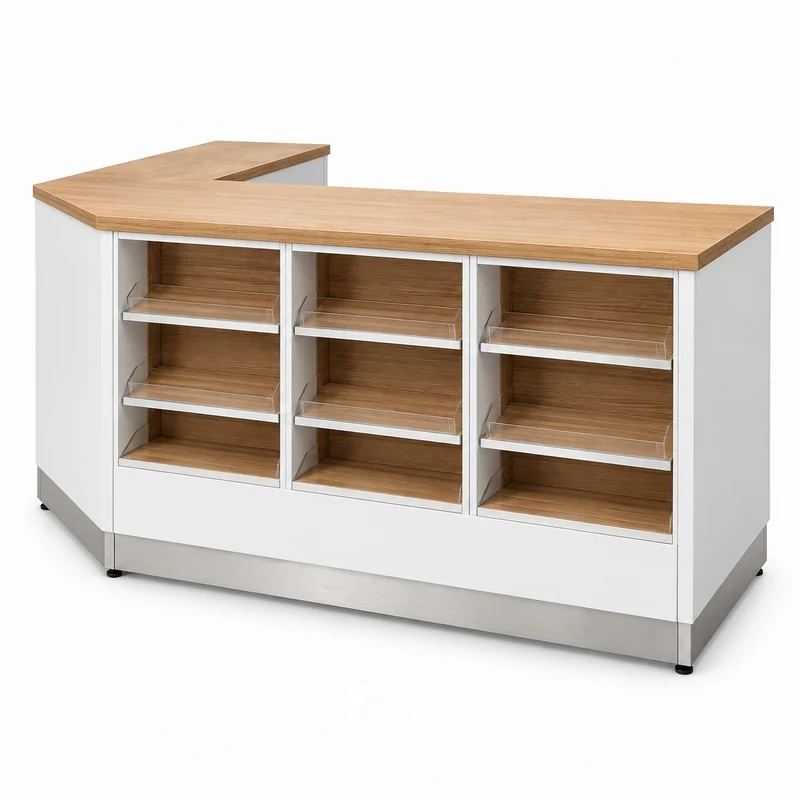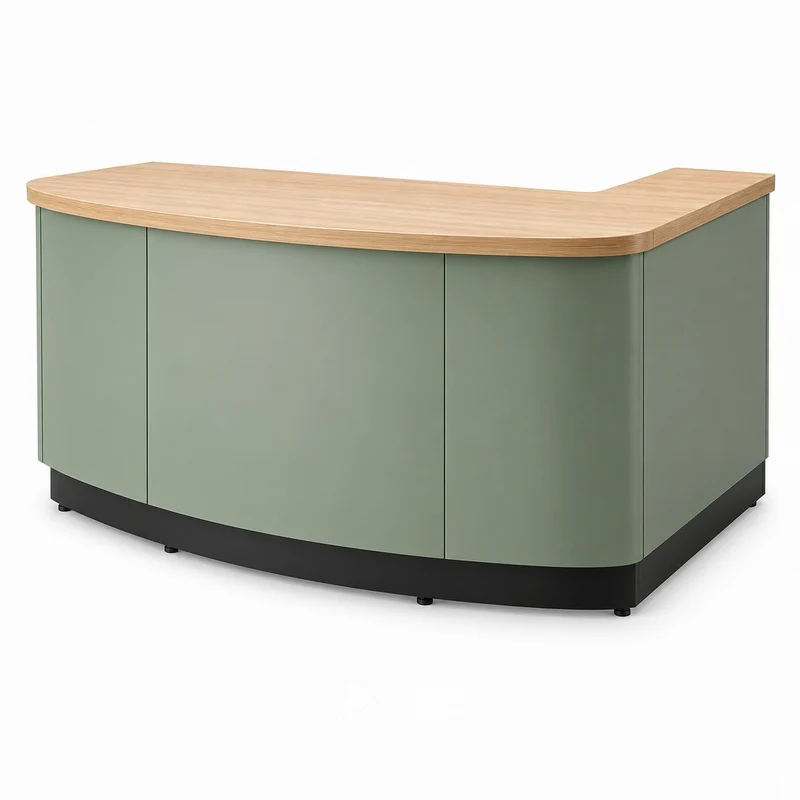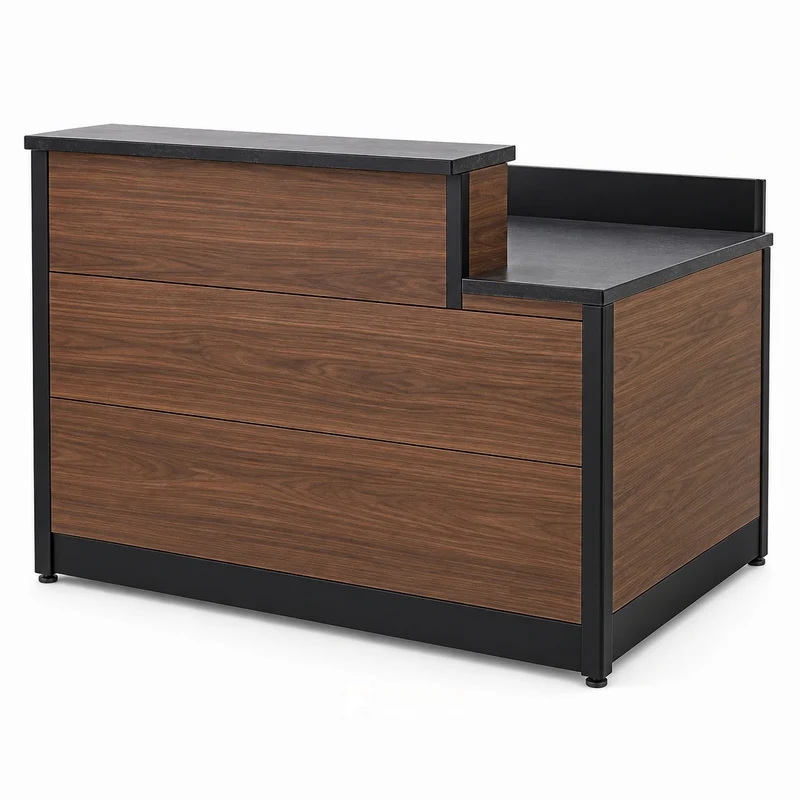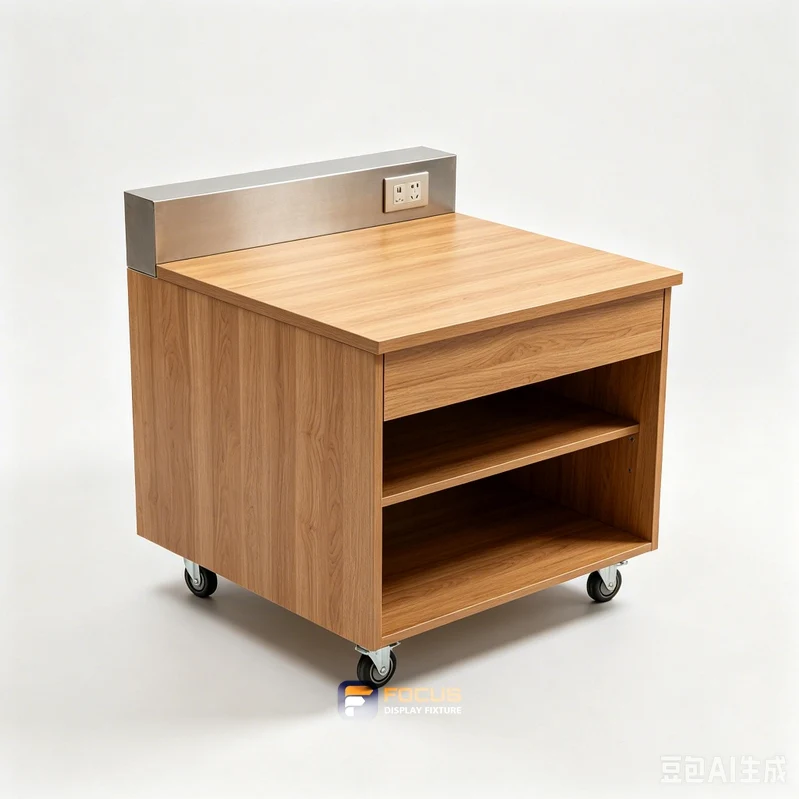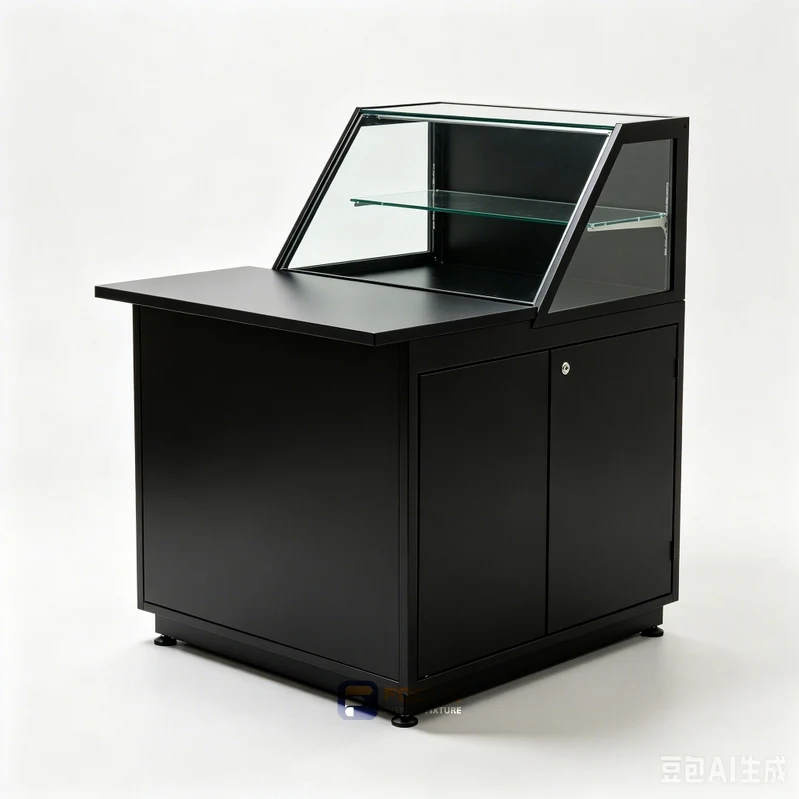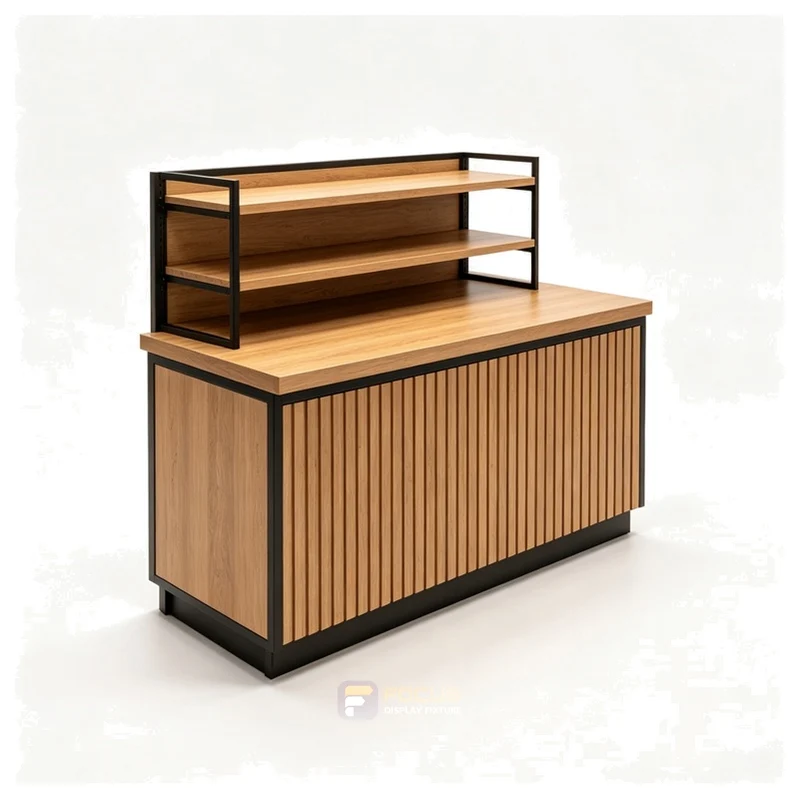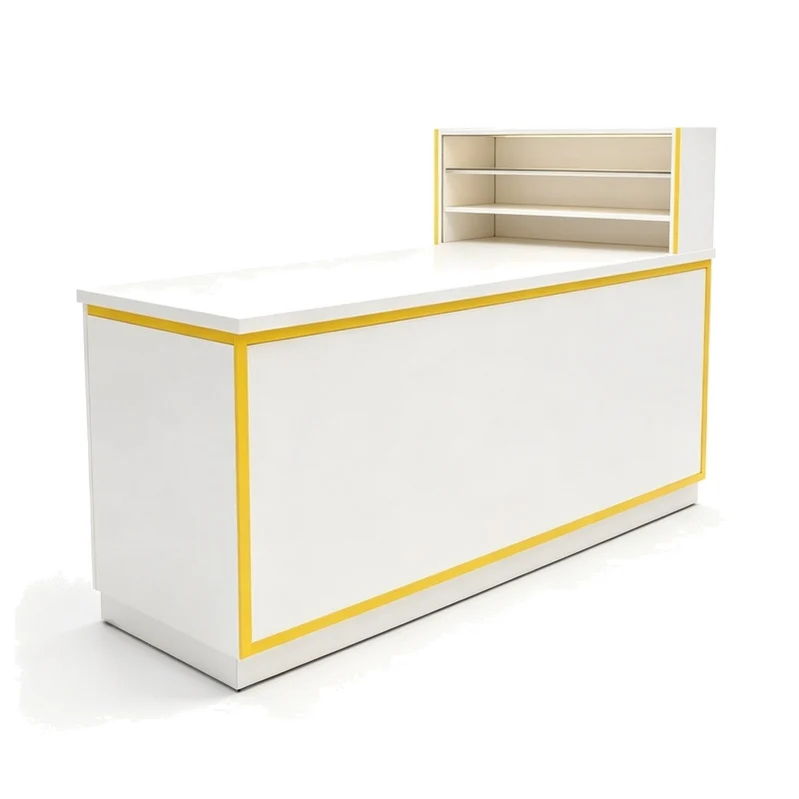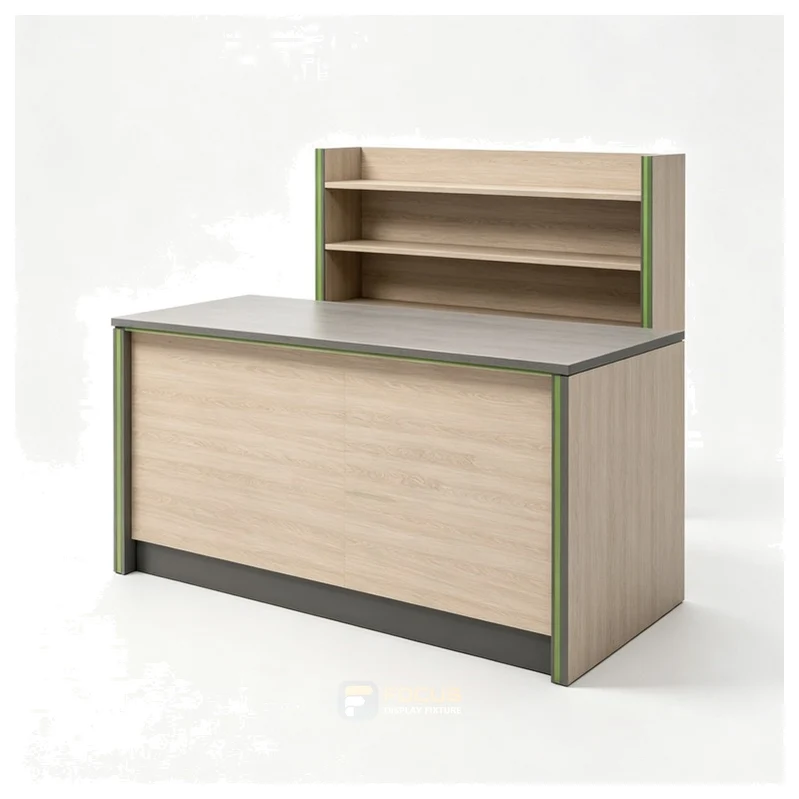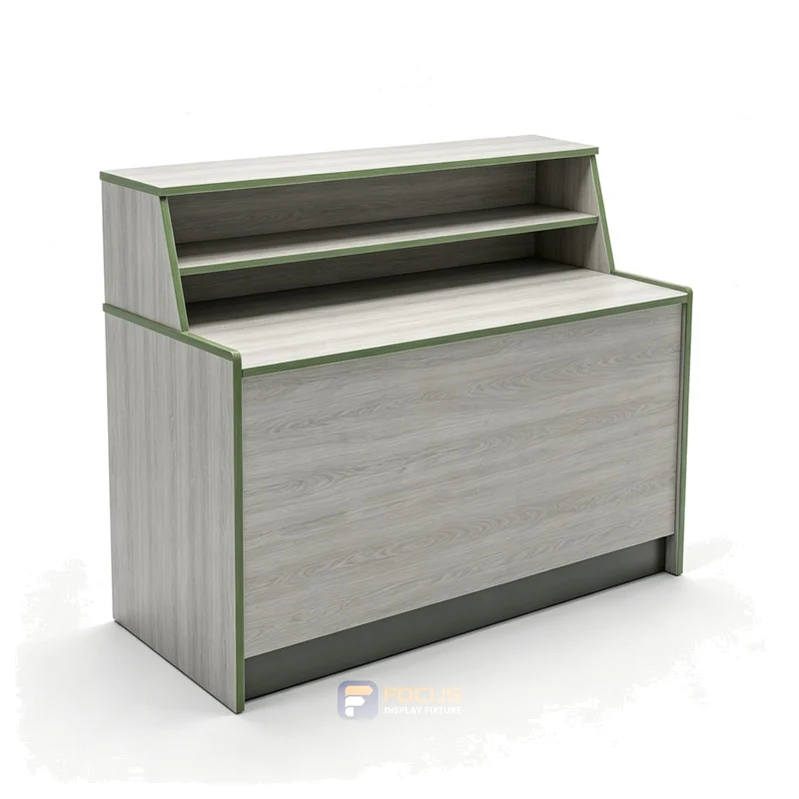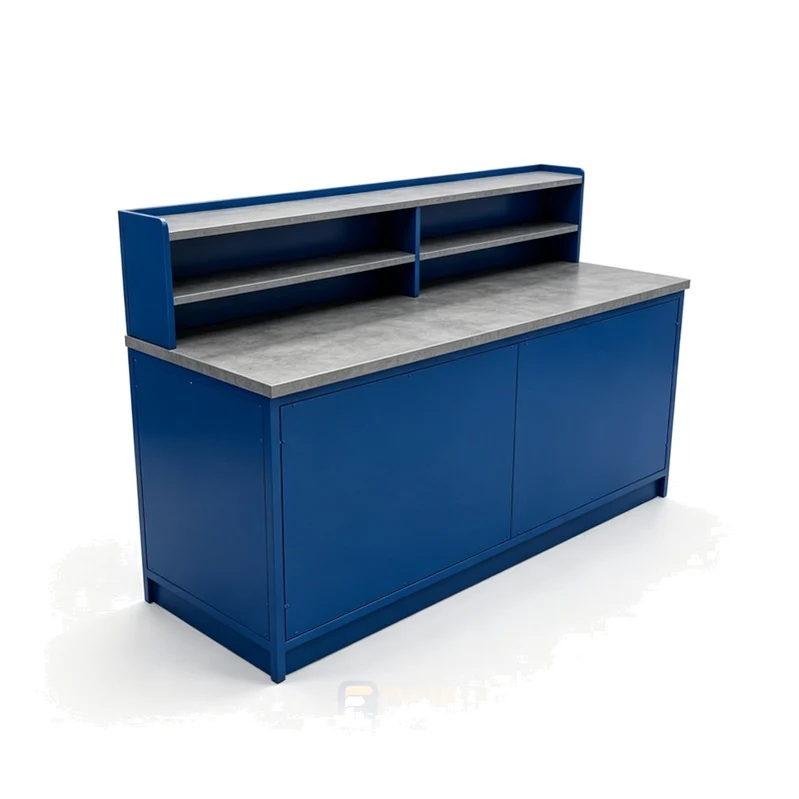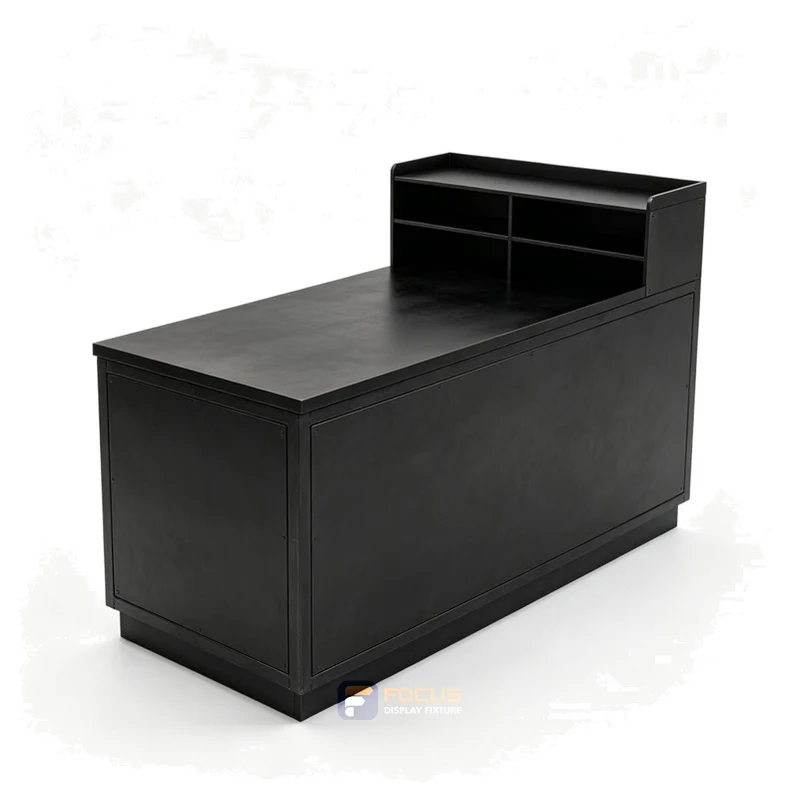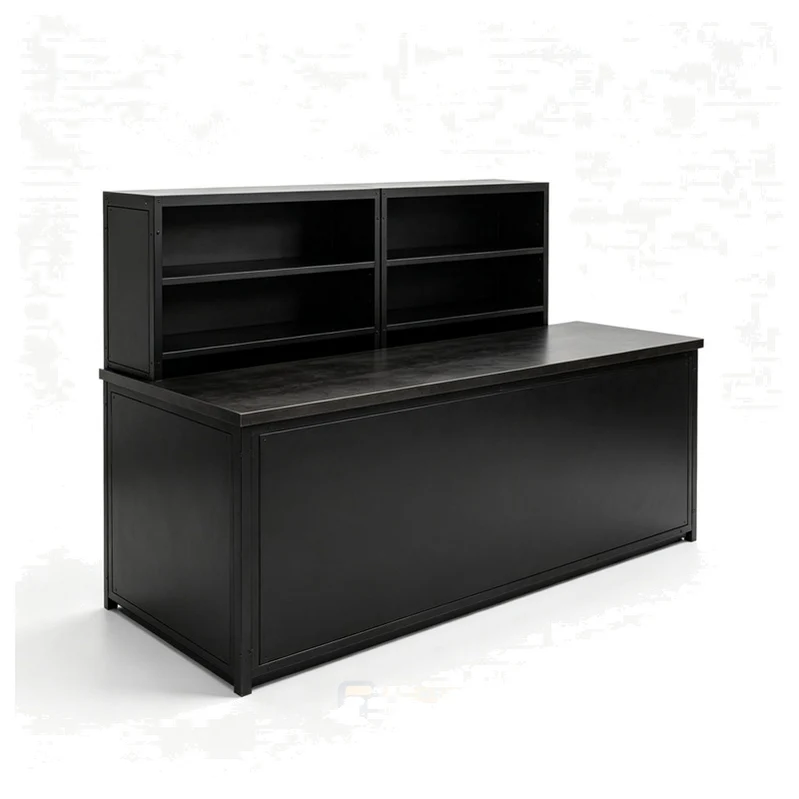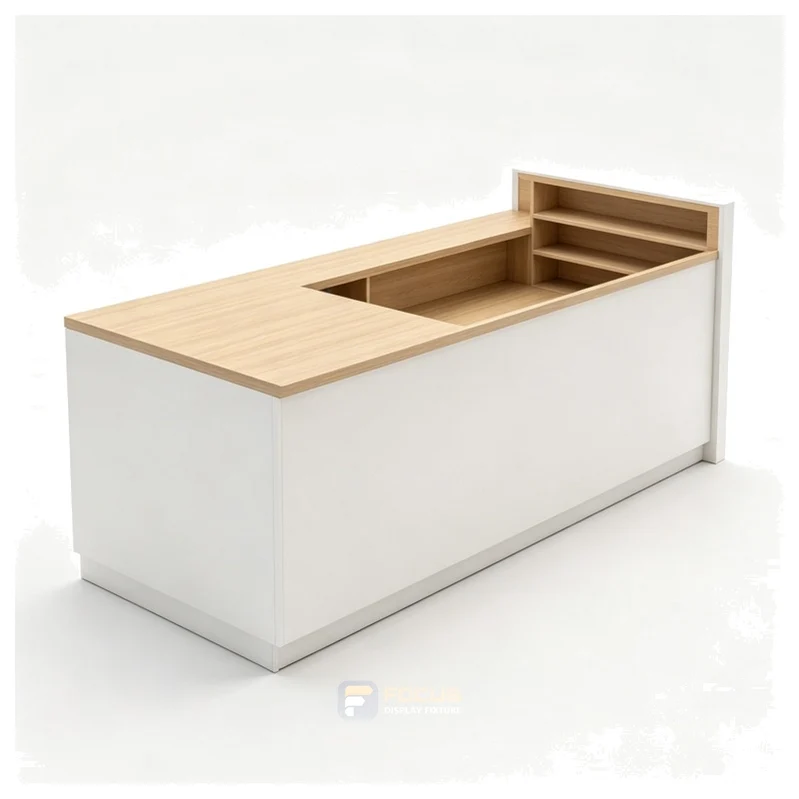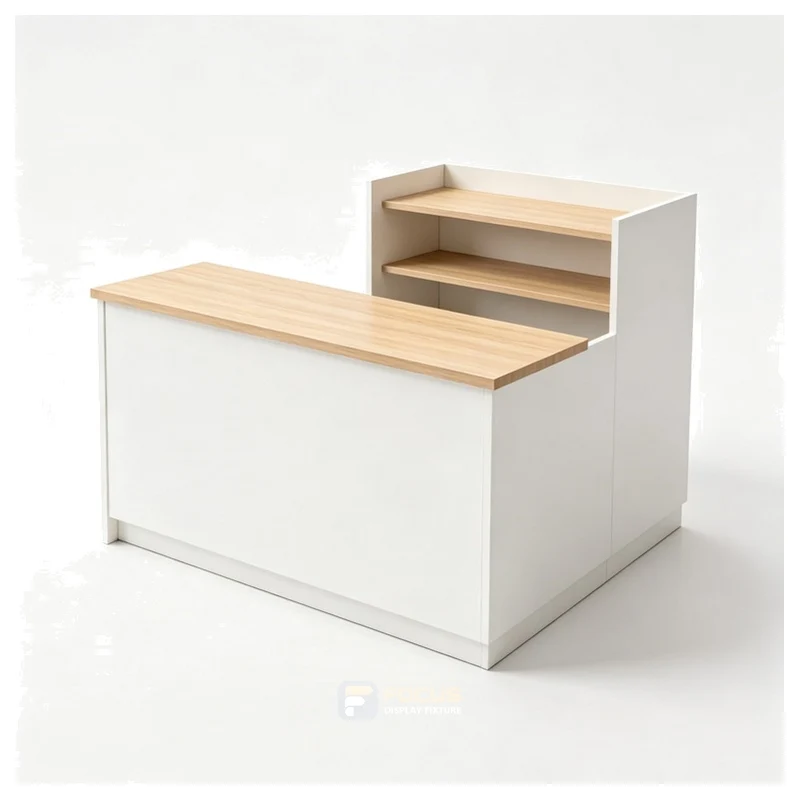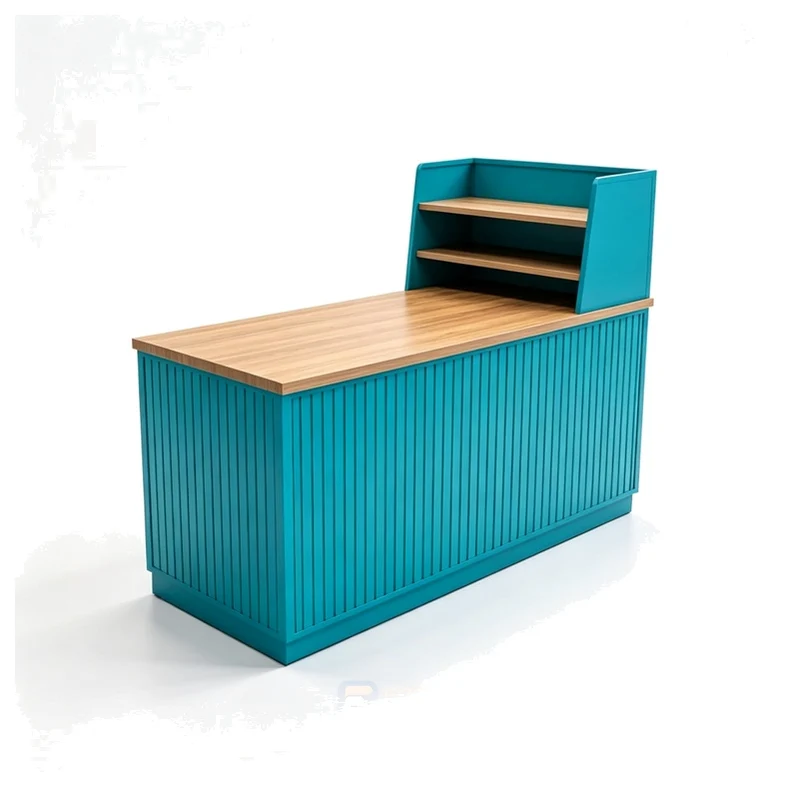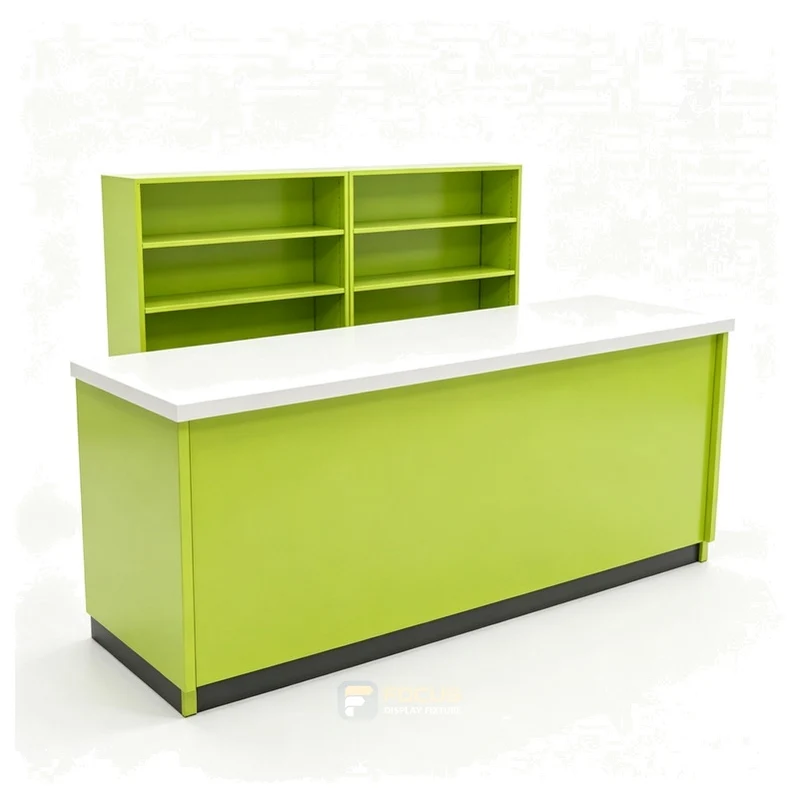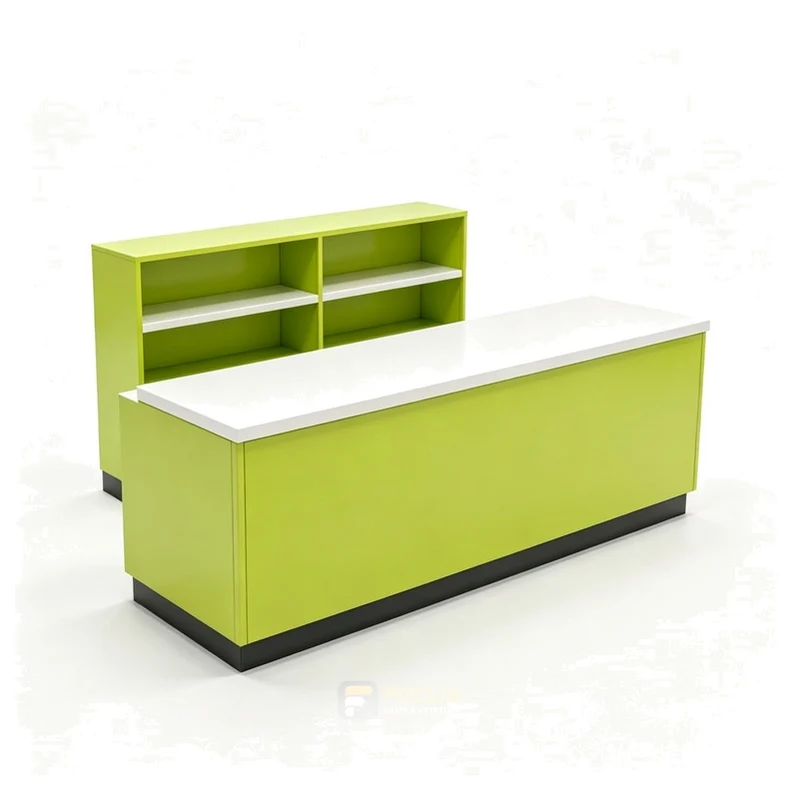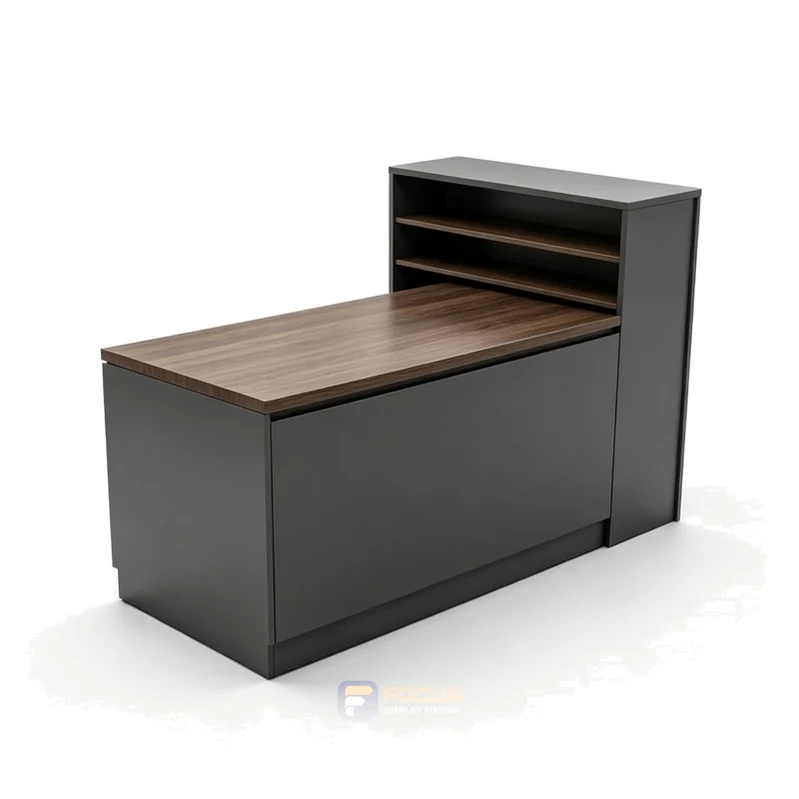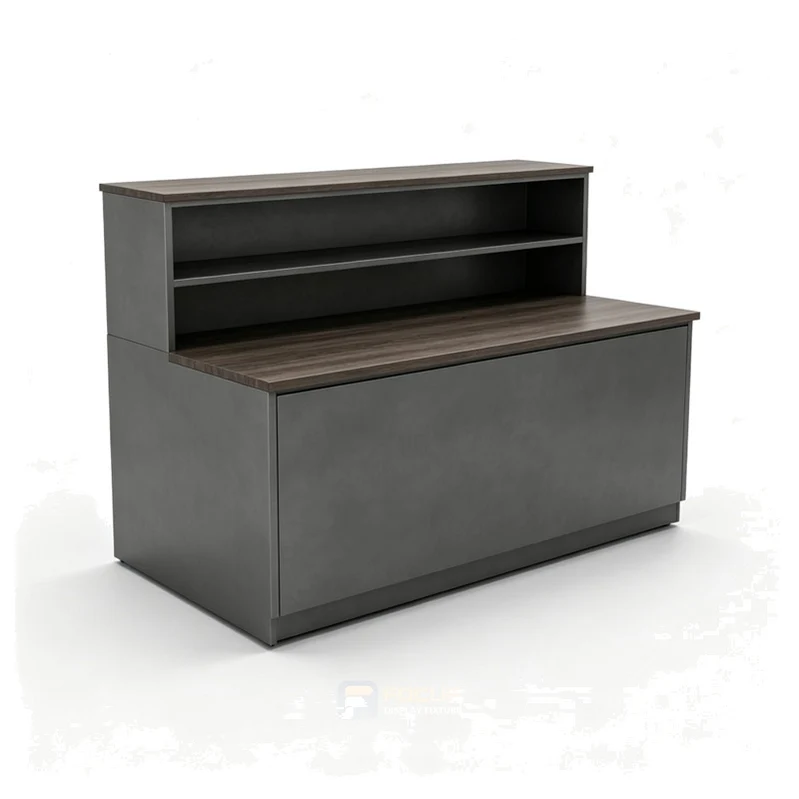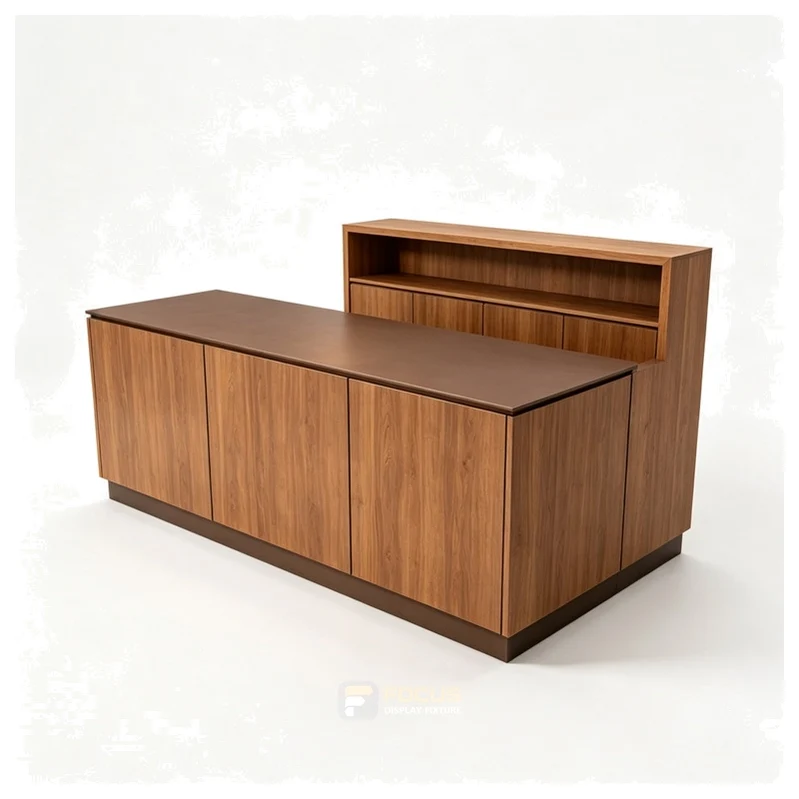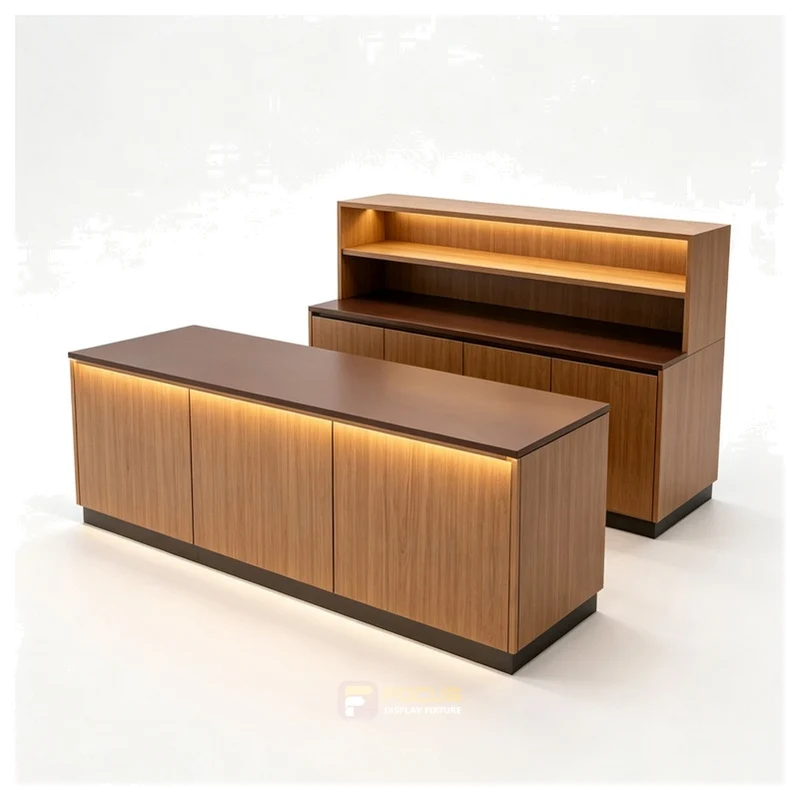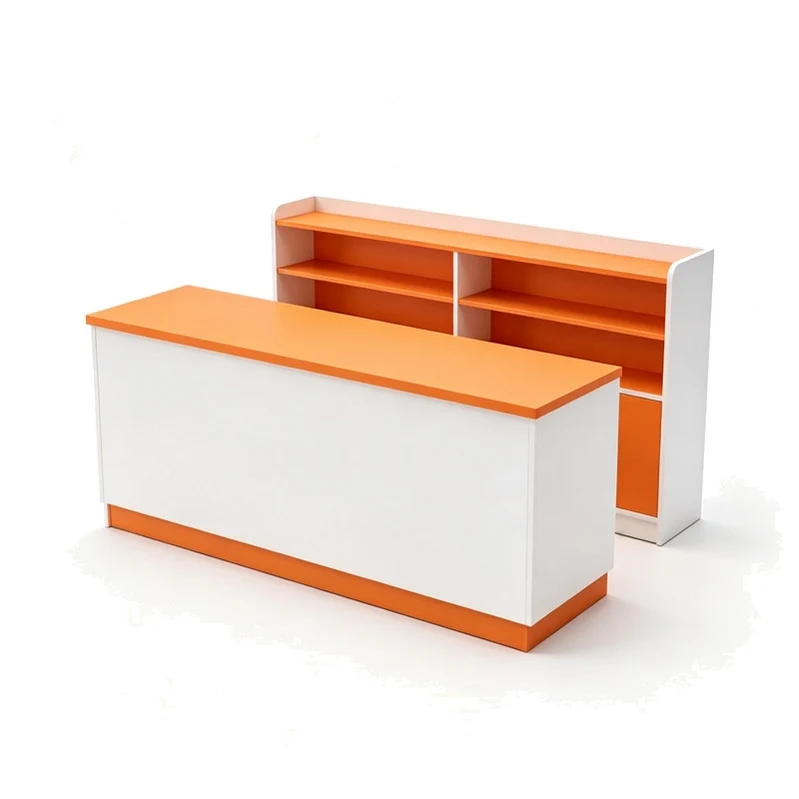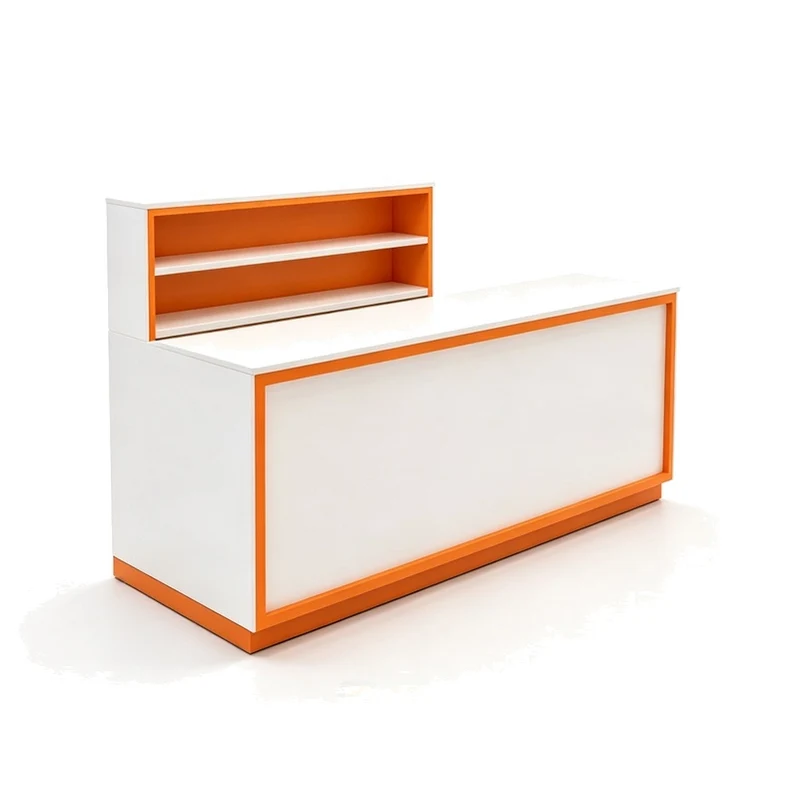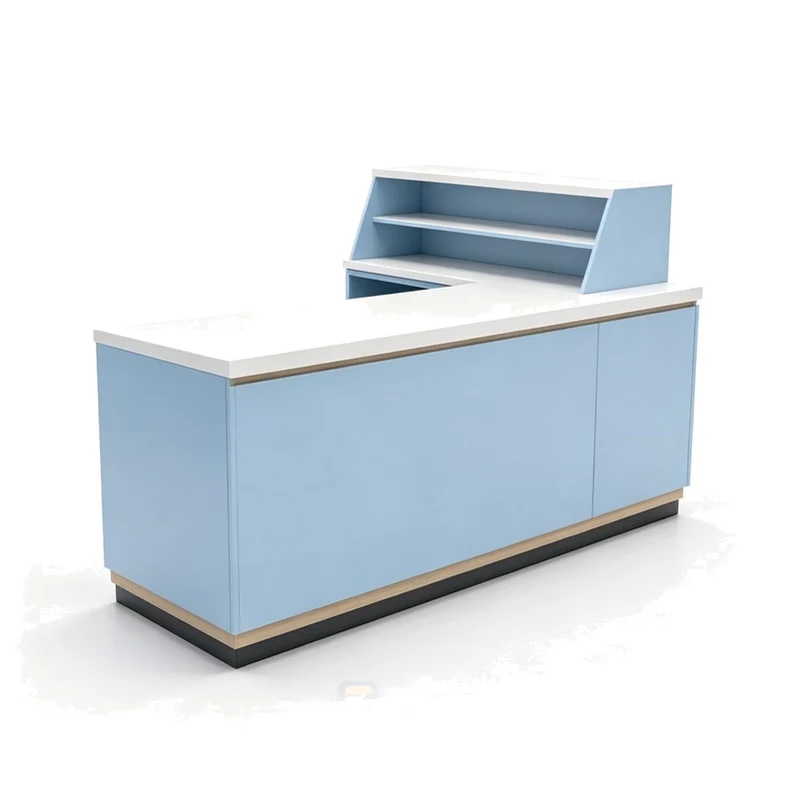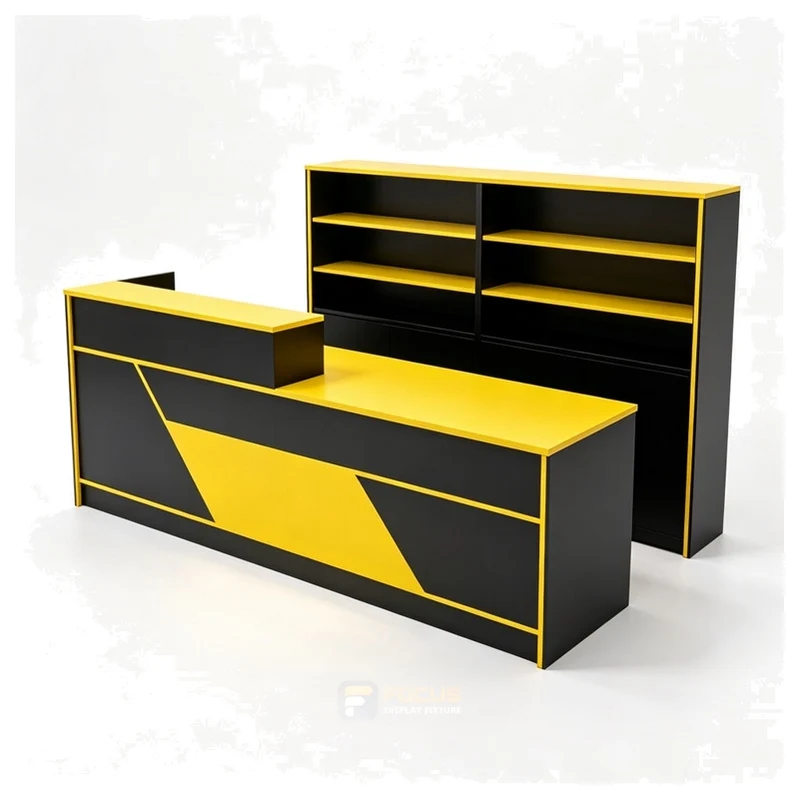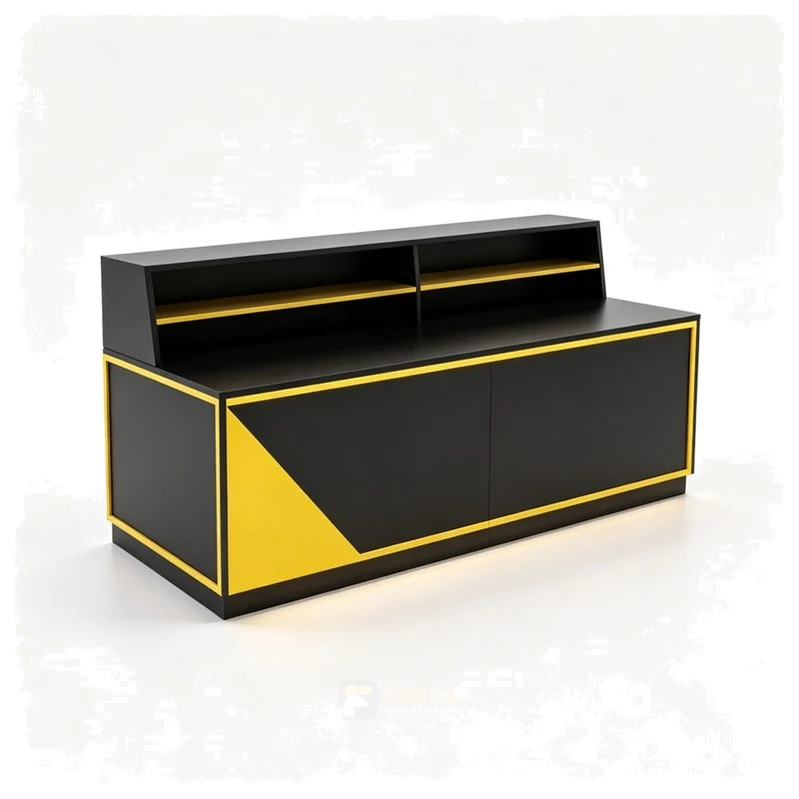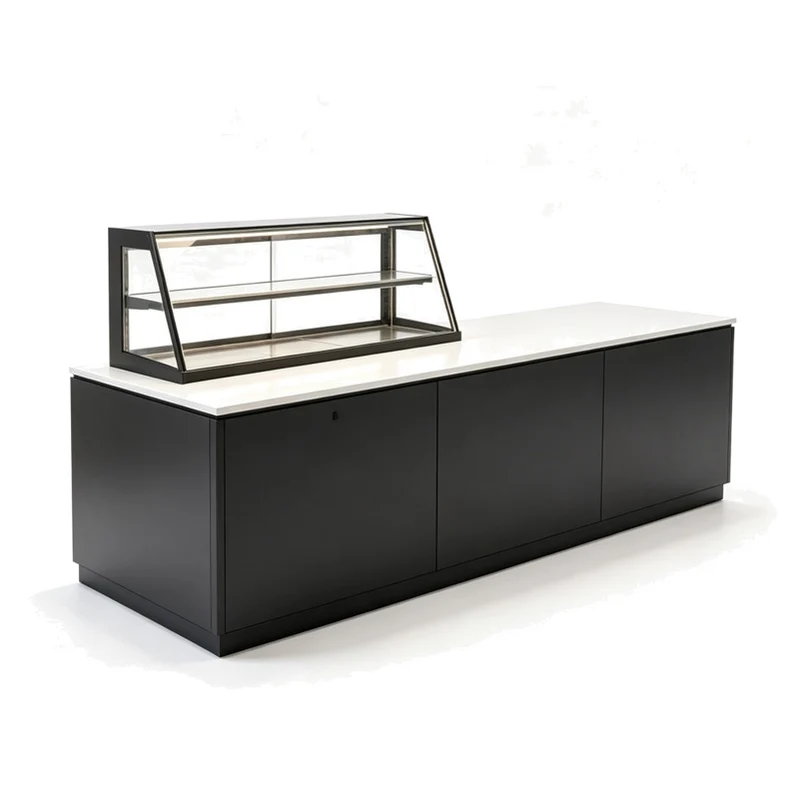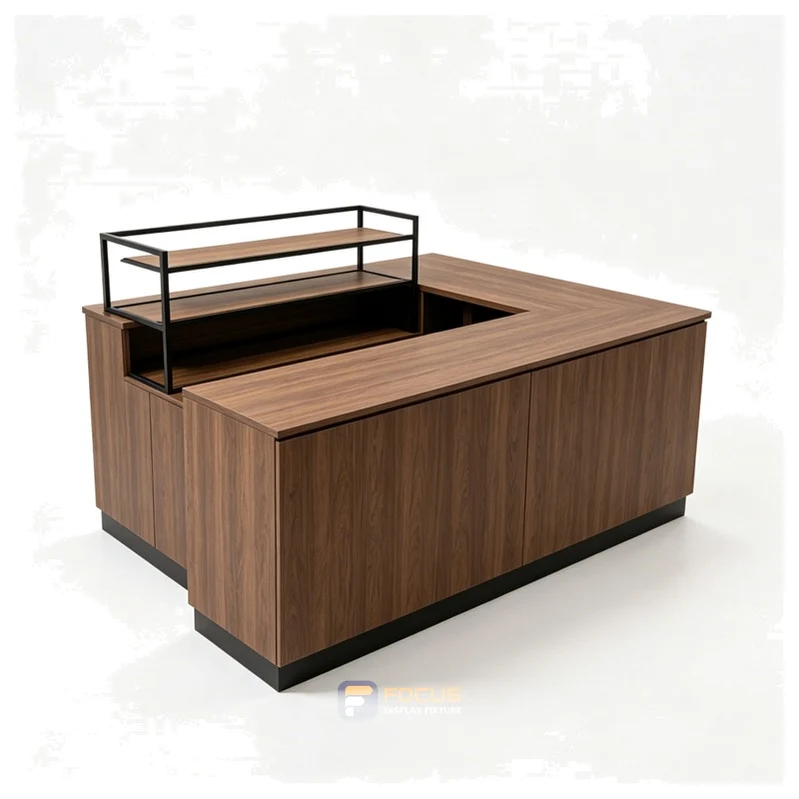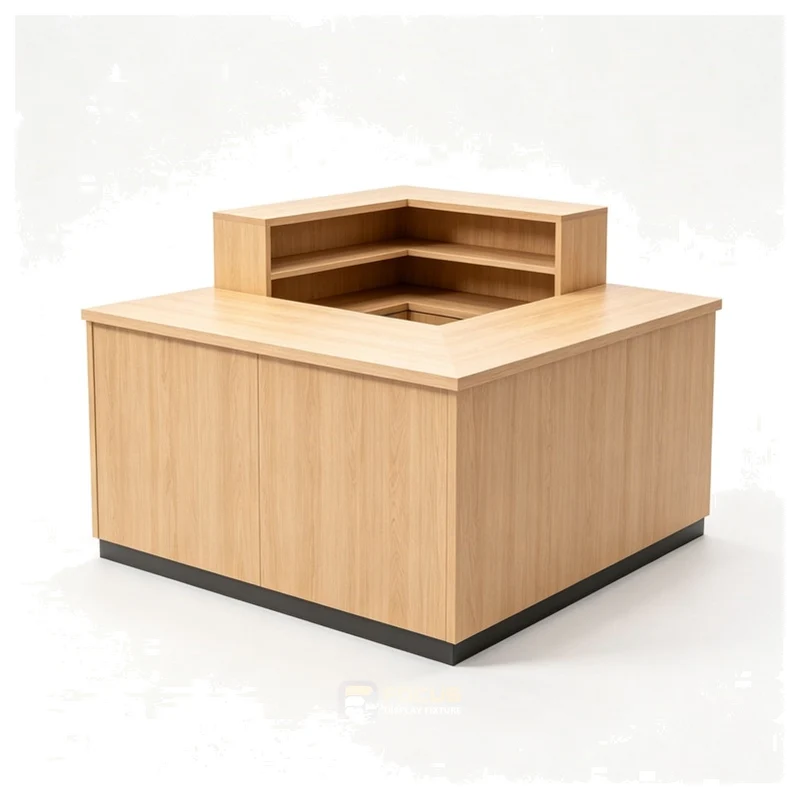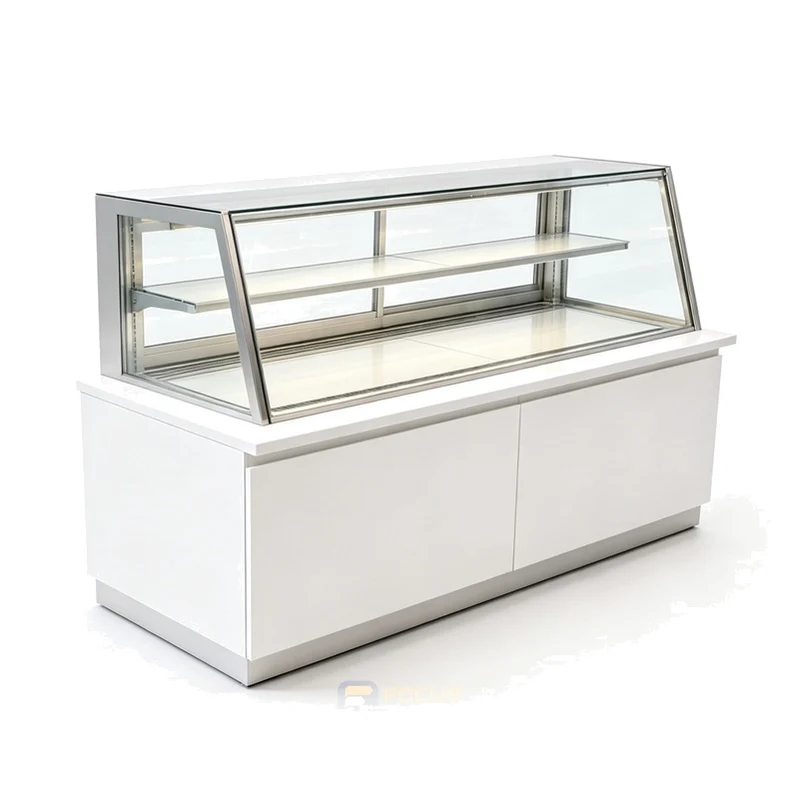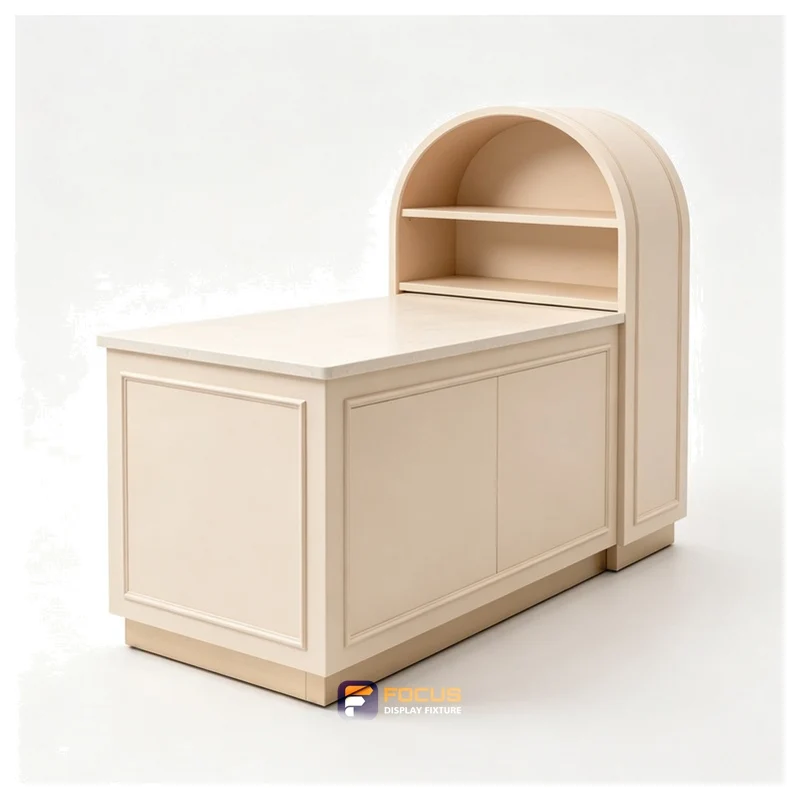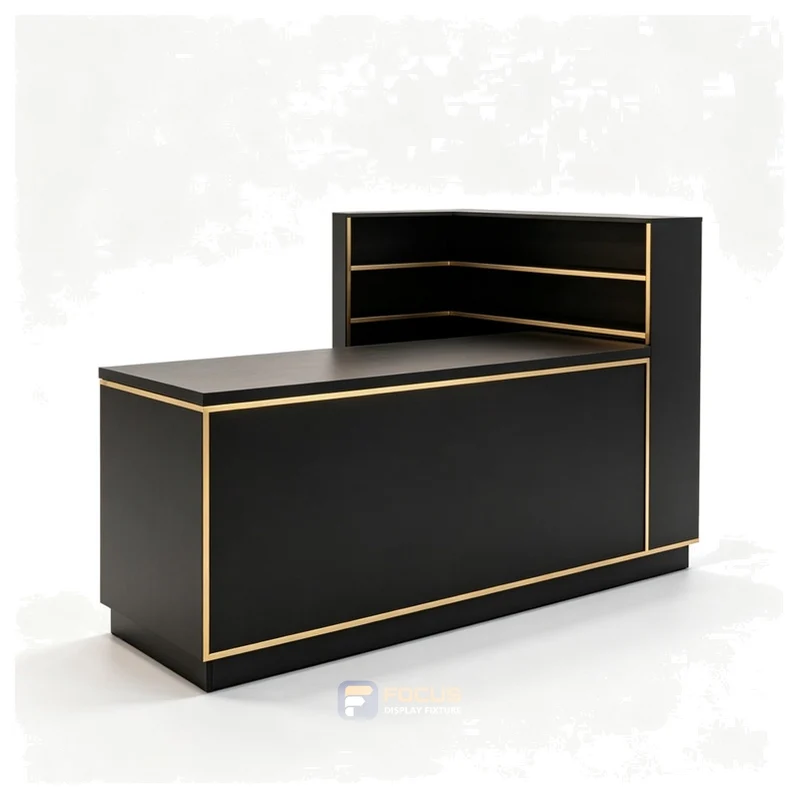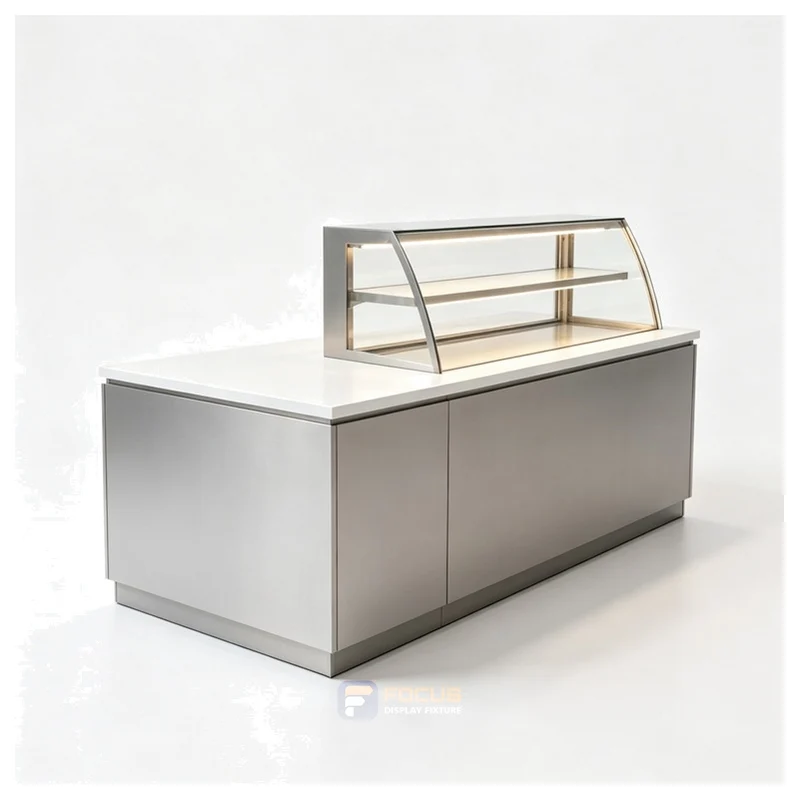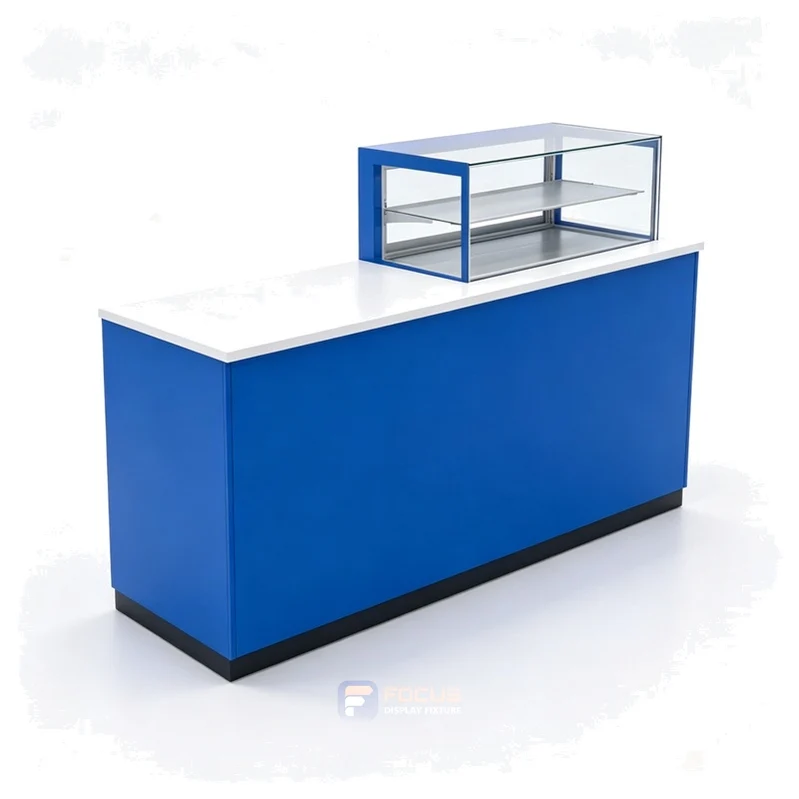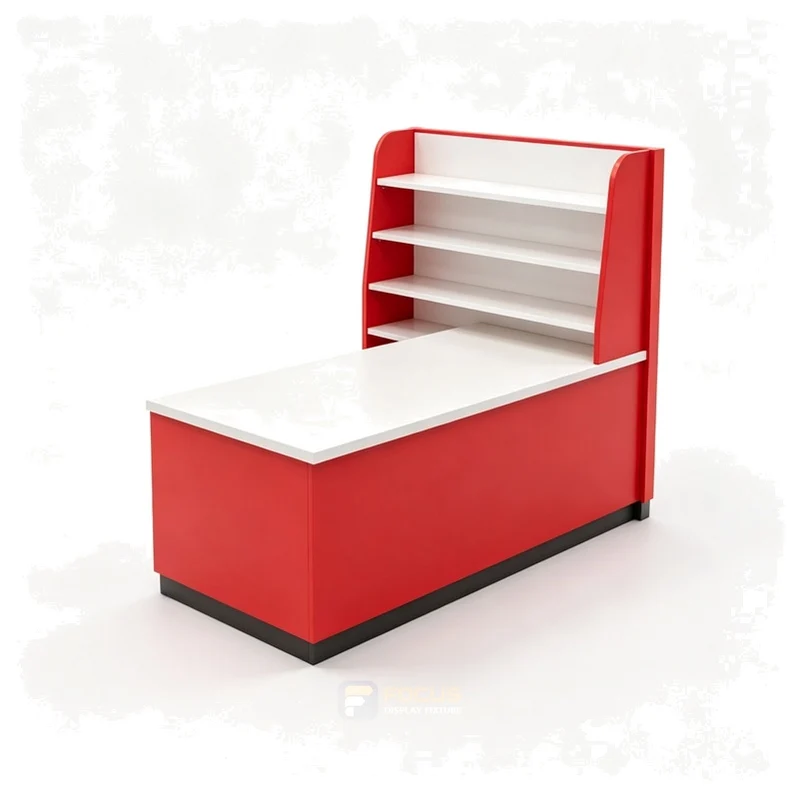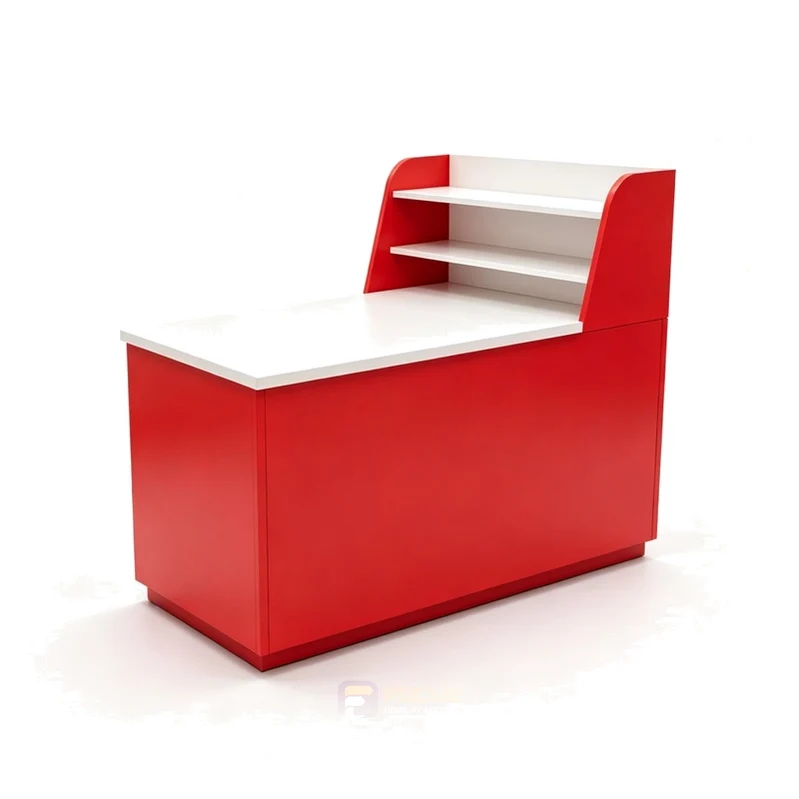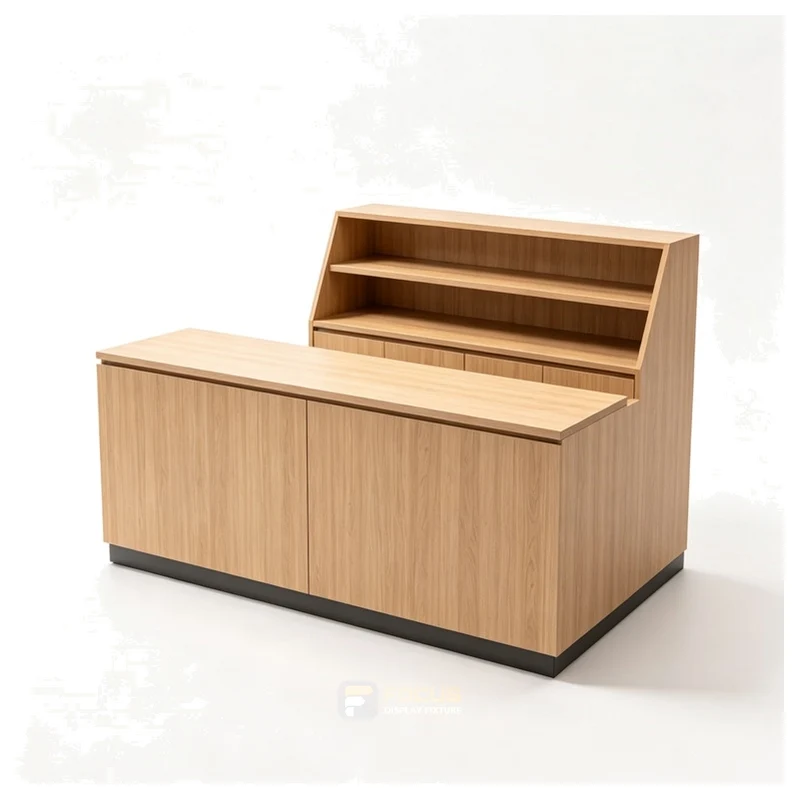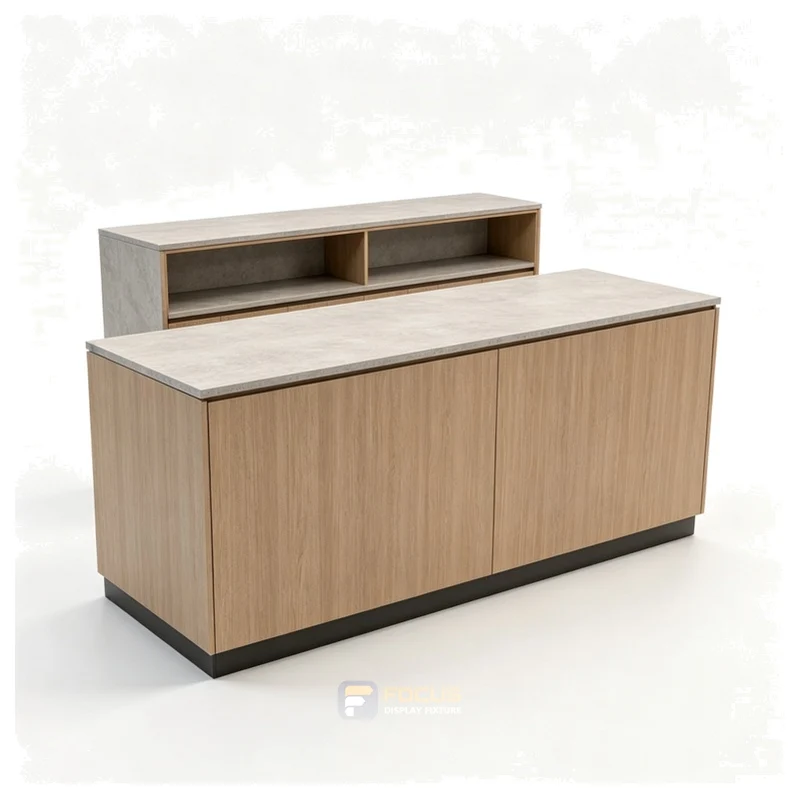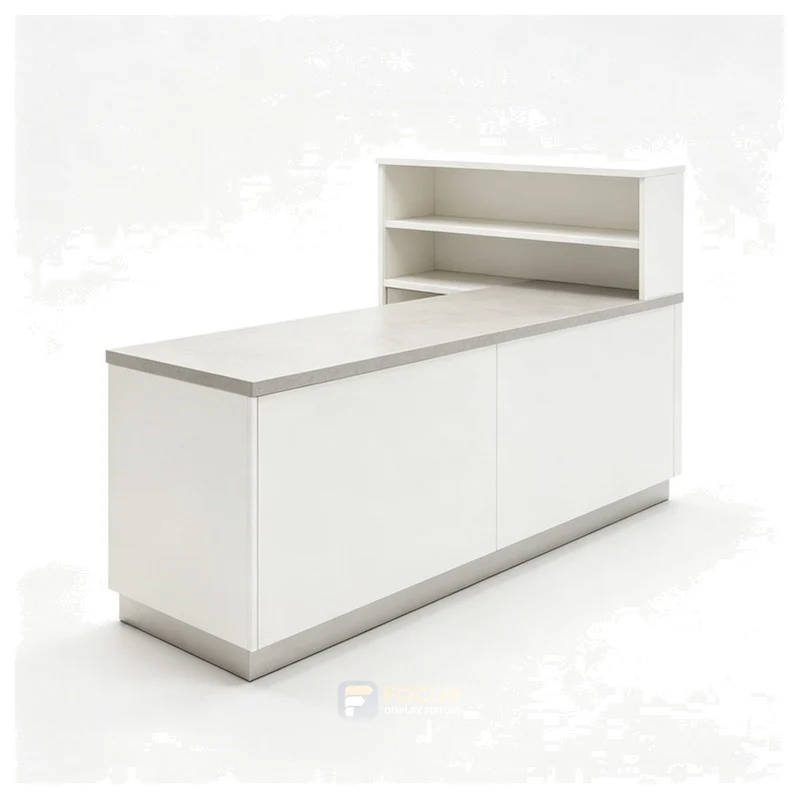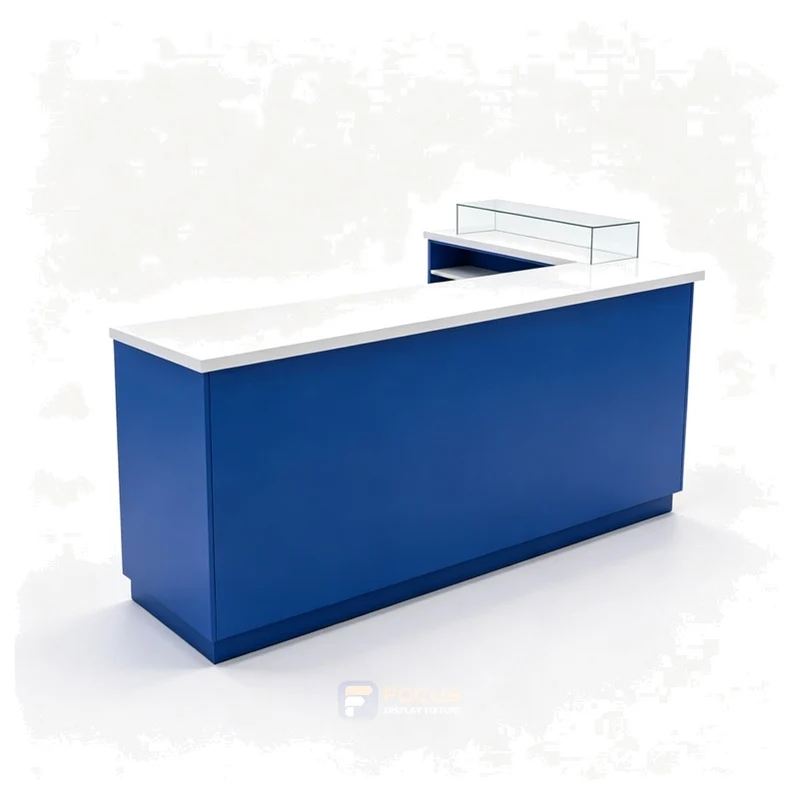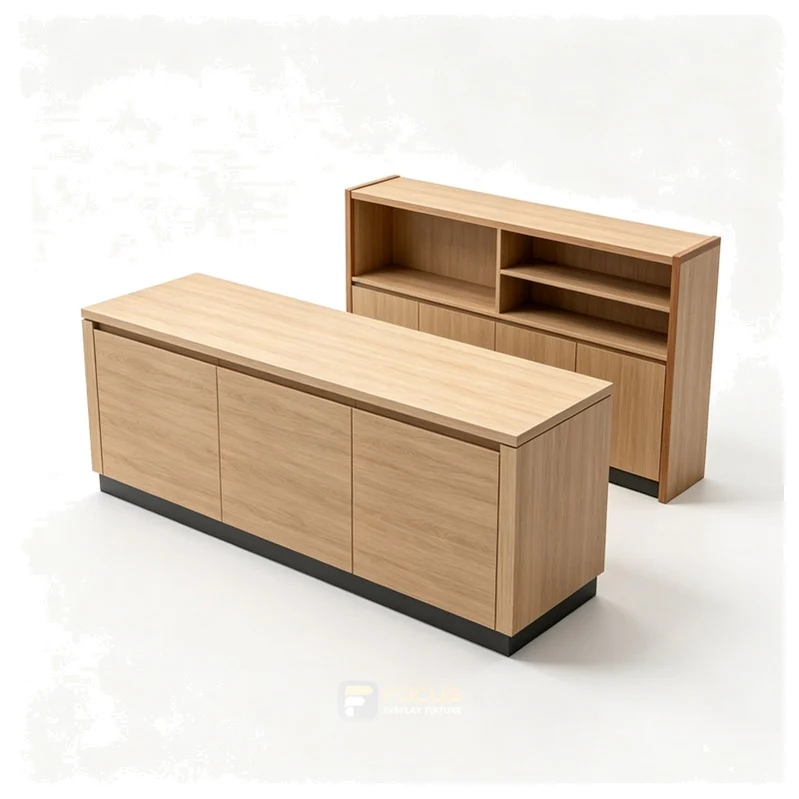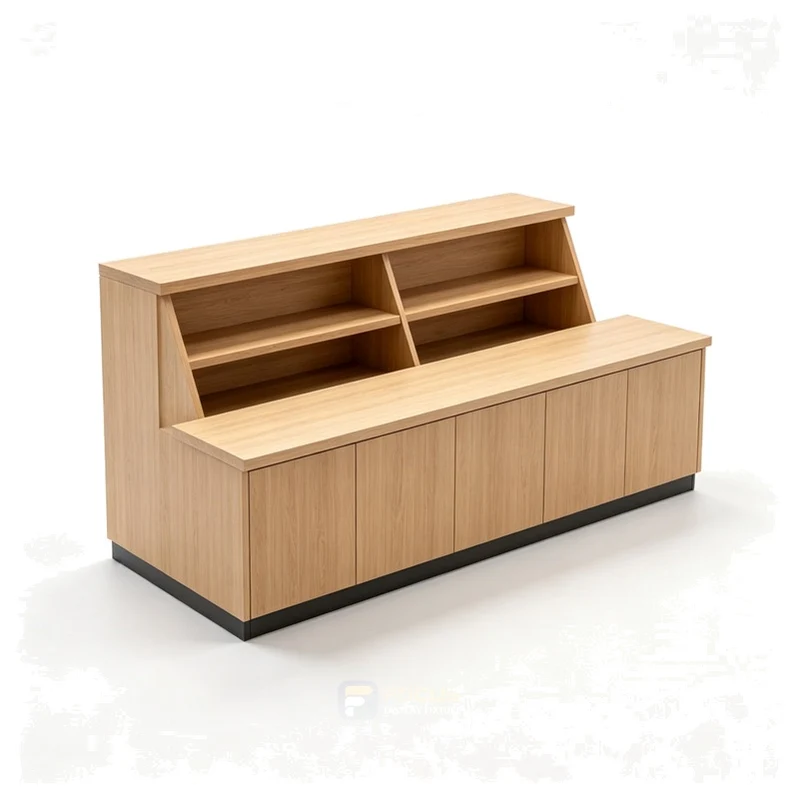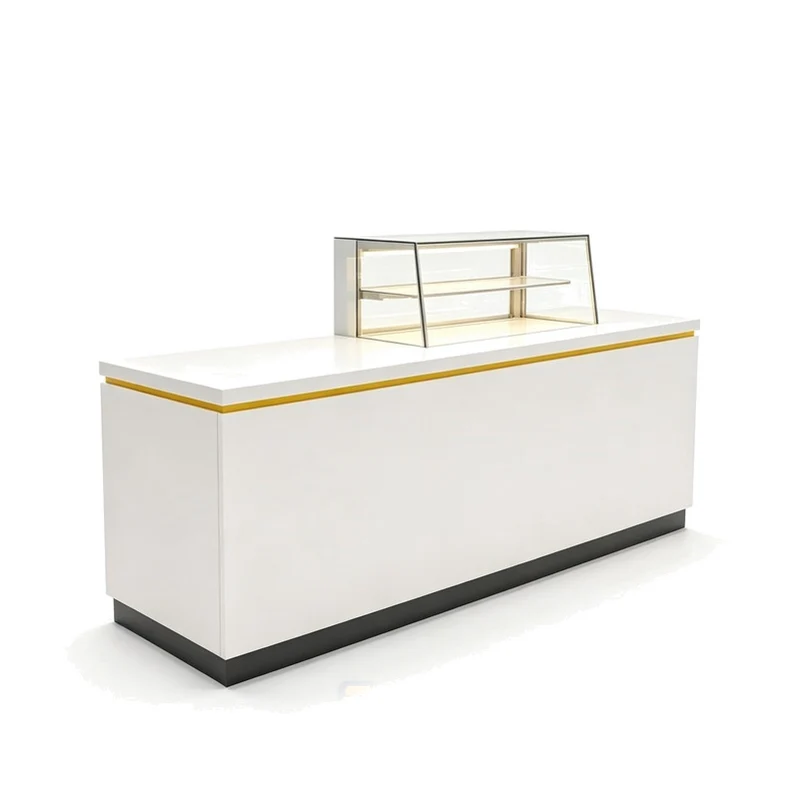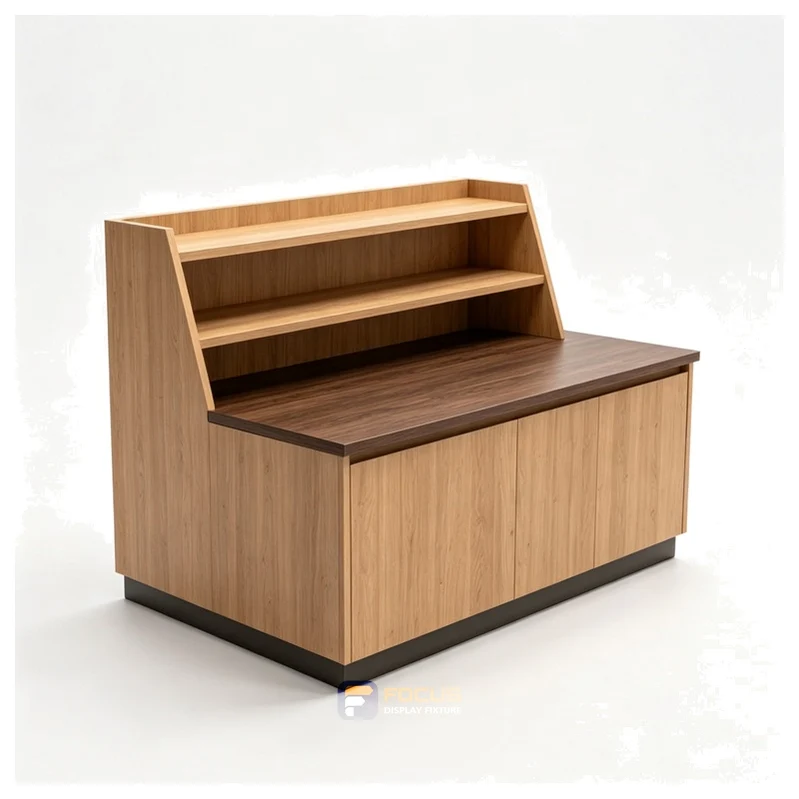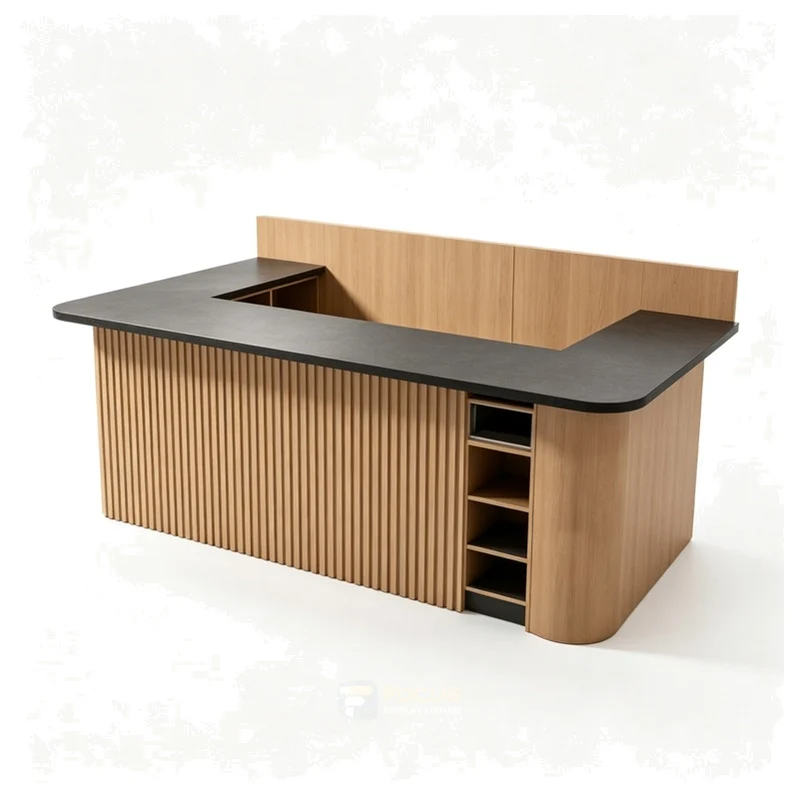
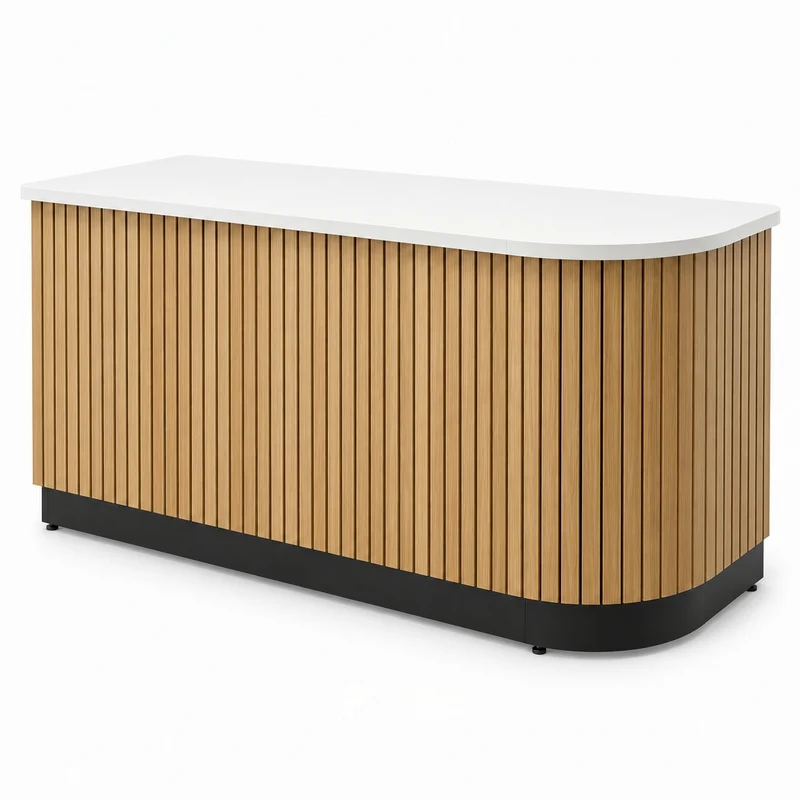
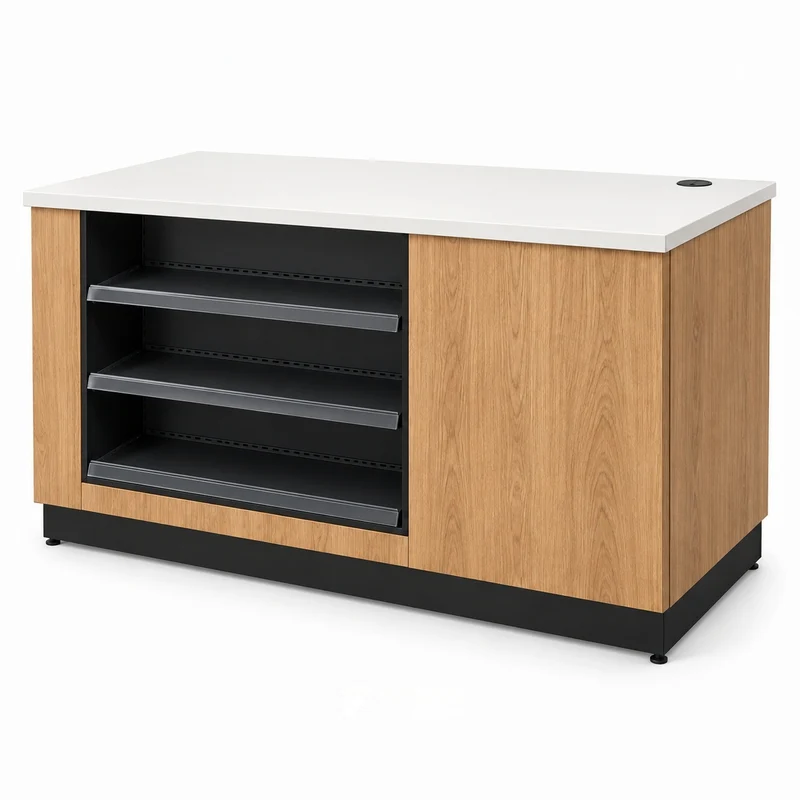
checkout counters fixture, reference FC-033

FIXTURE SYSTEMS

Checkout Counters

Mock up the payment terminal, bagging position and receipt equipment together. The customer handover point and the cashier workspace serve different tasks. A drawer or hinged door that opens into the staff route can make an attractive counter difficult to operate.

SELECT THE CONFIGURATION

Designed around payment and bagging.

Mock up the payment terminal, bagging position and receipt equipment together. The customer handover point and the cashier workspace serve different tasks. A drawer or hinged door that opens into the staff route can make an attractive counter difficult to operate.

What to check

  • counter length
  • worktop depth
  • terminal footprint
  • drawer extension

Approving the customer view without checking the staff side is a common source of specification changes.

ConfigurationPrimary checkOperating consideration
Straight countercounter lengthstaff-side workflow
L-shaped counterworktop depthstaff-side workflow
Display-front counterterminal footprintstaff-side workflow
FOCUS / CONFIGURATION DETAILS

Dimensions & configuration.

Reference configuration from the updated size catalog. Select a matching series; images illustrate design.

Dimensions in millimetres; valid for the selected catalog configuration. Review the dimension record and configuration scope →. Final production dimensions follow the approved drawing.

Width
1200 mm
Depth
600 mm
Height
1100 mm
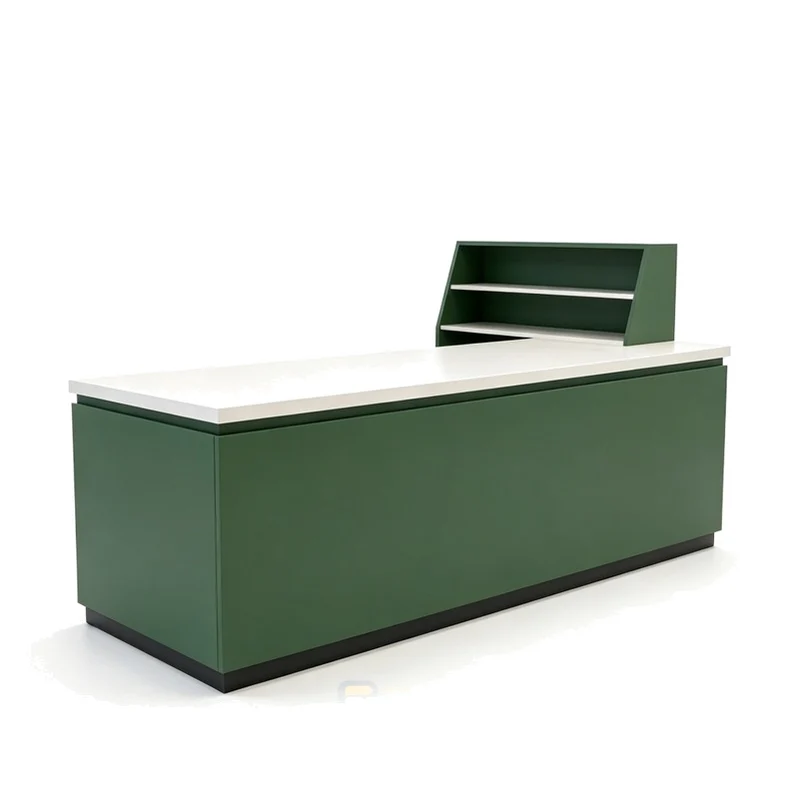
Match the selected arrangement and fixing details. Wood-and-metal display cabinets.

W 1200 mmH 1100 mmD 600R08-010-HNot to scale
Configuration record · FOCUS-SPEC-V6-20260916
ParameterSelected configurationCoordination check
Catalog variantR08-010-H · Checkout counterKeep the series and starter / add-on role with the dimensions
Display / storage levelsConfirm selected arrangementCount shelves, hook rows and cabinet compartments separately
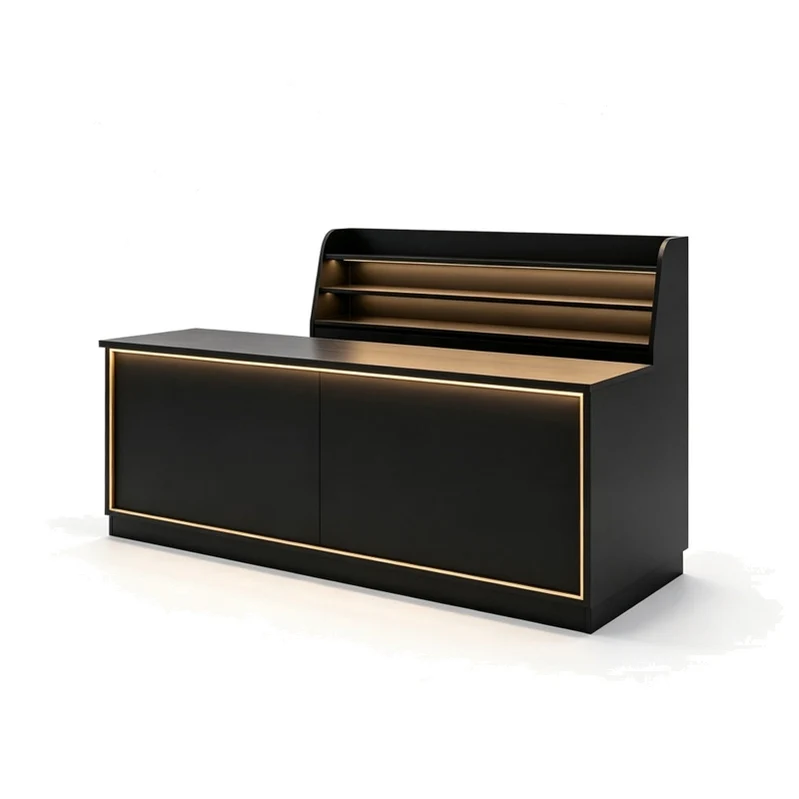
ConstructionMDF + steelApprove substrate, thickness and structural details
Configuration detailMatch the selected arrangement and fixing details. Wood-and-metal display cabinets.Match this reference to the final design and merchandise
FinishwhiteKeep the selected finish with the configuration code

54 results

BUYER KNOWLEDGE

Measure, compare, specify.

Configuration questions

What should I send for a checkout counters measurement review?

Send the fixture reference, counter length, worktop depth and the relevant drawing or operating example. Include the intended use for payment and bagging.

Can the measurement example be used as a product specification?

The worked values illustrate the method. The selected product needs its own agreed dimensions, configuration and evidence.

How do I keep this measurement decision consistent when ordering?

Link the a dimension sheet to the fixture reference and drawing revision. List any alternative configuration as a separate option.

SHARED PROJECT KNOWLEDGE

The details behind a reliable store.

Apply this series to a complete store

START WITH YOUR FIXTURE REQUIREMENTS

Tell Us Which Fixtures You Need.

Share the cabinet type, dimensions, merchandise and quantity. We will review display, storage and combination requirements for your quotation.

  • Destination and available width, depth and height
  • Product package sizes and equipment interfaces
  • Cabinet quantity, shelves, finish and hardware
  • Schedule, packing and delivery scope
Contact FOCUS →

Your project list

Start with a fixture reference, a floor plan or a description of the store you want to create.

Browse fixtures →

Speak with FOCUS

gzfocusdisplay@gmail.com

+86 136 6049 7267

Scan to contact FOCUS on WhatsAppOpen WhatsApp ↗

Start the conversation

Send your project details and available drawings to FOCUS.

Your inquiry is sent securely to FOCUS. We use these details only to respond to your project. Privacy information